The Short Version
I’ve tested Bonsai on and off since its early invoicing days, and it has matured into the rare all-in-one that actually connects the whole freelance cycle instead of bolting disconnected modules together. You draft a proposal, the client signs a legally reviewed contract, work gets tracked against that project, and an invoice gets generated from the signed agreement. That chain is the product, and it works.
The big 2025-2026 headline is that Bonsai was acquired by Zoom and now brands as “Bonsai by Zoom.” For an existing freelancer this changes almost nothing day to day — the dashboard, contracts, and invoicing feel the same — but it is worth knowing when you hand your client and financial data to a platform now owned by a public video company. The current pricing was reshuffled into four per-seat tiers (Basic, Essentials, Premium, Elite), and the cheapest tier deliberately strips out invoicing to push you up to Essentials.
Where Bonsai loses points is not glamour — it’s the everyday economics. Because it bills per seat, a two-person agency pays meaningfully more than a solo operator, and the move to put invoicing only on Essentials and above means the advertised “$9” entry price won’t actually bill a client. The accounting layer is solid for a freelancer’s tax prep but is not QuickBooks-grade for a growing business. And the most consistent complaint I keep seeing in reviews is the speed of getting paid through Bonsai Payments: early payouts can take 7-10 business days, which stings when your rent depends on cash flow.
Who This Is For (and Who Should Skip)
Bonsai is opinionated in a useful way: it assumes you sell services and want a professional client-facing process. It rewards that buyer and frustrates the wrong one.
- ✅ Solo freelancers and consultants who hate stitching tools together
If your current stack is a Word contract, PayPal invoicing, a Google Sheet, and a forgotten time tracker, Bonsai replaces all of it in one login. - ✅ Designers, developers, writers, and agencies that live by proposals and contracts
The legally reviewed contract library and the proposal-to-contract-to-invoice handoff are the strongest reason to buy. - ✅ Teams that want project management and time billing together
Premium adds Gantt views, workload management, and profitability reports that make it behave like a light PSA, not just an invoicing tool. - ❌ Someone who only wants to send occasional invoices
The all-in-one approach is overkill, and the cheapest tier can’t even invoice. A simple invoicing tool will be cheaper and less to learn. - ❌ Businesses that need deep double-entry accounting or fast deposits
Bonsai’s bookkeeping is freelancer-grade, not accountant-grade, and its payment payout timing is a documented sore point for cash-flow-sensitive users.
Score Breakdown
What Actually Matters: Features, Reviewed
Bonsai markets dozens of features across its Products page. Most of our time went to four that actually move the needle for a working freelancer: the contract-to-invoice pipeline, the time-and-expense engine, the client portal, and the economics of who pays for what.
📝 The proposal-to-contract-to-invoice pipeline
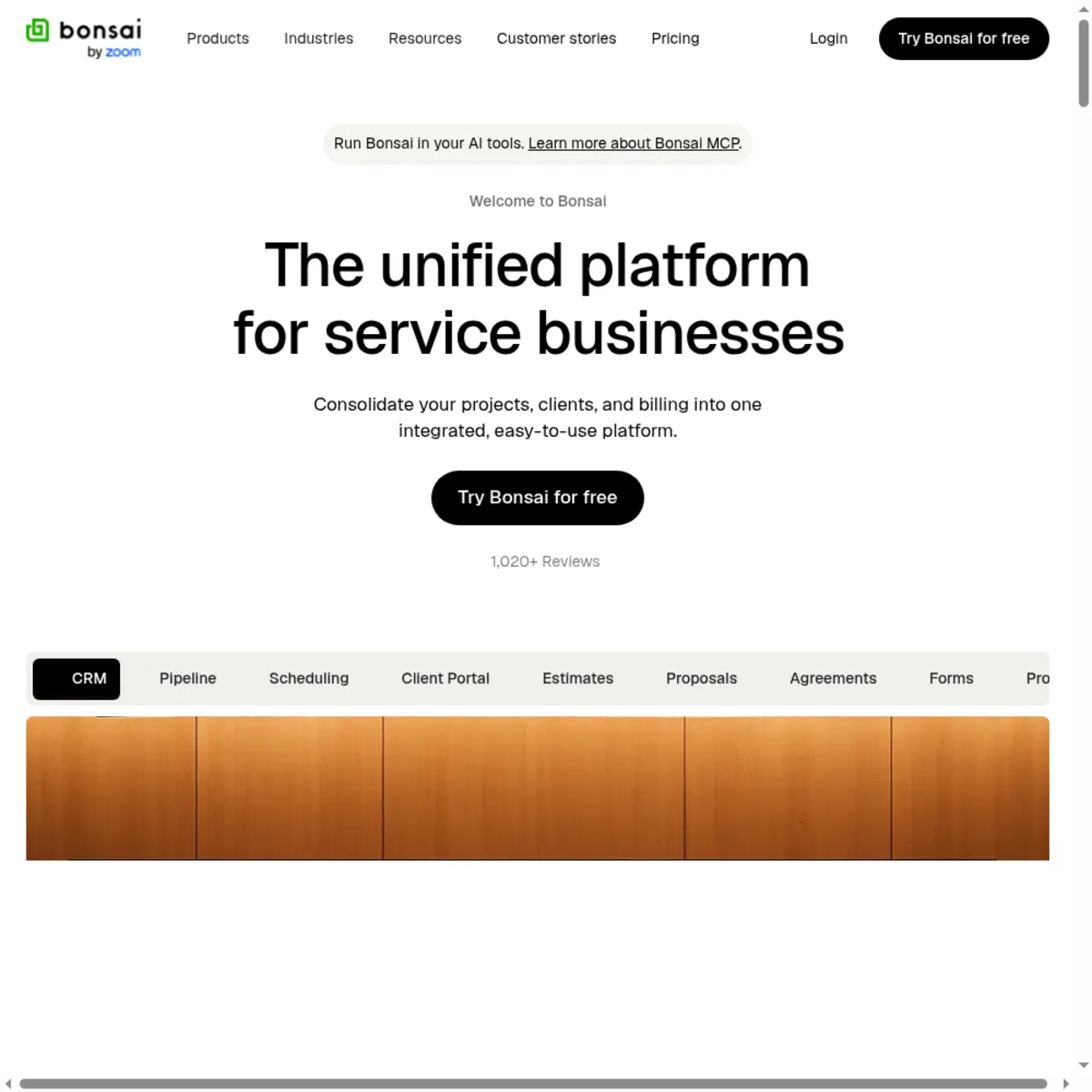
This is Bonsai’s reason to exist, and it is still the best-executed version in the category. You build a proposal from a template (web design, retainer, product, etc.), send a link for the client to review, and on acceptance it can convert into a contract with e-signature. Once that contract is signed, you generate an invoice from the same scope and milestones without retyping anything. The late-fee clause lives inside the contract language and then gets applied automatically to overdue invoices, which is a detail competitors only half-bake. The trade-off is that the whole chain only unlocks on Essentials and above — the $9 Basic tier can’t send an invoice at all.
⏱️ Time tracking and expenses that actually bill
The time tracker is a multi-timer you can run across several projects in a day, with billable and non-billable toggles, and logged hours can be attached straight to an invoice rather than copy-pasted. Expense tracking lets you attach receipts and (on Elite) apply a markup so you can bill clients cost-plus. For an agency, Premium adds workload management, a Gantt view, and utilization/profitability reports — which is what pushes Bonsai past “invoicing app” into light project-service-management territory. The catch is that per-seat pricing means every team member who needs a timer is another seat.
🏠 The branded client portal
Clients get a clean portal where the proposal, signed contract, invoices, and messages live in one place instead of scattered through their inbox. On Premium you can remove the Bonsai branding entirely, which matters if you’re running a white-label agency. This is genuinely better than the patchwork most freelancers send, and it’s a big part of why reviewers say Bonsai makes them “look professional.” It is not, however, a sales CRM — there is no cold-outreach or prospecting pipeline; it manages clients after they’ve already said yes.
💰 The Zoom acquisition and the payout-timing question
Bonsai was acquired by Zoom in late 2025 and now ships as “Bonsai by Zoom.” For day-to-day use the product is unchanged, but it does mean your client and payment data now sits with a publicly traded company, and some long-time users quietly worry about product direction. The more immediate, repeatable complaint is cash flow: through Bonsai Payments, early payouts can take 7-10 business days, and several reviewers mention held funds on first transactions. If you need same-day deposits, connecting your own Stripe account or using a tool built around fast payouts is worth weighing before you commit.
What Real Users Actually Say
I read through verified reviews on Capterra (Bonsai sits around 4.6 there) and G2 (about 4.3) to separate marketing from ground truth. The praise is consistent on templates and professionalism; the criticism is consistent on cash flow and seat cost.
The Good
“I’ve tried just about all the products out there for managing proposals, contracts, invoicing and more as a freelancer, and Bonsai is still the one for me.”
– Verified freelancer review on Capterra
“The product is super easy to use, and i love the templates for contracts and proposals and invoices. It has helped me look professional and streamline my customer management.”
– Verified reviewer on Capterra
The Complaints
“The only dislike I have with Bonsai is that you cannot get instant pay right away, and starting out it will take 7-10 business days to receive your payouts.”
– Verified reviewer on Capterra
A second, recurring thread among small-agency reviewers: per-seat pricing makes the platform noticeably more expensive once two or three people need accounts, and a handful of users who switched away cited “pricing and payment issues” as their main reason for leaving. (Attributed from verified Capterra switcher reviews.)
User feedback sourced from G2 and Capterra reviews.
Pricing: Every Plan, Laid Bare
Bonsai bills per user, with a steep discount for annual payment. There is a 7-day free trial with full access and no permanent free plan. We verified the current tiers live on hellobonsai.com/pricing in September 2026 (USD).
| Plan | Price | What You Get |
|---|---|---|
| Basic | $15/user/mo ($9/user/mo) | Time tracking, task management, unlimited projects, CRM, service library, iOS & Android apps, unlimited clients. ~10 GB storage. No invoicing, proposals, or contracts. |
| Essentials | $25/user/mo ($19/user/mo) | Everything in Basic plus invoices & online payments, proposals & contracts, all templates, forms & questionnaires, scheduling, client portal, expense tracking, income tracking. ~100 GB. |
| Premium (most popular) | $39/user/mo ($29/user/mo) | Everything in Essentials plus project insights, workload management, Gantt view, deals pipeline, custom fields, client tasks & messaging, profit & productivity reports, remove Bonsai branding, integrations (QuickBooks, Xero, Zapier, Calendly, Google). ~500 GB. |
| Elite | $59/user/mo ($49/user/mo) | Everything in Premium plus custom permissions, timesheet locking, markup on expenses, custom data import. 3-user minimum; dedicated onboarding from 10 seats. ~500 GB. Reduced rate for teams of 30+. |
The headline trap is the gap between the “$9” number and what you actually need as a freelancer. Basic at $9 is a time-tracker with no way to bill; the plan that sends invoices and contracts is Essentials at $19 annual / $25 monthly. A solo consultant realistically lands on Essentials (~$228/year), and once you need reporting, Gantt charts, and white-labeling you jump to Premium (~$348/year). Because every teammate is another seat, a two-person agency on Premium is roughly $700/year — fair for a PSA-lite, but a real step up from the “$9” sticker. Annual billing saves you roughly 40% versus paying month to month, which is where the genuine value is.
The Unfiltered Pros & Cons
Pros
- ✓ Best-in-class proposal-to-contract-to-invoice pipeline with real e-sign
- ✓ Lawyer-reviewed contract templates across design, dev, consulting, and retainer work
- ✓ Time tracking, expenses, and invoicing genuinely connected, not bolted on
- ✓ Branded client portal that removes Bonsai logo on Premium
- ✓ Strong annual discount and a clean, fast onboarding experience
Cons
- ✗ Cheapest tier cannot invoice — the "$9" entry price is misleading for freelancers
- ✗ Per-seat pricing climbs fast as you add team members
- ✗ Payouts through Bonsai Payments can take 7-10 business days
- ✗ Accounting/tax tools are lighter than dedicated bookkeeping software
- ✗ New "Bonsai by Zoom" ownership raises data-direction questions for long-time users
Final Verdict
Bonsai remains the most coherent end-to-end stack for a freelancer or small agency that wants proposals, contracts, e-sign, invoicing, time tracking, and a client portal in one login. Its contract templates and the proposal-to-contract-to-invoice pipeline are still the benchmark. The honest caveats are that pricing is per-seat and climbs fast, invoicing is locked behind the Essentials tier, the built-in accounting is thinner than a dedicated bookkeeping tool, and a recurring user gripe is slow payout timing on its in-house payments.
If you are a solo freelancer, consultant, or small agency tired of duct-taping Word contracts, PayPal invoices, and spreadsheets, buy Essentials (or Premium if you need reporting and white-labeling) and stop shopping. The contract language, the e-sign flow, and the ability to turn a signed agreement into a tracked project and a generated invoice are genuinely the best in this category. You will look more professional to clients in the first week.
Skip it if all you need is to bill a client once a quarter — the per-seat all-in-one is overkill and the entry tier can’t invoice you. Also plan your cash flow: if same-day deposits matter, connect your own payment rails rather than relying on Bonsai Payments’ payout timing. Done eyes-open, Bonsai earns its 4.4 as the default all-in-one for service freelancers in 2026.
Frequently Asked Questions
Is Bonsai really free?
There is a 7-day free trial with full access to features, but no permanent free plan. After the trial you must choose a paid tier and enter a payment method. The entry Basic plan starts at $15/month monthly or $9/user/month when billed annually.
Can I send invoices on the cheapest Bonsai plan?
No. Invoicing, online payments, proposals, and contracts begin on the Essentials plan ($25/month monthly or $19/user/month annual). The Basic tier is limited to time tracking, tasks, CRM, and project management.
Who owns Bonsai now?
Bonsai was acquired by Zoom in late 2025 and now brands as “Bonsai by Zoom.” The product workflow and pricing have remained continuity-focused for existing freelancers, but client and payment data now sits under Zoom’s ownership.
How fast do I get paid through Bonsai Payments?
A common complaint is that early payouts can take 7-10 business days, with held funds on some first transactions. If cash speed is critical, you can connect your own payment processor instead of relying on Bonsai’s in-house payout timeline.
About the Author