The Short Version
I have watched HoneyBook evolve for years, and in 2026 it is still the default recommendation I give to creative solo businesses and small studios. It is not a generic CRM. It is a purpose-built “client flow” machine: inquiry, lead form, questionnaire, proposal, contract, invoice, scheduling, and payment all live in one branded chain that your client walks through end to end. If your business sells projects to people – wedding photos, brand design, interior styling, coaching packages – that chain is the product.
The reason it works is that HoneyBook made the document experience the center of the product instead of an afterthought. A Smart File can stack your pricing guide, a contract, and an invoice into one page a client can click through, sign, and pay on their phone. Combined with automatic payment reminders, autopay, and late fees, the whole point is that you stop chasing money. Card fees start at 2.7% + 10 cents and ACH at 1.5%, with Apple Pay and Google Pay built in.
Where HoneyBook loses a fraction of a point is exactly where its strengths narrow it. It is U.S./Canada only, there is no true time tracker, and the finance and expense toolkit – expense tracking, profit-and-loss, the tax hub – only opens up meaningfully on Essentials and Premium. And the elephant in the room: a February 2025 price jump that pushed the Starter tier up sharply and left a visible trail of “doubled my price, no added value” reviews on Trustpilot. The daily UX is genuinely good; billing friction is what drags the long tail of complaints.
Who This Is For (and Who Should Skip)
HoneyBook is opinionated, and that opinion is aimed at service-based creatives. It rewards you if you match that shape.
- ✅ Photographers, planners, and wedding/event pros
Lead forms, proposals, contracts, scheduling, and invoices in one flow are built for your exact sales cycle. - ✅ Designers, coaches, and consultants selling packaged projects
Smart Files let you combine a pricing guide, contract, and deposit invoice into one shareable page. - ✅ Solo owners who hate chasing payments
Autopay, automatic reminders, late fees, and payment plans remove most of the awkward money conversations. - ❌ Hourly-billing freelancers who need a time tracker
There is no built-in timer or billable-hour tracking; if your invoices start with hours, you’ll live in a separate tool. - ❌ International or budget-cramped solopreneurs
It is U.S./Canada only, and the 2025 price hike pushed Starter out of reach for some very small operators. A cheaper all-in-one like Indy or Bonsai is worth a look first.
Score Breakdown
What Actually Matters: Features, Reviewed
HoneyBook markets dozens of features, and most of the checklist overlaps with every other freelance suite. Most of our time went to four that actually separate it from Dubsado, Bonsai, and the rest.
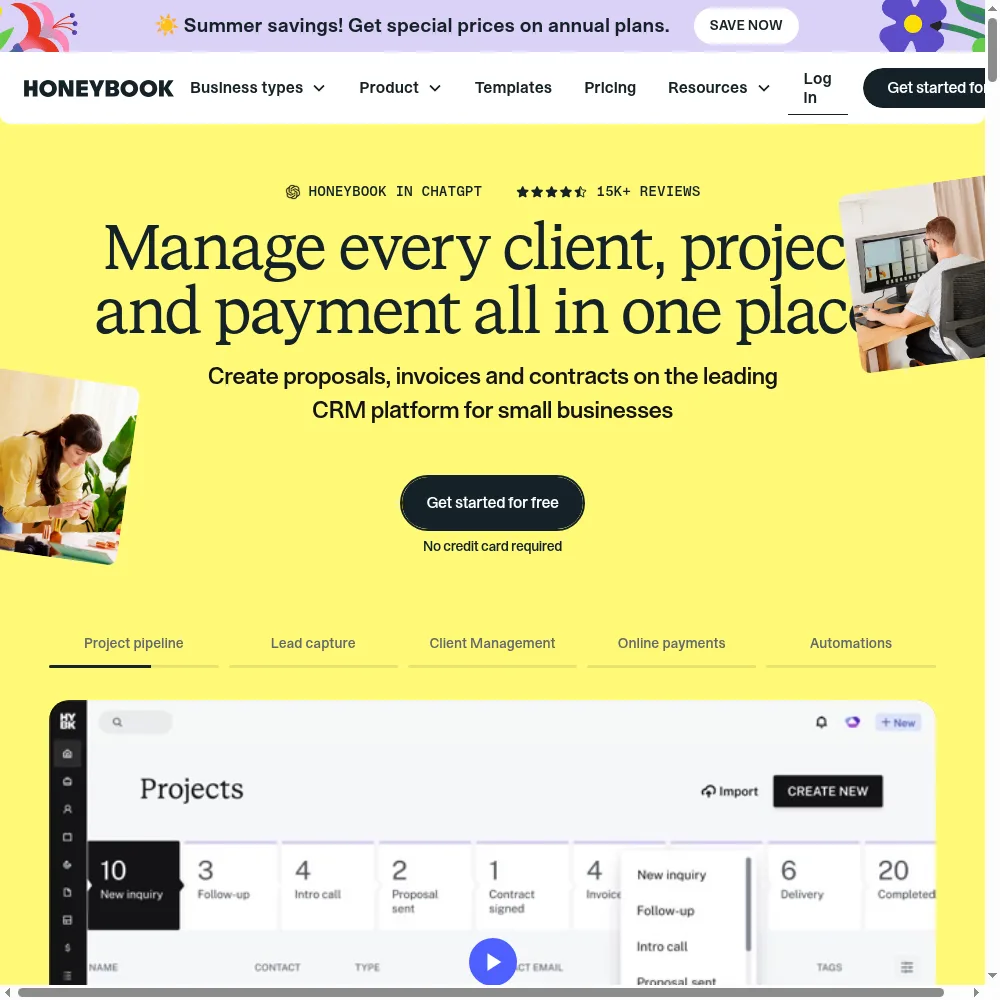
📑 Smart Files: proposal, contract, and invoice in one page
This is the feature that justifies the subscription. Instead of emailing a PDF proposal, then a separate contract, then a separate invoice, you build one interactive file where a client reads your package, signs the contract inline, and pays a deposit without leaving the page. Smart fields auto-populate names, dates, and amounts, and you can see exactly which page they are on and whether they have signed. It is the most polished version of this workflow in the creative category, and it measurably shortens the time from inquiry to booked. The trade-off is that the builder is opinionated: power users who want highly bespoke layouts hit walls that Dubsado’s more manual forms don’t.
💳 Built-in payments that don’t make you chase
HoneyBook is also a payment processor, which cuts both ways. On the plus side, everything is native: invoices accept cards, ACH, Apple Pay, and Google Pay, with autopay, automatic reminders, late fees, and payment plans. Card fees start at 2.7% + 10 cents and ACH at 1.5%, with no international or premium-card surcharges. On the minus side, you cannot plug in your own Stripe or PayPal account, and a recurring thread of users says payouts/transfers are slow – “days,” in one Capterra review. If you already have a negotiated Stripe rate, that lock-in stings.
🤖 HoneyBook AI: genuinely useful once it knows your business
The AI layer is not the marketing afterthought it is on some competitors. After a few projects it drafts client emails in your tone, writes follow-up suggestions, takes meeting notes, summarizes a project before a client call, and flags high-value leads. The meeting notetaker and daily priority list are the bits our team actually kept using. It is included on every tier, which is unusually generous. That said, it is a productivity booster, not a decision-maker – treat its email drafts as first drafts, not send-and-forget.
⚙️ Automations and the Essentials gate
Automations are where HoneyBook quietly charges you more. Pipeline triggers, session scheduling, SMS reminders, and the QuickBooks sync are all Essentials ($49/mo) and above – the $29 Starter gets you the core files, invoices, and calendar but not the hands-off “a lead fills a form and the whole sequence fires” workflow. On the Essentials tier you also get up to two team members and removal of the “Powered by HoneyBook” badge. It is a reasonable line, but anyone sold on “set it and forget it” automations should budget for Essentials from the start, not Starter.
What Real Users Actually Say
I read through dozens of verified reviews on G2 and Capterra to separate the marketing site from ground truth. HoneyBook sits around 4.7 on Capterra (hundreds of reviews) and roughly 4.5 on G2, while Trustpilot is lower at about 3.5 – that gap is the billing-dispute story. Here’s what verified users say.
The Good
“The thing I like most about HoneyBook is that I can do everything from one place and it is so easy to use. There’s no learning curve and everything is laid out for you.”
– Verified small-business user, Capterra
“Before HoneyBook I had to write out contracts from scratch and proposals and everything else. With their templates I’ve booked twice as many clients because I don’t have to worry about whether I’m using the correct template or correct pricing.”
– Verified creative-business user, Capterra
The Complaints
“I couldn’t keep the program due to the cost of it, it was out of my budget for me as a freelancer.”
– Nicole A., Photographer, verified review on Capterra
“The payment deposits are the slowest on the market — days!”
– Angela B., Owner (Marketing), verified review on Capterra
User feedback sourced from G2 and Capterra reviews.
Pricing: Every Plan, Laid Bare
HoneyBook runs a three-tier subscription with unlimited clients and projects on every plan – you are never charged per lead. The big decision is whether Starter is enough or whether you need Essentials for automations, scheduling, and team seats. All plans include a 30-day free trial and a 60-day money-back guarantee. Current public pricing (USD):
| Plan | Price | What You Get |
|---|---|---|
| Starter | $29/mo ($36/mo) | Unlimited clients & projects, invoices & payments, proposals & contracts, calendar, all professional templates, client portal, basic reports, up to 2 live lead forms, HoneyBook AI. |
| Essentials | $49/mo ($59/mo) | Everything in Starter, plus Scheduler, Automations, QuickBooks Online sync, up to 2 team members, up to 10 lead forms, SMS reminders, removal of "Powered by HoneyBook," standard reports. |
| Premium | $109/mo ($129/mo) | Everything in Essentials, plus unlimited team members, priority support, multiple companies/brands, advanced reports, unlimited lead forms, an onboarding specialist. |
On top of the subscription come payment processing fees: cards start at 2.7% + 10 cents and ACH bank transfers at 1.5%, with no international or premium-card brand fees. Premium subscribers doing over $500k/year may qualify for discounted card rates. The honest read: Starter is genuinely capable for a solo creative who just needs professional invoices, contracts, and a client portal. But the “set-and-forget” pitch – automations, scheduling, SMS, QuickBooks sync – is Essentials, and most growing studios land there. Premium only makes sense once you have a team or multiple brands. Watch the 2025 price-hike sentiment: it is real, it is concentrated on value-for-money, and it is the reason a few long-time users walked to cheaper competitors. If you are price-sensitive, run the 30-day trial and compare Starter vs. Essentials before committing.
The Unfiltered Pros & Cons
Pros
- ✓ Best-in-class interactive proposals and contracts (Smart Files) for creatives
- ✓ Unlimited clients and projects on every tier - no per-lead surprises
- ✓ Genuinely easy to learn, with free setup that turns your docs into templates
- ✓ Built-in autopay, reminders, late fees, and payment plans get you paid faster
- ✓ HoneyBook AI (meeting notes, email drafts, follow-ups) included on every plan
Cons
- ✗ The 2025 price hike left long-time users feeling gouged on value
- ✗ No real time tracker; deeper finance/expense tools gated to Essentials and up
- ✗ U.S./Canada only - a non-starter for many international freelancers
- ✗ Mobile app lacks the full desktop feature set
- ✗ Locked into HoneyBook payments; you can't use your own processor, and payouts can be slow
Final Verdict
HoneyBook is still the most polished way for a photographer, designer, or wedding professional to take a client from first inquiry to paid invoice without juggling six tools. Its interactive proposals, built-in contracts, and autopay get you booked and paid faster than anything else aimed squarely at creatives. The catch is pricing: a 2025 price hike left long-time users bitter, and the deeper automation, team seats, and finance tools are locked behind the Essentials and Premium tiers.
If you are a photographer, designer, planner, or consultant selling packaged projects in the U.S. or Canada, buy the trial and stop shopping. The proposal-to-contract-to-payment flow is the best in the category, and the AI automations and payment nudges will quietly reclaim hours a week. You will most likely want Essentials for automations and scheduling; Starter is a fair entry point if you are truly solo.
Skip it if you bill hourly and need built-in time tracking, if you run your business internationally, or if the 2025 price sensitivity gives you pause on value. For those buyers, a cheaper all-in-one with time tracking is the honest match. For everyone in HoneyBook’s sweet spot – creative owners who want to look expensive and get paid on time – it earns its 4.3.
Frequently Asked Questions
Is HoneyBook free?
There is no permanent free plan, but you get a 30-day free trial with no credit card required to try nearly every feature. After that, paid plans start at $29/month billed annually, and there is a 60-day money-back guarantee if you subscribe and change your mind.
How many clients or projects can I add?
Unlimited on every paid tier. HoneyBook does not charge per client, per lead, or per project – the cap is on team seats and live lead forms, not on your roster.
Can I use my own payment processor like Stripe or PayPal?
No. HoneyBook is its own payment processor; you accept cards (from 2.7% + 10 cents) and ACH (1.5%) through HoneyBook. You cannot route payments through an existing Stripe or PayPal account, which matters if you already have negotiated processing rates.
Does HoneyBook do accounting and taxes?
It syncs payments to QuickBooks Online (Essentials and above) and offers expense tracking, a tax hub, and profit-by-project reports, but it is a client-flow and CRM tool first, not a full replacement for dedicated accounting software. Pair it with QuickBooks if you need serious books.
About the Author