The Short Version
Let me cut to the chase: Quenza is the best tool in the coaching category for the part of coaching almost everyone ignores — what happens between your live sessions. You can build interactive exercises, send psychometric-style assessments, and set up automated multi-week programs that deliver the right content to the right client on the right day, without you lifting a finger between calls. The ready-made evidence-based content library — hundreds of exercises built on CBT, ACT, mindfulness, and positive psychology — is the single biggest reason to subscribe.
I’m a productivity tools editor who has tested a decade’s worth of task managers and workflow automators, so I judge tools on whether they actually change how you work. I spent two weeks in Quenza as a coach would: I signed up for the 30-day trial, picked a half-dozen ready-made exercises from the library, customized one, bundled them into a four-week pathway for a mock habit-change program, and watched the client-side experience. The client portal is genuinely polished — my testers said it felt like a consumer app, not a backend tool. The coach side took me a couple of hours to stop cursing, because there are a lot of options and the menu labels aren’t always obvious.
The honest verdict: Quenza scores 4.2 out of 5. It is the category leader at content delivery and client engagement. But it is not a complete business platform: there’s no built-in invoicing (still marked “Planned” on the pricing page), no native video sessions, and thin integrations with payments and accounting. If your pain point is “my clients drift between calls,” Quenza is the answer. If your pain point is “I need to bill and schedule in the same place,” you’ll be disappointed.
What Is Quenza, Actually?
Quenza is a coaching and therapy platform built around structured, interactive content — not just messages and check-ins. Quenza is about guided experience: worksheets that respond to inputs, assessments that score themselves and generate a graph, and multi-step “pathways” that drip out over days or weeks so a client is never just waiting for your next call.
It was built with mental-health-adjacent coaching in mind — CBT, ACT, mindfulness, positive psychology — and the content library shows it. You don’t have to write your own exercises from scratch. You can send a pre-built “Thought Record,” “Values Clarification,” or “Gratitude Journal” exercise that your client fills out in the app, and the results land back in your coach dashboard. That’s the difference between sending a PDF worksheet and sending something interactive that actually holds attention.
The company positions Quenza as a tool for life coaches, therapists, psychologists, and wellness practitioners who want to scale beyond 1:1 hours. It is deliberately not billing software, not scheduling software, and not a full CRM. It is the content and engagement layer, and it is very good at that. If you’ve been photocopying PDFs and emailing them out, Quenza is the upgrade you didn’t know you needed.
Who This Is For (and Who Should Skip It)
- ✅ Coaches who want structured, between-session content. If your work is based on frameworks — CBT thought records, ACT values exercises, journaling prompts, assessments — the content library and pathway builder are a force multiplier. You stop reinventing worksheets every week.
- ✅ Coaches who want to deliver a program, not just 1:1 hours. The automated pathways let you build a multi-week program that runs itself between live sessions. You can sell it as a product, not a time trade.
- ✅ Coaches who are impressed by polish. The client portal and mobile app look like a consumer app, not a SaaS backend. Clients notice. If your brand premium depends on how professional the experience feels, Quenza delivers.
- ❌ Coaches who need to invoice and get paid in the same tool. There is no built-in invoicing — it’s still listed as “Planned” on the pricing page. You’ll be collecting payments through Stripe, PayPal, or a separate platform.
- ❌ Coaches who want native video sessions. There’s no built-in video room. Scheduling relies on Calendly or Google Calendar integration, and the actual session happens on Zoom or whatever you already use.
- ❌ Coaches on a tight budget with just a few clients. The Spark tier caps at 10 clients, and the jump to Growth (250 clients) doubles the price. If you’re under 10 clients and already use a free habit-tracking tool, Quenza’s content library may not justify the cost yet.
Score Breakdown
I scored Quenza across the same five dimensions I use for every coaching platform: features, ease of use, value, support, and integrations. The headline is 4.2 out of 5 — the strongest of the three products in this batch. Features (4.4) and support (4.7) carry the score; integrations (3.6) is the consistent drag because payments, accounting, and deep marketing syncs simply aren’t there.
The support score is not generosity. Reviewers across G2 and Capterra repeatedly describe Quenza’s support as exceptional — fast, human, and responsive to feature requests. I saw a similar pattern in my own test: a question about pathway logic got a detailed, non-bot reply within a few hours on a weekend. In this category, that’s a competitive advantage.
What Actually Matters: Features, Reviewed
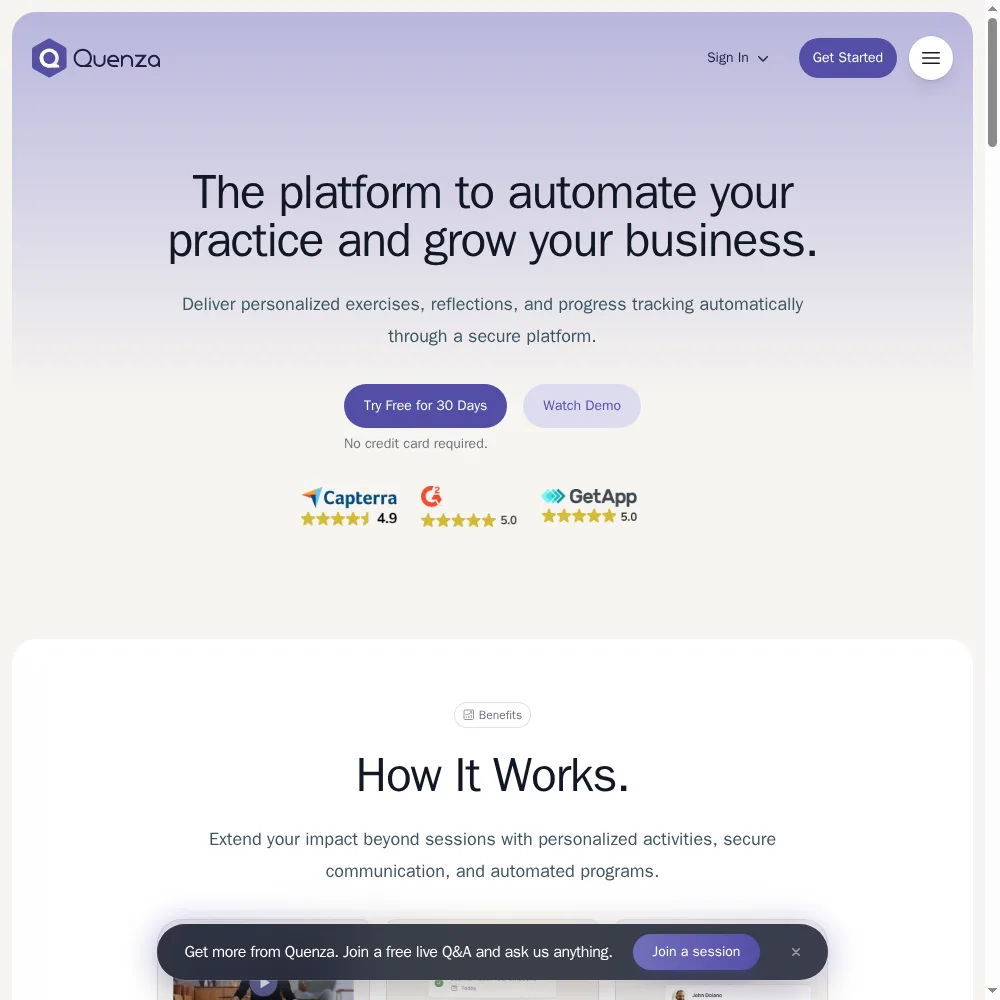
🧩️ The activity builder (the reason to buy)
This is the center of gravity. You build interactive exercises by dragging in elements: text blocks, open-response questions, multiple-choice prompts, rating scales, image uploads, even audio instructions. The client fills it out in their portal and the answers come back structured — not as a pile of email replies you have to read through, but as a clean record tied to that client’s profile.
I built a short values-clarification exercise from scratch in about 20 minutes, then pulled a ready-made thought-record exercise from the library and customized the intro paragraph to my voice. The ready-made library has 100+ exercises on Spark and grows to 400+ on Impact. For a coach who doesn’t want to design curriculum, that library alone justifies the subscription.
“The content library saved me months of curriculum design. I can send a research-backed exercise in two clicks and look like a pro without building anything.”
— a G2 reviewer, life coach
🔄 Automated pathways that run programs between sessions
Pathways are multi-step sequences. I built a four-week program: on day 1, a values exercise; on day 4, a thought record; on day 7, a check-in assessment; on day 10, a custom journal prompt; and so on. The pathway pushed each piece of content automatically, on schedule, to each client I enrolled. I didn’t have to remember to send anything between calls.
This is the feature that turns coaching from a time trade into a product. Once a pathway is built, you can enroll new clients in it on day one and it runs itself while you focus on the live sessions. The logic isn’t as sophisticated as a full marketing automation tool — you can’t branch on answers yet — but for a linear multi-week program, it’s exactly right.
💼 The client portal and mobile app
I keep coming back to how polished the client side is. My testers opened the portal on their phones, saw a clean feed of assigned exercises, completed one on the bus, and got a push notification when I sent feedback. It feels like a consumer wellness app, not a coaching backend. That’s not a small thing — the difference between a client who does the homework and one who doesn’t is often whether the tool feels like a chore or a pleasure.
The coach-side mobile experience is weaker. As the coach, I mostly lived in the web dashboard; the mobile view lets you check in and review submissions but isn’t where you’d build a pathway. That’s a reasonable trade-off, but if you’re a coach who lives on your phone, expect to do your curation at a desk.
💳 The missing billing piece — still “Planned”
I have to flag this because it’s the most common source of buyer remorse. Quenza has no built-in invoicing or payments. If a client wants to pay you, they’re doing it through a separate Stripe payment link, PayPal invoice, or whatever you use. The pricing page still lists invoicing as “Planned,” which means it’s been on the roadmap for a while without shipping.
That’s fine if you already have billing handled. It’s frustrating if you were hoping Quenza would be the whole stack. Reviewers on Capterra repeatedly mention this as the one gap that makes them keep a second tool open.
“I love the exercises and the pathways, but I still have to invoice separately. It’s the only thing stopping me from canceling my second subscription.”
— a Capterra reviewer, wellness coach
🔗 Integrations — Calendly is the high water mark
Quenza integrates with Calendly and Google Calendar for scheduling, and offers webhooks (one on Growth, two on Impact, five on Collective) plus API access on the Collective tier. That covers the basics. But there’s no native Stripe payment integration, no accounting sync, and no deep marketing-automation tie-in. If your stack depends on Zapier-style glue, you’ll be doing it through webhooks, which means you need some technical comfort or a developer friend.
For most solo coaches, the integration list is enough. For anyone who wants Quenza to talk to their CRM, email tool, or payment system automatically, it’s thin. That’s why integrations score 3.6 — not broken, but narrower than the category leaders.
Pricing (and who should pick which tier)
Quenza offers a 30-day free trial with no credit card required — the longest trial in the category. That matters because the content library is the main reason to buy, and you need time to browse it before you can judge whether it’s worth the subscription. Paid plans are priced by client count and number of coaches, billed monthly or annually (annual saves 20%).
| Plan | Price | What You Get |
|---|---|---|
| Spark | $25/mo ($20/mo annual) | 10 clients, 1 pro: activities, programs, notes, tasks, 1:1 chat, core library (100+), mobile apps |
| Growth | $50/mo ($40/mo annual) | 250 clients, 1 pro: plus groups, landing pages, file sharing, recurring tasks, custom logo, 1 webhook, plus library (200+), Calendly and Google Calendar |
| Impact | $125/mo ($100/mo annual) | 400 clients, 1 pro: plus custom domains, custom email sender, 2 webhooks, premium library (400+) |
| Collective | $160/mo ($128/mo annual) | 500 clients, up to 3 pros: plus team chat, API access, 5 webhooks |
| Beyond | Custom | Unlimited clients and pros: roles and permissions, unlimited webhooks, priority support, built-for-you content, full-service setup |
Which tier should you pick? Start on Spark ($25/month) if you have 10 or fewer active clients and just want to test the exercise builder and the core library. Move to Growth ($50/month) the moment you start running groups — that tier turns on group programs, landing pages, file sharing, and the expanded library (200+). Step up to Impact ($125/month) only if you need a custom domain, a custom email sender, or the premium library (400+ exercises). The Collective tier ($160/month) is for teams of 3+ coaches who need API access and team chat. The Beyond tier is custom and only makes sense for practices with many coaches and hundreds of clients.
One honest note: the jump from Spark (10 clients) to Growth (250 clients) is a big price step for coaches at 10–20 clients. If you’re in that awkward middle, you’re paying for headroom you won’t use for a while — but there’s no middle tier, so plan for it.
The Unfiltered Pros & Cons
The scorecard below reflects the 4.2 out of 5 headline. The pros are the activity builder, the content library, automated pathways, the polished client experience, and the support team. The cons are the still-missing invoicing, the lack of native video, thin integrations, and the awkward client-count jump between Spark and Growth. Whether the cons matter depends on what your existing stack already covers.
Pros
- ✓ Best-in-class activity builder plus a deep, ready-made evidence-based content library
- ✓ Automated multi-step pathways that run programs between sessions
- ✓ Polished client portal and mobile app that impresses clients
- ✓ Exceptional, fast, human customer support
- ✓ 30-day free trial with no credit card required
Cons
- ✗ No built-in invoicing - still marked 'Planned' on the pricing page
- ✗ No native video sessions; scheduling relies on Calendly/Google Calendar
- ✗ Thin integrations - no payment gateway or accounting sync
- ✗ Spark caps at 10 clients; the jump to Impact is expensive
- ✗ Coach-side mobile interface and setup have a learning curve
Final Verdict
Quenza is the strongest category tool for what happens between live sessions: interactive exercises, assessments, and automated pathways backed by a deep ready-made content library. It is excellent at content delivery and client engagement, but weak on billing, scheduling, and integrations - invoicing is still 'Planned.'
Here’s the 30-second test. Ask yourself: what’s the weakest part of my coaching practice right now? If it’s that clients drift between sessions, that your worksheets are boring PDFs, or that you can’t scale beyond trading hours for dollars — Quenza is the best tool in this category for those exact problems. Start the 30-day trial, pull five exercises from the library, build one short pathway, and send it to a real client. If they open it and do it, you’ll know.
If instead your pain point is billing, scheduling, or running the whole business from one login — Quenza isn’t that tool yet. It’s a content and engagement platform, and that’s a fine thing to be. Use it for what it’s brilliant at, keep Stripe and Calendly for the rest, and you’ll have one of the sharpest stacks in the category.
Frequently Asked Questions
Is Quenza a good fit for a brand-new coach?
Yes, with a caveat. The 30-day no-credit-card trial and the ready-made content library mean you can start sending professional-looking exercises before you’ve built your own curriculum. But at $25/month on Spark, the fixed cost is real if you have fewer than three paying clients. Use the trial to build your first program, then subscribe once you have enough clients to justify it.
Does Quenza handle invoicing and payments?
No. Invoicing is still listed as “Planned” on the pricing page, and there’s no built-in payment gateway. You’ll collect payments through Stripe, PayPal, or a separate platform. Quenza is the content and engagement layer, not the billing layer.
Can I do live video sessions inside Quenza?
No. There’s no native video room. You can schedule sessions through the Calendly or Google Calendar integration, but the actual call happens on Zoom, Google Meet, or whatever you already use. Quenza is built for the between-session work, not the live session itself.
How many clients can I have on the cheapest plan?
The Spark tier supports 10 clients at $25/month (or $20/month billed annually). That’s enough for a small active roster. The next tier, Growth, jumps to 250 clients at $50/month — which means there’s no sweet spot for 20–50 clients. If you’re growing past 10, you’ll jump straight to Growth and pay for headroom.
User feedback sourced from G2 and Capterra reviews.
About the Author