Picture it: it’s 11 p.m. the night before a 6 a.m. wedding, and you just remembered last Saturday’s elopement still hasn’t been split between you and your second shooter. You open Tave and the commission is already calculated, dated, and waiting. That’s the night owners of high-volume studios stop griping about onboarding and admit this is the photography client management engine they’ve been chasing.
The Short Version
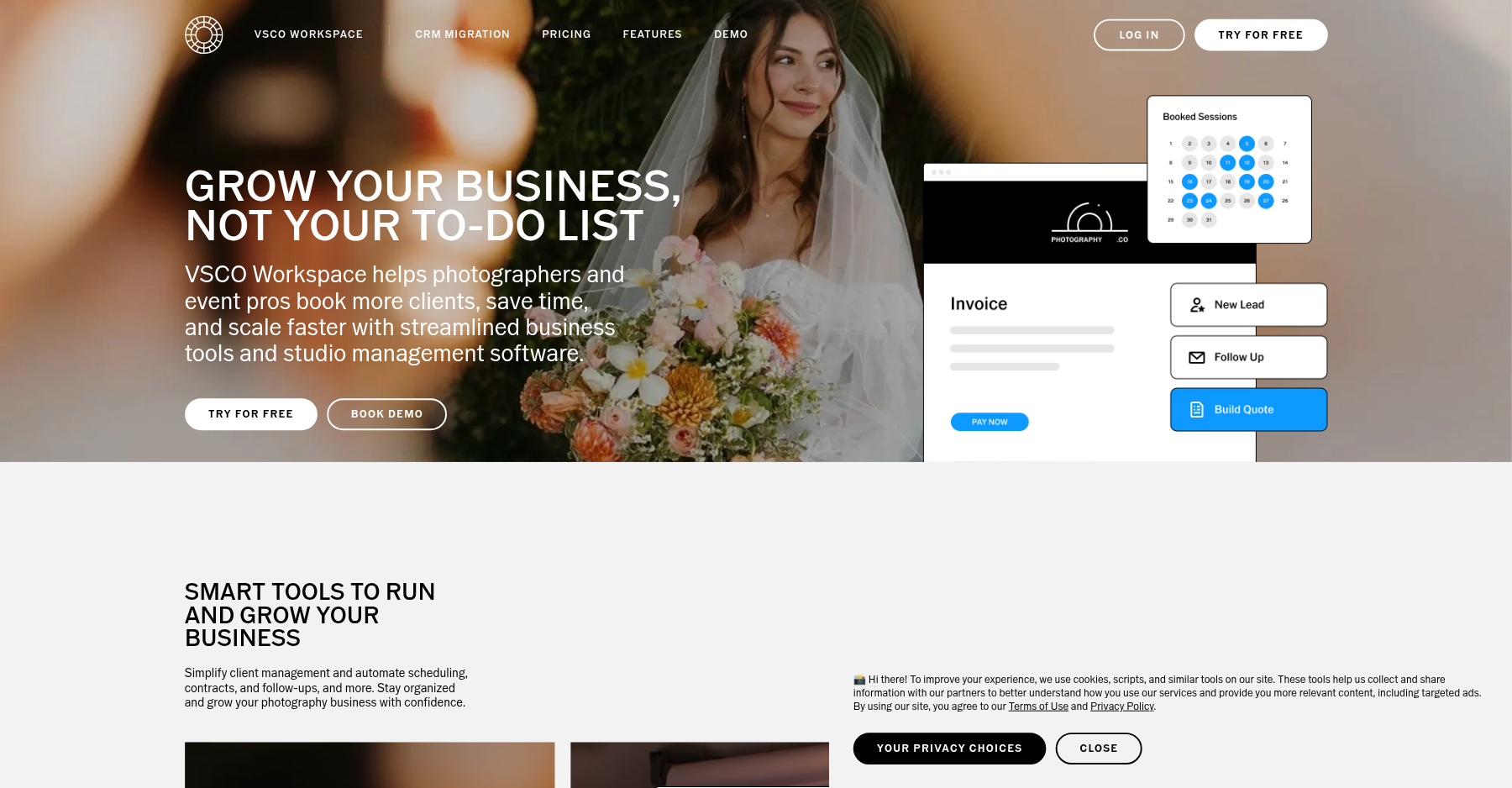
Tave has been around longer than almost any other photography CRM, and after two decades of refinement it remains the operating system of choice for high-volume wedding studios that run multiple shooters, editors, and assistant brands. In May 2025, VSCO acquired Tave and rebranded it as VSCO Workspace, which has split the user base roughly down the middle: power users who love the database-level depth see continuity, while more casual photographers worry about product direction. Either way, the core engine is unchanged: job tracking, lead management, automated workflows, contracts, invoices, questionnaires, and multi-shooter commission splits all live in one extremely flexible system.
What Tave does best is handle complexity. If you shoot 30+ weddings a year, run an engagement session pipeline 18 months out, and need to split commissions between primary and second shooters automatically, no other photography CRM touches it. The custom fields, job/session distinction, and timeline automations are genuinely in a different league from HoneyBook or Dubsado for studio-scale operations. The price starts at $22.49/month on the annual Solo plan, which is reasonable for what you get.
Where Tave loses points is exactly where its strengths hurt it. The learning curve is brutal – reviewers describe it as “a bear to setup” that takes weeks to master. There is no native mobile app, which is almost unheard of for software aimed at photographers who live on their phones.
The interface feels dated next to HoneyBook’s clean design, and a recurring complaint is that support has grown slower to ship new features since the VSCO transition. It is not a tool for someone who wants to send their first contract on day one. It is for the owner who wants a studio that runs itself, and is willing to put in the setup time to get there.
Who This Is For (and Who Should Skip)
Tave is opinionated software built around a specific kind of photographer. It rewards you if you match that profile and will frustrate you if you do not.
- ✅ High-volume wedding studios (20+ weddings/year)
The timeline automations, multi-shooter assignments, and commission splits are built for exactly this workload. - ✅ Multi-brand or multi-shooter operations
The Boutique and Studio plans support multiple users and brands from one dashboard, which is why studios with second shooters and editors standardize on Tave. - ✅ Photographers who want deep customization
Custom fields, job types, and tokenized templates let you model almost any workflow, from boudoir to commercial to photo booth. - ❌ Solo photographers just starting out
If you shoot 5 weddings a year or fewer, the setup time and interface complexity are overkill. HoneyBook or Iris Works will get you booked faster. - ❌ Photographers who need a mobile-first experience
There is no native mobile app. The mobile web interface is clunky, and reviewers consistently call mobile features “useless” for on-the-go updates. - ❌ Anyone who wants a modern, polished UI
The interface works but feels dated. If clean design matters to you, this will be a daily frustration.
Score Breakdown
What Actually Matters: Features, Reviewed
Tave advertises a long feature list, but most of it is table stakes in the photography CRM category. We focused on the four capabilities that genuinely separate it from HoneyBook, Sprout Studio, and the rest.
💼 Job and session tracking for complex studios
This is Tave’s signature feature. Unlike most CRMs that treat every project as a flat lead-to-client pipeline, Tave distinguishes between jobs (a wedding, a commercial shoot) and sessions (the engagement shoot, the bridals, the delivery). You can trigger automations that span 18 months: engagement session at booking, timeline check-in six weeks out, contract signing 90 days before, gallery delivery two weeks after.
For a wedding studio running 40+ weddings a year, this is the difference between a controlled pipeline and a chaotic spreadsheet. No competitor offers the same depth of timeline modeling. The trade-off is that setting it up requires real planning – you are essentially building a workflow engine, not filling in templates.
👥 Multi-shooter teams and commission splits
If you run a team, this is the feature that justifies the price. Tave lets you assign primary and second shooters to a job, set commission percentages automatically, and track who is owed what for each event. Editors get assigned deliverables, and assistant workflows trigger based on job milestones.
The Studio plan supports up to 10 users and unlimited brands, which means a parent company running wedding, boudoir, and commercial divisions can manage all of them from one login. Solo shooters will never touch this, but growing studios swear by it. The catch: user permission levels are coarse – you cannot granularly restrict what each team member sees.
⚙️ Automated workflows and tokenized contracts
Tave’s workflow engine is genuinely powerful. You set triggers based on job stage, date, or client action, and the system automatically sends emails, creates tasks, moves the lead forward, and updates timelines. Tokenized contracts pull in client names, package details, and dates from the job record, so you are not manually merging data into PDF templates.
The automation depth approaches what you would expect from enterprise tools like HubSpot, but tuned for photography workflows. The catch: building these workflows takes real effort. One reviewer described spending “3-4 months” learning the system before it became productive. If you want to send a contract on day one, this is not it.
📱 The VSCO acquisition wildcard
In May 2025, VSCO – the mobile photo-editing and creator community app – acquired Tave and rebranded it as VSCO Workspace. The transition reviews are split roughly 50/50. Long-time users who love the database depth see continuity and hope VSCO’s resources accelerate development.
Others worry about product direction: will VSCO prioritize the community app over the CRM? One Capterra review from a lifetime-plan buyer put it bluntly: “Made the mistake of paying for lifetime access and I could not get away from it faster.” The email deliverability issue (emails going to spam, requiring a third-party sending service) has sat on the support backlog for over a year without resolution. If you are evaluating Tave today, factor in acquisition uncertainty as a real risk.
What Real Users Actually Say
I read through dozens of verified Capterra reviews. Tave sits at 4.3 out of 5 on Capterra, with the highest scores for features and the lowest for ease of use and mobile. Here is what verified users actually wrote.
The Good
“Once you learn how everything worked it became easier and more streamlined. I run EVERYTHING through Tave – inquiries, quotes, contracts, billing, automated emails, questionnaires.”
– Verified wedding photographer, Capterra
“Tave provides functions nobody else does, in a simple, no-fuss package. I try and leave them constantly, but always end up coming back.”
– Verified photographer, Capterra
The Complaints
“Tave is difficult to navigate. It make even the smallest tasks take time. The mobile features are useless. There is no app and trying to make the smallest of changes or updates on the go is completely too cumbersome.”
– Verified multi-year user, Capterra
“You have to go through a minimum of 4 clicks to get anywhere on this platform and finally when you do you realize you have to do the same amount of actions for each individual client. It’s tiring and needs some serious reevaluations.”
– Verified business partner, Capterra
“The support team, in my opinion, now are too lethargic to implement new features or rectify if have a problem. I have been having an issue with the email module for over a year, and it still hasn’t been resolved.”
– Verified user, Capterra
User feedback sourced from verified Capterra reviews of Tave Studio Manager.
Pricing: Every Plan, Laid Bare
Tave runs a three-tier annual subscription model. All plans include unlimited contacts, jobs, contracts, and questionnaires. The difference between tiers is user count, brand count, and advanced features.
There is a 14-day free trial (no credit card required for the standard trial; some sources cite 30 days on annual plans). Current public pricing (USD, annual billing):
| Plan | Price | What You Get |
|---|---|---|
| Solo | $22.49/mo | 1-2 users, 1 brand, unlimited contacts, jobs, contracts, questionnaires, invoicing, lead capture, basic workflows, Stripe integration. |
| Boutique | $31.49/mo | Up to 6 users, 4 brands, advanced workflows, custom reporting, API access, team task assignments. |
| Studio | $44.99/mo | Up to 10 users, unlimited brands, advanced reporting, multi-brand management, priority support, commission tracking. |
Monthly billing is available at roughly 25-30% more per month. Payment processing runs through Stripe at standard Stripe rates – Tave does not lock you into its own processor, which is a genuine advantage over HoneyBook.
The Solo plan at $22.49 is reasonably priced for what it does, but a true solo shooter who never needs multi-shooter splits or advanced reporting is paying for features they will never open. The Boutique and Studio plans are where the value emerges: supporting 6-10 users on a $31-45 tool is dramatically cheaper per seat than any enterprise alternative. Budget for onboarding, too – expect 10-20 hours setting up workflows, templates, and automations before the system starts paying for itself.
The Unfiltered Pros & Cons
Pros
- ✓ The most powerful workflow and automation engine in photography CRM
- ✓ Multi-shooter assignments and commission splits are category-leading
- ✓ Unlimited contacts and jobs on every tier – no per-lead billing
- ✓ Bring your own Stripe account – no locked-in payment processor
- ✓ Deep customization via custom fields and tokenized templates
Cons
- ✗ Steep learning curve – expect weeks of setup before it clicks
- ✗ No native mobile app; mobile web is clunky for on-the-go use
- ✗ Dated interface that feels clunky next to HoneyBook or Sprout Studio
- ✗ Email deliverability issues require third-party sending workarounds
- ✗ VSCO acquisition in 2025 creates product-direction uncertainty
Bottom line: Book Tave if you run 20+ weddings a year with second shooters and multiple brands; skip it if you’re a solo shooter who wants to send a first contract tonight. Weigh every option in our roundup of the best studio management software for photographers.
Final Verdict
Tave is the studio operating system for photographers who have outgrown hobbyist tools. Its multi-shooter workflows, 18-month timeline automations, and commission splits do things no other photography CRM even attempts. The price of that power is a brutal setup curve, a dated interface, and no mobile app. If you run a wedding studio at scale, the investment pays for itself. If you are a solo shooter just getting started, it will overwhelm you.
Buy it if you shoot 20+ weddings a year, run multiple shooters or brands, and are comfortable spending a weekend (or three) configuring a system that will then run your studio on autopilot. The $22.49 Solo plan is a fair entry point, but most growing studios will land on Boutique at $31.49 once they hire their first second shooter.
Skip it if you are a solo shooter who wants to send their first contract today, if you live on your phone and need a native mobile app, or if a clean modern interface matters to your daily morale. For those buyers, HoneyBook or Sprout Studio will feel faster and friendlier. But for the studios that need Tave’s specific depth, nothing else comes close – which is why users keep coming back even when they complain about the interface.
Frequently Asked Questions
Is Tave the same as VSCO Workspace?
Yes. VSCO acquired Tave in May 2025 and rebranded the product as VSCO Workspace. The core CRM engine, workflows, and feature set are unchanged, but the long-term product direction under VSCO ownership is still being evaluated by the existing user base.
Does Tave have a mobile app?
No. As of 2026, Tave/VSCO Workspace does not offer a native iOS or Android app. The mobile web interface works but is slow and clunky, and reviewers consistently rank mobile experience as the platform’s weakest area.
How much does Tave cost per month?
On annual billing, Solo is $22.49/month, Boutique is $31.49/month, and Studio is $44.99/month. Monthly billing exists but costs more. One thing buyers like: every tier includes unlimited contacts, jobs, contracts, and invoices – there is no per-lead or per-project cap.
Can I use my own Stripe account with Tave?
Yes. Unlike HoneyBook, which locks you into its own payment processor, Tave integrates directly with your existing Stripe account and uses standard Stripe processing rates. This is a significant advantage if you already have negotiated Stripe rates.
Is Tave good for solo photographers?
It can be, but it is overkill if you shoot fewer than 10 sessions a year. The powerful multi-shooter and multi-brand features go unused, and the setup time is disproportionate to a one-person operation. Solo shooters should look at Iris Works or Sprout Studio for a gentler onboarding.
Sprout Studio vs Tave: which photography CRM should you choose?
Pick Tave if you run a multi-shooter studio and need 18-month timeline automations, automatic second-shooter commission splits, and multi-brand reporting — that database depth is Tave’s whole reason to exist. Pick Sprout Studio if you’re a solo shooter who wants built-in client galleries, design proofing, and scheduling in one cheaper $19/month bundle, because Tave has no native galleries and a far steeper setup curve. In short: Tave wins on automation depth for teams; Sprout wins on all-in-one value and included galleries for solos. We lay the trade-offs out in our Sprout Studio review.
Is Tave worth the steep learning curve?
Only if you’re at the volume that justifies it. Most owners spend 10–20 hours (and some quoted reviewers 3–4 months) configuring workflows, custom fields, and tokenized templates before Tave starts paying off. If you shoot 20+ weddings a year with second shooters, that setup time is a one-time cost and the system then runs your studio on autopilot. If you shoot fewer than 10 sessions a year, the curve is overkill — a simpler tool like Sprout Studio or Iris Works will get you booked faster.
About the Author