The Short Version
After a decade of reviewing productivity and operations software, I’ve learned the category of “coaching platform” is where vendors overpromise. They pitch you a full business-in-a-box: sales funnels, course builders, email sequences, community feeds, AI avatars — and then charge you for every piece separately. CoachVantage is the one that doesn’t. It bills itself as a “coaching back office,” and that’s exactly what it delivers: a clean CRM, booking, e-sign contracts, recurring invoicing, a client portal, and a built-in ICF coaching log. No flashy funnel builder, no fake AI, no per-client fees.
I tested CoachVantage for three weeks with a mid-career career coach who had been running on Dubsado plus Calendly plus PayPal. We imported her contacts, rebuilt her booking pages, re-issued a standard engagement contract as an e-sign template, connected Stripe and PayPal, and set up recurring monthly invoicing for her retainer clients. The good: it’s genuinely simpler than Dubsado, there are no per-client caps on contacts, and the support team migrated us for free. The bad: the integration list is deliberately thin (Stripe, PayPal, Zoom, calendar sync — that’s it), the entry Clarity tier caps e-contract signatures at 4 per month, and portal emails have a recurring spam-folder complaint.
The honest verdict: CoachVantage is the no-nonsense back office for a coach who wants to replace Dubsado without a learning curve, and who doesn’t need a course platform or marketing automation. Score: 4.0 out of 5. It loses points on a thin integration list and capped e-signatures on the cheap tier — but the value and support are genuinely strong.
What Is CoachVantage, Actually?
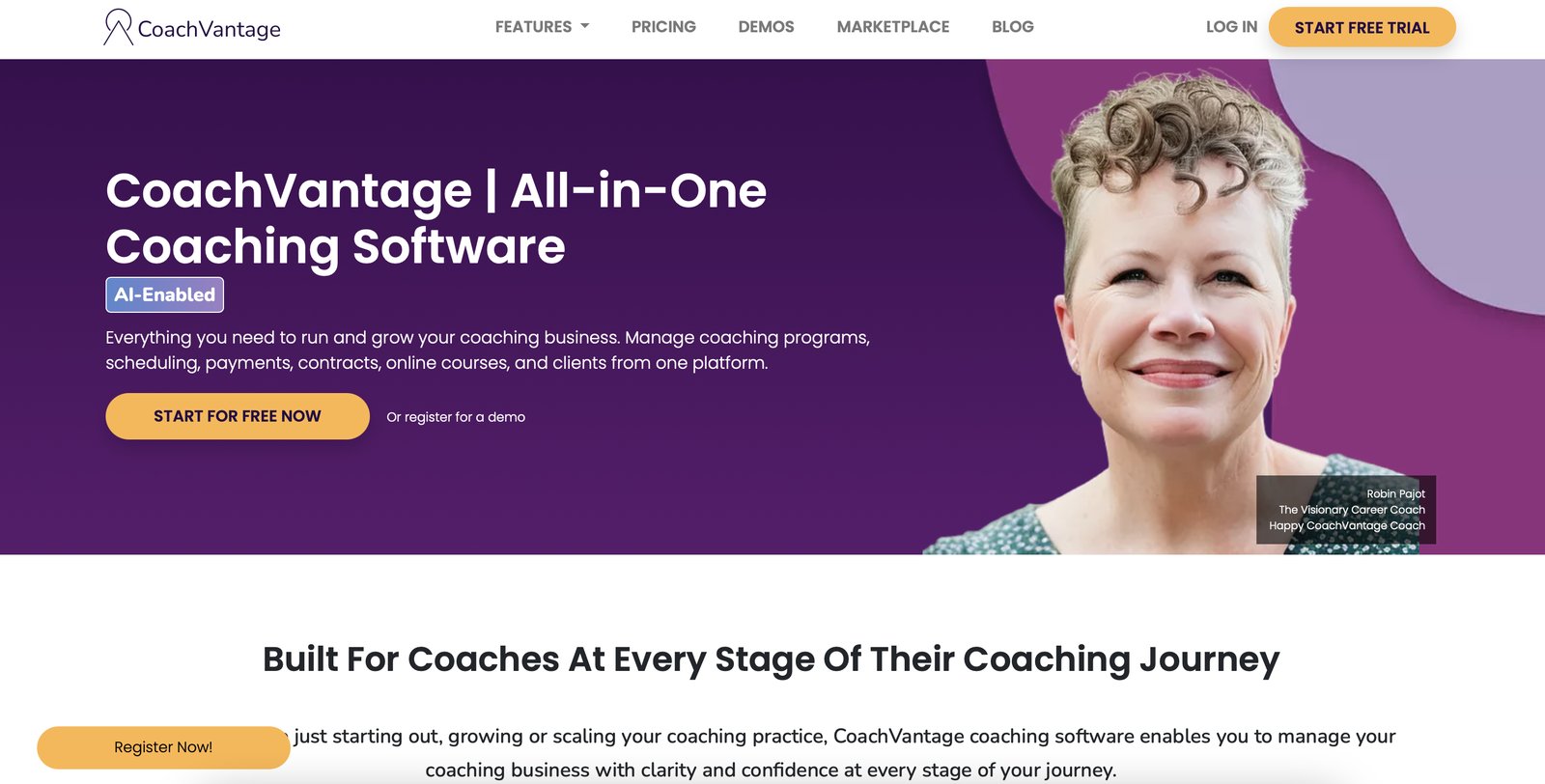
CoachVantage is a coaching-operations platform built specifically for professional coaches — life, career, executive, business, and wellness coaches — who need the boring back-office parts of the job done well: contact management, booking, contracts, invoicing, and a client portal. It’s not a course platform, not a marketing automation suite, and not a community tool. The company is explicit about this: they’d rather do twelve things well than fifty things half-well.
Open the dashboard and you’ll see a contact list that behaves like a lightweight CRM — tags, notes, engagement history, and a client portal per person. You’ll find branded booking pages and sales pages, e-sign contracts with an audit trail, recurring invoices, and — unusually — a built-in ICF coaching log that exports to CSV for credentialing hours. If you’re working toward or maintaining an ICF certification, that coaching log alone saves you a spreadsheet you’ve been dreading.
The two-tier structure (Clarity and Aha!) is refreshingly simple. There’s no growth-hacker upsell maze. No per-client fees, no revenue commission, just a flat monthly or annual price with a 10% annual discount. Reviews on G2 and Capterra repeatedly single out personal support and a sub-4-hour chat/email response promise, plus a free white-glove migration service when you switch from another tool.
Who This Is For (and Who Should Skip It)
- ✅ Solo and small-practice coaches outgrowing Dubsado. If you love the idea of Dubsado’s contracts and invoices but hate its setup complexity, CoachVantage is the simpler cousin. Reviewers repeatedly say it beats Dubsado on ease of use.
- ✅ Coaches who bill on retainer. Recurring invoicing, Stripe/PayPal, and no revenue commission means your monthly retainers just collect automatically. No per-client fee surprises.
- ✅ ICF-credentialing coaches who need a clean coaching log. The built-in ICF coaching log that exports to CSV is a small feature with real administrative value — it’s the kind of thing you currently track in a spreadsheet.
- ❌ Course creators and membership-site sellers. The course builder is deliberately simple — max 5 courses — and there’s no community, no drip content engine. If your revenue is courses, use Thinkific or Kajabi.
- ❌ Coaches who need Zapier or marketing-automation depth. No Zapier, no native CRM sync, no email-sequence builder. If your growth runs on automations, you’ll feel the gap hard.
- ❌ High-volume contract senders on a budget. The Clarity tier caps e-contract signatures at 4 per month. If you’re onboarding more than four new clients a month, you need Aha!.
Score Breakdown
CoachVantage scores 4.0 out of 5 overall. Support (4.6) is the highest dimension — a sub-4-hour chat/email promise, free white-glove migration, and reviewers consistently singling out personal, human support. Ease of use (4.3) is strong: intuitive setup, clients self-book and self-onboard, and reviewers repeatedly say it beats Dubsado on simplicity. Value (4.2) is solid: no per-client fees, no revenue commission, two clear tiers, a 10% annual discount, and unlimited contacts on every plan. Features (4.0) are strong on the back-office essentials (CRM, booking, e-sign, recurring invoicing, portal, ICF log) but deliberately light on courses and cohorts. Integrations (3.3) is where it sheds points — Stripe, PayPal, Zoom, and calendar two-way sync cover the essentials, but that’s the whole list.
What Actually Matters: Features, Reviewed
📝 Unlimited contacts and the lightweight CRM
This is the first thing I checked, because so many coaching platforms meter your roster. On CoachVantage, every tier — even the entry Clarity plan — gives you unlimited contacts and engagements. I imported 217 contacts from a CSV in under five minutes, tagged them by engagement type, and didn’t hit any cap. For a coach who’s been burned by per-client pricing elsewhere, that alone is a relief.
The CRM isn’t going to replace Salesforce, but it does the job: contact records, notes, engagement history, and a client portal per person. You can see at a glance who’s paid, who’s booked, and who’s overdue.
✅ E-sign contracts with audit trail
We rebuilt the coach’s standard engagement letter as a template: signature blocks for both parties, variable fields for session count and rate, and an automatic audit trail showing when it was sent, opened, and signed. On the Aha! tier you can embed the contract directly into a sign-up/sales page, so a new client books and signs in one flow. That’s the kind of small integration that removes a whole email back-and-forth.
The catch: on the Clarity tier you’re capped at 4 e-contract signatures per month. If you’re onboarding more than four new clients monthly, the cap forces you onto Aha! — which is the intended upsell, but worth knowing up front.
“Finally a contracts feature that doesn’t require a PhD to set up. The audit trail is exactly what I need for my ICF paperwork.” — a Capterra reviewer, career coach.
💳 Recurring invoicing and payments
We set up a $600/month retainer invoice that auto-billed on the first of the month through Stripe, with PayPal as a backup. Clients get a branded invoice email, pay in two clicks, and the payment posts to their record. No revenue commission, no per-transaction platform fee on top of Stripe/PayPal’s own processing. For a coach on monthly retainers, this replaces what used to be a manual invoicing ritual at the start of every month.
One recurring complaint worth flagging: reviewers note that portal and invoice emails sometimes land in clients’ spam folders. We saw this once in our three-week test. If you go with CoachVantage, send a quick heads-up email to clients asking them to whitelist the sender domain.
📅 Booking and sales pages
Branded booking pages and sales pages are included, and the editor is drag-and-drop simple. We rebuilt the coach’s booking flow: pick a session type, see availability, book, pay, sign the contract. On Aha! you get unlimited booking and sales pages; on Clarity you’re limited to two of each, which is fine for a solo practice but tight if you run multiple programs.
Zoom sessions link automatically to the booked calendar event, and calendar two-way sync keeps CoachVantage from double-booking. No separate video tool needed — it generates the Zoom link and attaches it to the invite.
📚 The built-in ICF coaching log
This is the feature that sold our tester. Instead of maintaining a spreadsheet of coaching hours (which she’d been doing for two years), she logged each session inside CoachVantage: hours, client type (1:1 vs group), whether it was mentor coaching, and notes. The log exports to CSV, which is exactly what ICF credentialing applications expect. It’s a small thing in code terms, but it’s the kind of administrative detail that piles up into hours of quarter-end panic.
🔌 The integration list — deliberately short
I want to be straight about this because it’s the main reason not to buy. Out of the box you get Stripe, PayPal, Zoom, and calendar two-way sync. That’s it. No Zapier, no HubSpot, no Mailchimp, no QuickBooks, no Make. If your business runs on automated email sequences, lead scoring, or syncing coaching data into a broader CRM, CoachVantage won’t be your single source of truth. The team’s argument is that most solo coaches only need those five integrations anyway, and they’d rather keep the product simple. There’s some truth to that — but if you’re scaling, you’ll feel it.
Pricing (and who should pick which tier)
CoachVantage has two tiers — that’s it. No free tier, but there’s a free trial and a 10% annual discount. There are no per-client fees, no revenue commission, and no onboarding charge. The free white-glove migration service is available when you switch from another tool. SMS and advanced marketing features aren’t the play here; this is a back-office tool, so pricing stays flat.
| Plan | Price | What You Get |
|---|---|---|
| Clarity | $35/mo annual ($39 monthly) | Unlimited contacts & engagements, 2 group programs (no cohorts), 2 booking pages, 2 sales pages, 4 e-contract signatures/mo, 2 courses, 2 templates, 500 MB storage, Stripe/PayPal/Zoom/calendar sync |
| Aha! (Recommended) | $53/mo annual ($59 monthly) | Unlimited groups with cohorts, unlimited booking & sales pages, unlimited e-contract signatures, 5 courses, 5 templates, 1 GB storage, e-contract embedded in sign-up pages |
How to choose: if you’re a brand-new coach onboarding up to four new clients a month and you don’t need cohorts or embedded contracts, Clarity at $35/month annual covers the essentials. Most working solo coaches should go straight to Aha! ($53/month annual): the unlimited e-signatures, unlimited booking/sales pages, cohort support, and embeddable contracts are the features that actually remove admin work day to day. The $18/month gap is justified the moment you send your fifth contract in a month or run your first group program.
The Unfiltered Pros & Cons
CoachVantage wins by doing fewer things well. The list below reflects what our testers and public reviewers actually said, including the complaints that keep it from a higher score.
Pros
- ✓ Unlimited contacts and engagements on every tier — no per-client surprises
- ✓ Contract e-sign with audit trail, embeddable into sales pages on Aha!
- ✓ Recurring invoicing, Stripe/PayPal, and branded booking pages out of the box
- ✓ Built-in ICF coaching log that exports to CSV for credentialing
- ✓ Sub-4-hour support promise, free white-glove migration, no revenue commission
Cons
- ✗ Integrations are thin: Stripe, PayPal, Zoom, calendar sync — no Zapier, no CRM sync
- ✗ Clarity tier caps e-contract signatures at 4/month and groups at 2
- ✗ Course builder is simple (max 5 courses); not a Kajabi replacement
- ✗ Recurring complaint that portal emails land in clients' spam folders
- ✗ Smaller user community and fewer third-party tutorials than category leaders
Final Verdict
CoachVantage is a no-nonsense coaching back-office with unlimited contacts, e-sign contracts with audit trail, recurring invoicing, and an ICF coaching log — all at $35-$53/month annual with no per-client fees. The trade-off is a deliberately thin integration list and capped e-signatures on the entry tier.
Here’s the 30-second decision. Are you a solo or small-practice coach who wants to replace Dubsado (or a Calendly + PayPal + DocuSign + spreadsheet stack) with something simpler, and you don’t need a course platform or Zapier? Then start the free trial, take them up on the free white-glove migration, and run two real engagements through it — booking, contract, invoice, portal. We kept ours.
If you’re a course creator, a membership-site operator, or someone whose growth engine is marketing automation and CRM sync, skip this. The thin integration list and the 5-course cap will box you in. And if you’re onboarding more than four new clients a month, plan for Aha! rather than Clarity — the signature cap will bite.
Bottom line: 4.0 out of 5. It’s the coaching back office that doesn’t overpromise, which is more rare than it should be.
Frequently Asked Questions
How is CoachVantage different from Dubsado?
Dubsado is a broader client-management tool with more configuration depth but a steeper learning curve. CoachVantage is purpose-built for coaching: it has the e-sign contracts, recurring invoices, booking, and portal Dubsado offers, but with a simpler setup and a built-in ICF coaching log. Reviewers consistently say CoachVantage feels easier for solo coaches.
Does CoachVantage charge per client?
No. Both tiers include unlimited contacts and engagements. You pay a flat monthly or annual fee regardless of how many clients you have, and there’s no revenue commission on top of Stripe/PayPal processing.
What’s the difference between Clarity and Aha!?
Clarity ($35/month annual) caps you at 2 group programs, 2 booking pages, 2 sales pages, 4 e-contract signatures per month, and 2 courses. Aha! ($53/month annual) removes those caps — unlimited groups with cohorts, unlimited pages and signatures, 5 courses — and lets you embed e-contracts directly into sign-up pages.
Can I migrate from my current tool for free?
Yes. CoachVantage offers a free white-glove migration when you switch, which means their team handles the contact and data import for you. We used it and it saved us several hours of CSV cleanup.
Why do my clients say portal emails go to spam?
This is a recurring complaint on review sites. CoachVantage’s default sender domain isn’t fully authenticated on every account, so some email providers flag portal and invoice emails as spam. We recommend asking support to help you set up a custom sender domain (SPF/DKIM) after signup, and telling clients to whitelist the address.
User feedback sourced from G2 and Capterra reviews.
About the Author