The Short Version
Unlimited invoicing, unlimited bills, and genuine double-entry bookkeeping, all for $0 a month. Read that again — it’s not a trial and it’s not a watered-down demo, it’s a forever-free plan. Wave is the free accounting software that makes small-business owners do a double-take, and after running it for a few weeks on a side-business workflow, I found the free tier genuinely capable — and that the catch is almost everything that goes wrong with it.
The product is clean, easy to learn, and more than enough for freelancers, solopreneurs, and pre-revenue startups. But Wave’s business model is built on payments and payroll add-ons, and that shows in the support experience: free users get a chatbot rather than a human, and a meaningful number of reviewers describe slow fund holds and disappeared support tickets. Wave is not a trap — it’s a bargain with trade-offs you should walk into with open eyes.
The honest positioning: if your revenue is under roughly six figures, you’re solo or nearly solo, and you can troubleshoot your own way through a chatbot, Wave is the best zero-cost accounting starting point on the market. If you need a human to hold your hand, run payroll in multiple states, or can’t afford to have funds held, you’ll quickly outgrow it. When that day comes, most people graduate to QuickBooks Online; if you want another free option with prettier invoices first, see our ZipBooks review. The wider shortlist is in our best accounting software guide.
Who This Is For (and Who Should Skip)
- ✅ Freelancers, solopreneurs, and side-hustlers
If you send a handful of invoices a month, track business expenses, and want a real double-entry ledger without a subscription, Wave’s free tier is hard to beat. - ✅ Pre-revenue or early-stage startups on a tight budget
Every dollar spent on software is a dollar not spent on product. Wave lets you keep the books clean while you validate the business. - ✅ Businesses that want to accept cards and ACH with one provider
Wave Payments is built in: 2.9% + $0.60 per card transaction, 1% for ACH. For low-volume operators, that’s a reasonable all-in rate. - ❌ Anyone who needs live human support
Free-plan users get a chatbot with limited hours and no phone line. If you’d panic at the thought of emailing support and waiting days, skip Wave. - ❌ Product businesses that need inventory
Wave has no real inventory tracking. You’ll log purchases as expenses, but you won’t manage stock levels or COGS the way QuickBooks or Xero can. - ❌ Businesses that can’t risk payment holds
A small but loud set of reviews describes Wave holding settlements for weeks — up to 70 days in documented cases — when its risk flags trip. If your cash flow can’t absorb that, use a dedicated processor.
Score Breakdown
What Actually Matters: Features, Reviewed
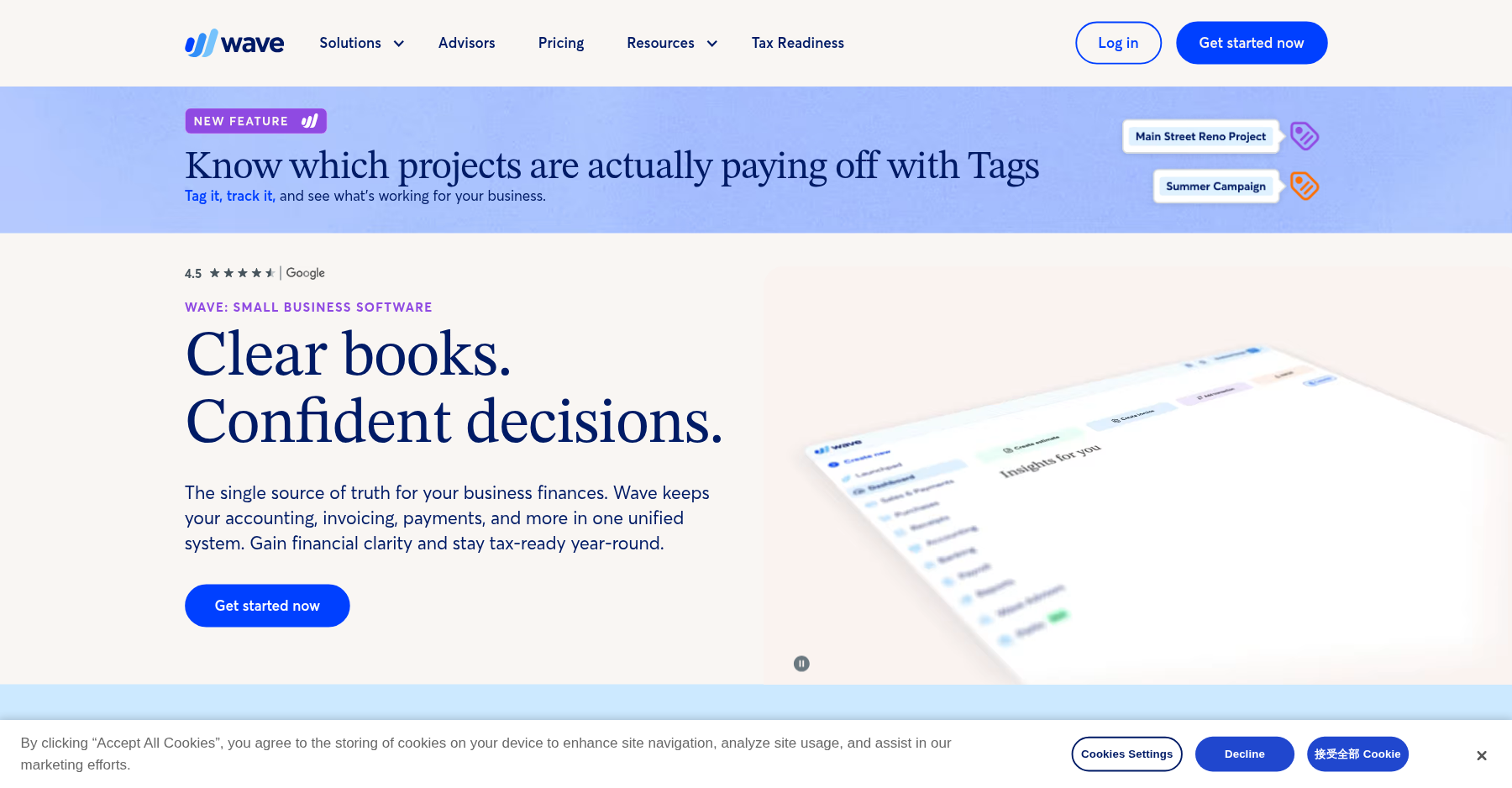
Wave’s interface is modern and uncluttered — a left-hand navigation for Dashboard, Invoices, Bills, Accounting, and Payments, with a dashboard that shows cash flow and overdue items up front. There’s none of the feature sprawl you get in QuickBooks, which is both a blessing (you’ll be productive in an afternoon) and a curse (you’ll eventually hit a wall).
💳 Invoicing and estimates
This is Wave’s strongest free feature. You create unlimited invoices, estimates, and recurring invoices, customize the look, and send them by email or link. Customers can pay by card or ACH, and Wave tracks what’s outstanding. For a freelancer billing clients, this alone justifies the $0 price — and it’s the feature reviewers praise most.
💳 Double-entry bookkeeping and bank feeds
Wave does genuine double-entry accounting: it pulls bank and credit card transactions, lets you categorize them, and produces a P&L, balance sheet, and cash flow statement. It’s not as polished as QuickBooks, and Capterra/Capterra AU reviewers note that “bank feeds and reconciliation features are often unreliable” — expect occasional dropped connections and manual fixes.
💳 Receipt scanning and the Pro plan
Receipt capture lives behind the Pro plan ($19/mo or $190/year), which also adds auto-imports and more polished invoice customization. If you photograph receipts constantly, Pro is worth the coffee money; otherwise the free tier covers the essentials.
💳 Wave Payments and settlement
Card processing is 2.9% + $0.60 (3.4% + $0.60 for Amex), ACH is 1% with a $1 minimum. The rate itself is competitive. The risk factor is settlement holds: a SoftwareAdvice reviewer documented Wave holding funds for 70 days on a legitimate, documented business, and Trustpilot’s low score is driven heavily by payment-processing complaints. Know this before you rely on Wave for working capital.
💳 Payroll and supported states
Payroll is a paid add-on (base fee plus per-employee charge), and it handles tax filing in supported states. The catch: a number of Capterra reviewers describe payroll processor switches that caused outages and missed tax filings. Nilsa, a Capterra reviewer, wrote: “Customer support is non existent. Never thought this was a concern until Wave switched payroll processors and caused the system to crash. Wave went silent for weeks.” If payroll is mission-critical, treat Wave’s add-on cautiously.
Pricing: What You Actually Pay
| Plan | Price | What You Get |
|---|---|---|
| Starter | $0/mo | Unlimited invoices, estimates, bills, and double-entry bookkeeping |
| Pro | $19/mo ($190/yr) | Adds receipt scanning, auto-imports, and polished invoice customization |
| Wave Payments | pay-as-you-go | 2.9% + $0.60 card, 3.4% + $0.60 Amex, 1% ACH ($1 min) |
| Payroll | paid add-on | Base monthly fee plus per-employee charge; tax filing in supported states |
Pros & Cons
Pros
- ✓ Unlimited invoicing, estimates, bills, and double-entry bookkeeping at $0/month
- ✓ Clean, modern interface that non-accountants can learn quickly
- ✓ Built-in payment processing at competitive rates (2.9% + $0.60 card)
- ✓ Mobile app for invoicing on the go
- ✓ Genuinely useful P&L, balance sheet, and cash flow reports for a free tool
Cons
- ✗ Free-plan support is chatbot-only with no phone line; email replies are slow
- ✗ Payment holds — documented up to 70 days — are a real risk for cash flow
- ✗ No real inventory tracking or COGS tools
- ✗ Bank feeds and reconciliation are flagged as unreliable by reviewers
- ✗ Payroll add-on has a history of outages and missed filings after processor switches
Bottom line: Wave is for freelancers, solopreneurs, and pre-revenue startups who want real books at $0 and can self-support through a chatbot; skip it if you need live human help, multi-state payroll, or can’t risk settlement holds on your working capital.
Final Verdict
The best free books you can get for a solopreneur — as long as you don't need a human to call or can't risk payment holds.
Frequently Asked Questions
Is Wave actually free?
Yes. Wave’s Starter plan — unlimited invoicing, estimates, bills, and double-entry bookkeeping — is $0/month with no trial period. You only pay when you accept online payments (a percentage plus per-transaction fee), add receipt scanning (Pro plan), or run payroll.
What is Wave’s Pro plan?
Pro costs $19/month (or $190/year) and adds receipt scanning, auto-imports, and more polished invoice customization. If you’re fine categorizing transactions by hand and don’t shoot photos of receipts, the free tier is enough.
How much are Wave’s payment processing fees?
Wave charges 2.9% + $0.60 per Visa/Mastercard/Discover transaction, 3.4% + $0.60 for Amex, and 1% (with a $1 minimum) for ACH bank payments. No monthly fee just to accept cards.
Why is Wave’s Trustpilot score so low?
Mostly payment-processing complaints: users who had settlements held for days or weeks, and couldn’t reach a human when it happened. Capterra and G2 scores (4.4 and ~4.3) are higher because they reflect the free accounting software itself, not the payments arm.
Can I switch from Wave to QuickBooks or Xero later?
Yes. You can export your chart of accounts and transaction history, and both QuickBooks and Xero ship conversion tools. Migrating mid-year means some re-categorization work, but it’s a normal path — plenty of small businesses start on Wave and upgrade once payroll or inventory becomes necessary.
Is Wave good for LLCs or corporations?
Wave can handle basic books for an LLC or S-corp, but it lacks the multi-entity, advanced reporting, and inventory features growing companies need. It’s best for single-member LLCs and very small corps; once you have employees, inventory, or outside investors, plan to migrate.
About the Author