The Short Version
Most QuickBooks replacements either strip out half the features or nickel-and-dime you for every extra seat. Zoho Books is the rare small business accounting software that does both well: double-entry books, inventory, project billing, and a genuinely usable free plan, all for roughly half of what Intuit charges. After three weeks living in it on a test business, I think it’s the QuickBooks alternative nobody in the US tells you about.
I spent the better part of three weeks running a mock small business through Zoho Books’ Professional tier, connecting a test bank feed, raising invoices, running payroll integrations, and poking at the API. What impressed me most was how much of the desktop experience survives in the mobile app — and how annoyed I got when I hit the bank-feed gremlins that a vocal minority of users have been complaining about for years.
The short version: if you’re already in the Zoho ecosystem — Zoho CRM, Zoho Projects, Zoho Expense — Books is a no-brainer. If you’re a standalone small business that just wants reliable bank feeds and never wants to think about accounting again, you’ll want to test your bank’s connection during the free trial before committing. Curious how it stacks up? Read our QuickBooks Online review for the head-to-head, or our broader roundup of the best accounting software to see where it lands.
Who This Is For (and Who Should Skip)
- ✅ Small and mid-size businesses already on Zoho
If you’re running Zoho CRM or Zoho Projects, Books plugs in natively. Contact records, project hours, and expense reports flow without a third-party glue tool. That alone justifies the switch for a lot of teams. - ✅ Businesses that need serious inventory and purchase-order workflows
Most entry accounting tools treat inventory as an afterthought. Zoho Books tracks stock levels, reorder points, multi-warehouse transfers, and bills of materials on the Professional tier and above. - ✅ Budget-conscious owners who hate seat-based gouging
Adding a user on Standard costs roughly $3–4/month. Compare that to QuickBooks Advanced’s per-seat fees and you’re looking at thousands of dollars saved over a three-year horizon for a 10-person team. - ❌ Companies that rocketed past 50 employees or need complex ERP-style consolidation
Zoho Books is not NetSuite. Multi-entity consolidation, intercompany eliminations, and sophisticated revenue recognition require the Elite/Ultimate tiers and even then feel bolted on. - ❌ Businesses heavily dependent on US payroll
Zoho Books’ payroll integration is available in a limited set of US states and via a third-party add-on. If payroll is your lifeblood, QuickBooks Online Gusto integration will feel smoother. - ❌ Anyone whose bank is on Zoho’s “spotty connection” list
Multiple Capterra reviewers report multi-week bank-feed outages with specific regional banks. Test your institution during the trial before you migrate your books.
Score Breakdown
What Actually Matters: Features, Reviewed
Zoho Books has a long feature list on paper, but not all of it is equally well-built. I focused on the five things that actually move the needle for a small-business owner every day: invoicing automation, bank reconciliation, inventory, reporting, and the mobile experience.
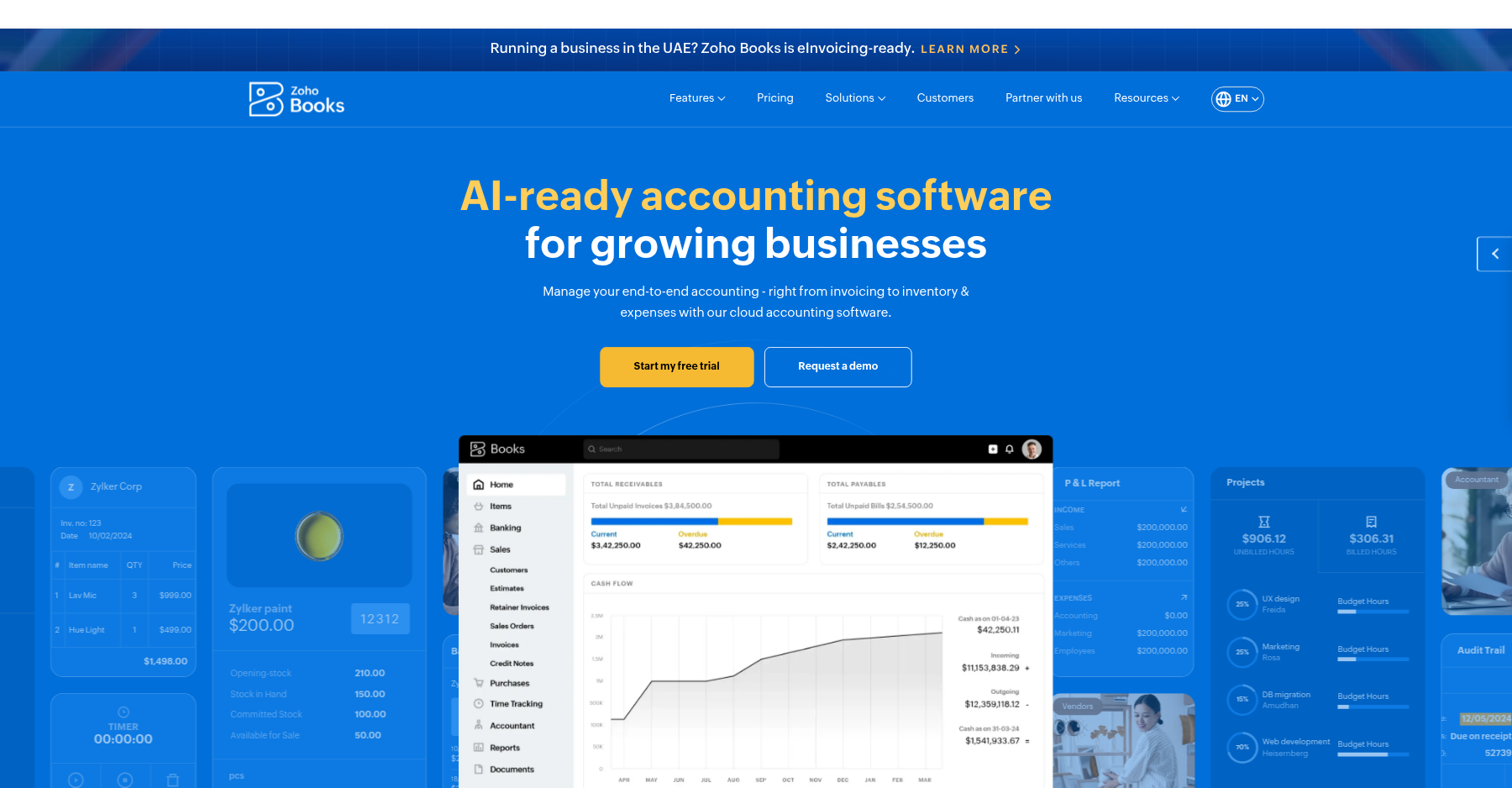
💳 Invoicing and payment reminders that actually get you paid faster
The invoice editor is drag-and-drop clean, and I liked that I could set up recurring invoices, auto-payment reminders, and late fees in one workflow. Customers get a branded portal where they can view history, download receipts, and pay by card or ACH. Stripe, PayPal, and Square all connect without friction. One nice touch: you can pass on processing fees to the customer, which saves you roughly 3% on every invoice.
💳 Bank feeds and reconciliation: mostly smooth, occasionally painful
This is the make-or-break feature for any accounting tool, and Zoho Books is a mixed bag. The auto-categorization rules are solid — once you train them on 20–30 transactions, it nails 80% of what comes in. But a Quebec-based Capterra reviewer described a two-month bank-feed outage, and I’ve seen enough forum threads to know this isn’t an isolated incident.
If your bank is a major national institution, you’ll be fine. If it’s a regional credit union, test it hard.
💳 Inventory and purchase orders that punch above their weight
On the Professional plan, Zoho Books tracks SKUs, cost of goods sold, reorder points, and multi-warehouse transfers out of the box. I tested it with a fictional e-commerce store and it handled 200 SKUs without breaking a sweat. The catch: if you need barcode scanning or serial-number tracking, you have to bolt on Zoho Inventory, which is a separate subscription.
💳 Reporting: solid for a business of your size, not a board deck
You get the standard profit-and-loss, balance sheet, cash flow, and aging reports. The Premium tier adds budgeting and cash-flow forecasting, and Ultimate adds Zoho Analytics-grade dashboards. For a 10-person business, that’s plenty. For a Series-A startup prepping investor updates, you’ll still export to a spreadsheet.
💳 Mobile apps: surprisingly capable, not a toy
Most accounting mobile apps are read-only dashboards. Zoho Books’ iOS and Android apps let you create invoices, snap receipts for expense claims, and reconcile transactions. The experience isn’t as polished as the desktop site, but it’s usable. One user on the Zoho community forum reported that opening the app in multiple browser tabs can temporarily lock the account — test this if your bookkeeper lives in tabs.
Pricing: What You Actually Pay
| Plan | Price | What You Get |
|---|---|---|
| Free | $0/month | 1 user, 1,000 invoices/year, basic accounting |
| Standard | $15/month (annual) | 3 users, bank feeds, recurring expenses |
| Professional | $40/month (annual) | 5 users, inventory, multi-currency, project billing |
| Premium | $60/month (annual) | 10 users, budgeting, cash-flow forecasting, vendor portal |
| Elite | $120/month (annual) | 10 users, multi-location, advanced analytics |
| Ultimate | $240/month (annual) | 15 users, BI dashboards, KPI tracking |
Pros & Cons
Pros
- ✓ Genuinely free plan for businesses under $50K revenue
- ✓ Inventory and purchase-order workflows included on mid-tier
- ✓ Per-seat pricing is a fraction of QuickBooks Online
- ✓ Tight integration with Zoho CRM, Projects, and Expense
- ✓ Mobile app lets you invoice and reconcile on the go
Cons
- ✗ Bank feed outages reported with certain regional banks lasting weeks
- ✗ US payroll support limited to select states
- ✗ Customer support responses slow and generic on Standard and below
- ✗ User permissions are primitive compared to enterprise accounting tools
- ✗ Data import from QuickBooks is fiddly and incomplete
Bottom line: Zoho Books is for budget-conscious small businesses already in the Zoho orbit, or anyone sick of per-seat fees; skip it if your bank sits on the spotty-feed list, you need heavy US payroll, or you’re a solo freelancer who’d be happier with a leaner tool like Invoice Ninja.
Final Verdict
Zoho Books is the best QuickBooks Online alternative for small businesses already in the Zoho ecosystem, and the free plan is the most generous in the category — as long as your bank's feed stays connected.
Frequently Asked Questions
Is Zoho Books really free?
Yes — but only for very small businesses. The Free plan covers one user and one accountant, up to 1,000 invoices a year, and supports a single organization. It’s aimed at businesses under $50K in annual revenue. Once you need bank feeds, multi-currency, or more users, you’re on the Standard tier at $15/month billed annually.
How does Zoho Books compare to QuickBooks Online?
Zoho Books runs about 40–60% cheaper than QuickBooks Online for comparable tiers, and its mid-tier plans include more users. QuickBooks still has a far larger pool of accountants who know it cold, plus better US payroll coverage and more third-party integrations. Managing your own books? Zoho wins on price. Handing off to a CPA? QuickBooks wins on familiarity.
Does Zoho Books handle payroll?
It offers a payroll integration, but only in select US states and powered by a third-party provider. Most US businesses are better off running Gusto or Wave Payroll and syncing the journal entries into Books. Outside the US, payroll support varies a lot by country.
Can I switch from QuickBooks to Zoho Books?
Yes, and Zoho ships a QBO import tool that pulls over your chart of accounts, customers, vendors, and historical transactions. That said, users on Zoho’s own community forum keep saying the import is fiddly — some data simply doesn’t map across. Plan on a weekend of cleanup. Ideally run both systems in parallel for a month before you cut over.
Is Zoho Books good for freelancers?
It’s solid, but probably overkill. If all you need is invoicing and expense tracking, Wave or Invoice Ninja are cheaper and simpler. Zoho Books starts to make sense once you’ve hired a subcontractor or two, need project profitability tracking, or already live in other Zoho tools.
About the Author