The Short Version
It’s April 14, your CPA just emailed asking for a clean P&L, and the only number in your books you actually trust is the balance in your bank app. After running QuickBooks Online (QBO) for a full tax cycle on a small services business, I can tell you it’s still the default best accounting software for small business in the US — and also the one I most often hear people cursing the renewal price on.
That tension is the whole story. QBO wins on depth — inventory tracking, project profitability, a chart of accounts that accountants actually recognize, and the deepest app ecosystem in the category. It loses on price creep, interface clutter, and a support experience that has gotten worse as Intuit shoves you toward automated help.
If you’ve got a bookkeeper, an inventory operation, or just want the path of least resistance to “my CPA can read this,” QBO is still the default for a reason. If price is the sticking point, glance at how Xero compares on seats and interface, or whether Wave’s free tier already covers what you need.
Here’s the honest positioning. QBO is not the cheapest, not the prettiest, and not the easiest to get human help on. But it is the system the largest number of accountants already know, and when your books need to hold up at tax time, that matters more than any UI nicety. If you want the full lay of the land before you commit, we rank the current field head to head in our guide to the best accounting software.
Who This Is For (and Who Should Skip)
- ✅ Small businesses that already work with a CPA or bookkeeper
If your accountant asks “can you just send me the QBO file?” — you’ve answered your own question. QBO is the lingua franca of US small-business bookkeeping, and most practitioners already have it set up. - ✅ Product-based businesses that need inventory and COGS tracking
Beyond the Early/Growing invoice caps you’ll see with competitors, QBO Plus and Advanced handle quantity on hand, reorder points, and cost of goods sold in a way Wave and Xero’s lower tiers simply don’t. - ✅ Companies that want payroll built into the same ledger
QuickBooks Payroll is a paid add-on, but it’s one of the few that files taxes and W-2s end-to-end without you leaving the product. - ❌ Solopreneurs and freelancers who only send a handful of invoices
If you’re billing five clients a month and have no inventory, the $38/month entry plan is hard to justify when Wave does the same core job for free. - ❌ Cost-sensitive bootstrappers on a fixed budget
QBO’s promotional pricing expires, and reviewers consistently report annual increases. If sticker shock is going to make you switch in year two, start cheaper now. - ❌ Teams that need unlimited user seats without per-seat fees
QBO charges by user tier. Xero, by contrast, gives you unlimited users on every plan, which matters if several employees need ledger access.
Score Breakdown
What Actually Matters: Features, Reviewed
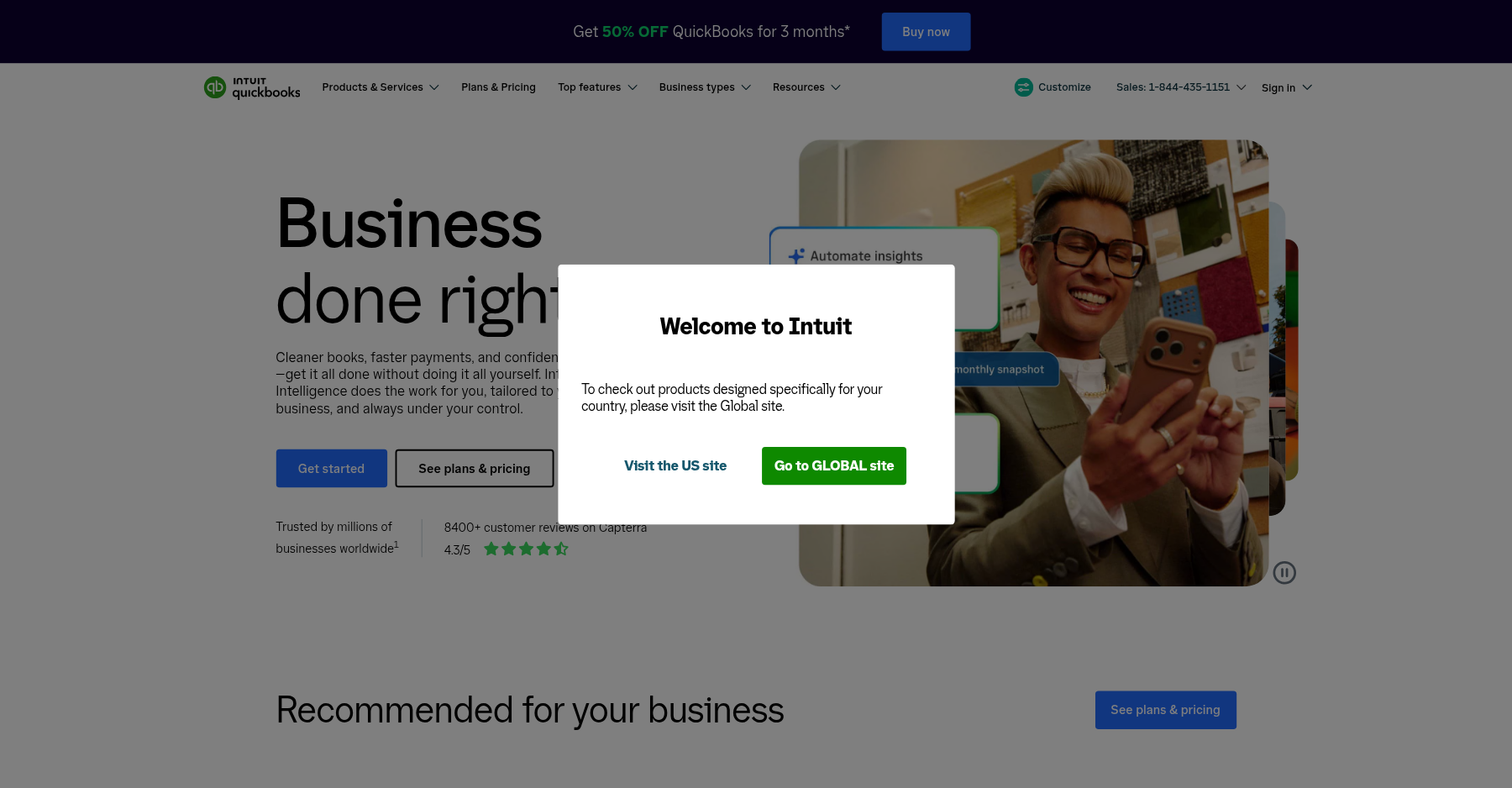
QBO’s feature list is long, so I’ll skip the checklist and focus on the pieces that actually change your day-to-day. The dashboard is opinionated — it leads with profit and loss, bank balances, and unpaid invoices, and it does a credible job of surfacing what needs attention rather than making you hunt. Once you connect a bank feed, most transactions land with a suggested category. Edit a handful and the system learns; after a few weeks it gets noticeably better.
💳 Bank reconciliation and AI categorization
The bank feed is the reason most people stick with QBO. Transactions come in nightly, QuickBooks suggests a category, and you approve in bulk. It’s fast, but — as G2 reviewer Christine D. put it — “it tends to automatically categorize charges, which can add extra time when reconciling the books… sometimes the summaries I tried to pull were still troublesome.” Expect to review, not just accept, especially in months with lots of vendor charges.
💳 Invoicing and accounts receivable
Invoices are clean, customizable enough to look professional, and you can accept cards and ACH through QuickBooks Payments. Customers get a payment link, and QBO tracks what’s overdue automatically. The trade-off is that payment processing carries its own fees, and some reviewers on review platforms describe fund holds that arrive without much warning — something to plan around if cash flow is tight.
💳 Inventory and cost of goods sold
This is the feature that keeps product sellers on QBO rather than Wave or Xero’s lower tiers. On Plus and Advanced, you track quantity on hand, set reorder points, and COGS posts automatically when you make a sale. It’s not a full warehouse system, but for an e-commerce shop or a small retail operation it’s genuinely useful.
💳 Reporting and the chart of accounts
The P&L, balance sheet, statement of cash flows, and AR/AP aging reports are the reason accountants love it. The chart of accounts follows US GAAP conventions, and most CPAs can jump straight in. Customization exists but can feel buried — G2 reviewer Prabha B. noted that “customization options for reports are not always flexible,” and I agree that ad-hoc, one-off reports require more digging than you’d expect.
💳 Payroll and the app ecosystem
Payroll is an add-on, not included, and it’s priced per employee plus a base monthly fee. It’s the most integrated option for US tax filing, but budget for it. On the integrations side, QBO simply has the largest marketplace — Shopify, Amazon, PayPal, Stripe, TSheets, and hundreds of niche tools all connect cleanly. That breadth is a genuine advantage.
Pricing: What You Actually Pay
| Plan | Price | What You Get |
|---|---|---|
| Simple Start | $38/mo | 1 user, invoicing, basic P&L; promo $19/mo for 3 months |
| Essentials | $85/mo | 3 users, bill pay, time tracking; promo $42.50/mo for 3 months |
| Plus | $140/mo | 5 users, inventory, project profitability; promo $70/mo for 3 months |
| Advanced | $340/mo | 25 users, analytics, dedicated support; promo $170/mo for 3 months |
Pros & Cons
Pros
- ✓ Most widely adopted by US CPAs and bookkeepers, making tax hand-offs frictionless
- ✓ Genuine inventory and COGS tracking on Plus and Advanced plans
- ✓ Largest third-party app and integration ecosystem in the category
- ✓ Payroll add-on files US taxes and W-2s end-to-end inside the ledger
- ✓ Strong, GAAP-aligned reporting that accountants trust
Cons
- ✗ Promotional pricing expires and list prices have risen repeatedly; reviewers report annual increases
- ✗ Customer support is widely criticized as slow, inconsistent, and over-reliant on chatbots
- ✗ Interface feels cluttered and laggy, especially with large transaction volumes
- ✗ Payroll is a paid add-on, not included, and per-employee pricing adds up
- ✗ Per-user tier pricing makes team access expensive versus unlimited-user competitors like Xero
Bottom line: QBO is for product businesses, bookkeeper-led shops, and anyone who needs US payroll in the same ledger; freelancers sending a handful of invoices a month should skip the sticker shock and start on a free or cheaper plan. If vendor bills are the headache on top of the ledger, see how BILL automates AP approvals and bill pay, or browse our best accounting software roundup.
Final Verdict
The most capable US small-business accounting platform — and the one most likely to raise your price every year.
Frequently Asked Questions
Is QuickBooks Online worth it in 2026?
Short answer: yes, if you’re a US small business that works with a CPA, carries inventory, or wants payroll in the same ledger. If you’re a freelancer sending ten invoices a month? The entry price is hard to justify against free options like Wave. The feature depth is real — but so is the annual price creep.
What’s the difference between Simple Start, Essentials, and Plus?
Simple Start ($38/mo) gets you one user, invoicing, and basic reporting. Essentials ($85/mo) opens that up to three users and adds bill pay plus time tracking. Plus ($140/mo) is where inventory tracking, project profitability, and sales/location tracking show up, along with five users.
Rule of thumb: product businesses need Plus. Services shops can usually stop at Essentials.
Does QuickBooks Online include payroll?
No — payroll isn’t included. It’s a separate add-on priced per employee plus a monthly base fee, and it files taxes in most US states. Just remember it’s an extra line item. Factor it in before you compare QBO’s headline price to competitors.
Why is QuickBooks Online getting more expensive?
Intuit has raised list prices over and over, and that 50%-off-for-three-months promo expires automatically at month four. G2 and Capterra reviewers keep saying the same thing: “the monthly price keeps going up,” and they started cheap but now pay over $100/month. So compare the post-promo list price, not the teaser.
How does QuickBooks Online compare to Xero?
QBO wins on inventory, US payroll, and accountant adoption. Xero wins on a cleaner interface, unlimited users on every plan, and a slightly higher G2 rating. Bottleneck is seats? Look at Xero. Bottleneck is inventory and US tax filing? Stay with QBO.
Is QuickBooks Online better than Wave?
Wave is free and handles core invoicing and bookkeeping for very small businesses. QBO costs money, but it adds inventory, payroll, stronger reporting, and accountant familiarity. If you’re past the “free is enough” stage, QBO is the upgrade. Just walk in knowing the support experience is uneven.
Can I do my own bookkeeping with QuickBooks Online, or do I need an accountant?
You can, and that is exactly what QBO’s bank feed is for: connect your business checking, review the suggested categories, and QBO keeps the books current without a bookkeeper on payroll. Most solo owners handle invoicing, receipt capture, and monthly reconciliation themselves. The point where an accountant earns their fee is tax time — QBO generates the P&L, balance sheet, and AR/AP aging reports a CPA needs, and inviting them as a user takes minutes. If your books are freelancer-simple, Wave may be enough; if you carry inventory or employees, do the daily entry yourself but hand the filing to a pro.
How much does QuickBooks Online cost per month in 2026?
US list pricing, after the three-month promo expires, runs Simple Start $38/month, Essentials $85/month, and Plus $140/month, with Advanced at $340/month for up to 25 users. Intuit leads with 50% off for the first three months, so the teaser number is roughly half the renewal. Payroll is a separate add-on (per employee plus a monthly base), and QuickBooks Payments carries its own processing fees. Compare the post-promo list price, not the headline, when you shop.
About the Author