The Short Version
Here’s a number that stopped me cold: Invoice Ninja’s Pro plan is $14/month for unlimited clients, while FreshBooks wants nearly $20 just to bill five. It’s the best invoicing software for freelancers who’ve sticker-shocked their way through the category — a forever-free hosted plan, a fully self-hosted version you can run on your own server, and paid tiers that cost a fraction of what FreshBooks or QuickBooks charge for the same job. It’s built for freelancers and tiny agencies who live and die by getting paid on time.
I spent two weeks running Invoice Ninja through its paces — sending recurring invoices to my own test clients, wiring up Stripe and PayPal, setting up auto-reminders, and even attempting a self-hosted install on a cheap VPS. The invoicing engine itself is rock solid. The catch is that it stops being “invoicing” and starts being “accounting” the moment you want to classify a transfer between two of your own bank accounts, and the app simply can’t do it.
If your world is invoices → payments → bank deposits and nothing more, Invoice Ninja will save you real money. If you need a double-entry ledger, balance sheet, and reconciliation, you’ll outgrow it within a year and be migrating to Zoho Books or QuickBooks anyway — both covered in our best accounting software roundup. For the more polished-but-pricier route, see our FreshBooks review.
Who This Is For (and Who Should Skip)
- ✅ Solo freelancers and contractors
The free plan covers unlimited invoices for up to five clients, which is enough for most solo consultants starting out. The jump to Pro at $14/month unlocks unlimited clients and removes the “Created by Invoice Ninja” footer. - ✅ Developers and agencies who want to self-host
The self-hosted version is source-available and runs on a standard LEMP stack. If you care about data residency or want to white-label the entire client portal, this is one of the only credible open-source options left. - ✅ Businesses that want 15+ payment gateways
Stripe, PayPal, Square, Apple Pay, GoCardless, and dozens of regional gateways all connect without a third-party plugin. You can even pass on credit-card fees to your customers. - ❌ Anyone who needs actual double-entry bookkeeping
Invoice Ninja tracks income and expenses, but it is not accounting software. You can’t classify a transfer between your own accounts, run a balance sheet, or do proper reconciliation. One user on the official forum put it bluntly: “this is a limitation with Invoice Ninja as it’s not accounting software.” - ❌ Teams that want tight QuickBooks or Xero sync
NerdWallet’s review calls this out: there are no direct integrations with major bookkeeping platforms. You’ll be exporting CSV and importing it elsewhere. - ❌ Non-technical users tempted by self-hosting
The self-hosted install docs are incomplete. Multiple forum users report that the setup guides “tell you the results but you don’t see the step or command that brought the result.” If you don’t read logs for fun, stick to the hosted plan.
Score Breakdown
What Actually Matters: Features, Reviewed
Invoice Ninja’s feature set is laser-focused on the invoice-to-cash workflow. I tested the five things that actually matter for a solo operator: invoice customization, recurring billing, the client portal, payment gateway support, and the mobile app.
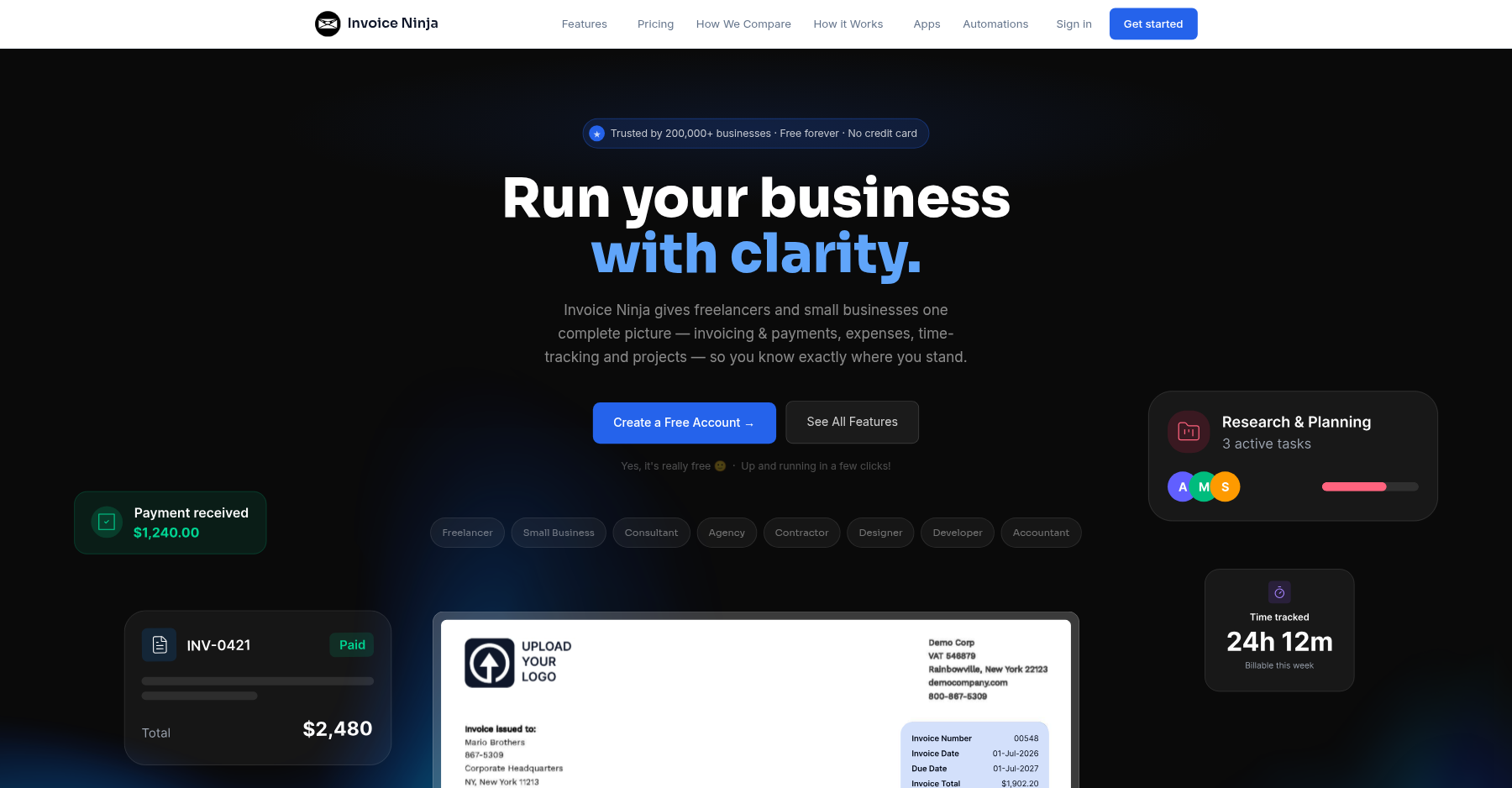
💳 Invoice customization: deeper than it has any right to be
The Pro plan unlocks 11 professional templates and a fully customizable design editor. You can add your logo, change colors, rearrange fields, and even inject custom HTML/CSS if you want. I was able to match a client’s brand colors in about ten minutes. The Free plan gives you four solid templates, which is more than Wave offers.
💳 Recurring billing and auto-reminders that actually work
This is where Invoice Ninja earns its keep. You can set up recurring invoices on any schedule, auto-charge the customer’s card on file, and layer in late-payment reminders at configurable intervals. I set up a monthly subscription invoice with a 7-day and 14-day reminder and it fired exactly on schedule. You can even add automatic late fees, which most competitors charge extra for.
💳 Client portal: clean, branded, and password-free
Your customers get a link to their own portal where they can view invoice history, download PDFs, and pay outstanding bills. They don’t need an account. On the Pro plan you get a branded URL like yoursite.invoicing.co. One quirk: I saw multiple forum reports where clients could view the invoice but the payment page showed “Nothing Found” — this turned out to be a self-hosted nginx misconfiguration, but it’s worth testing with a real customer before you go live.
💳 Payment gateways: the widest list in the category
Stripe, PayPal, Square, Apple Pay, GoCardless, and 20+ others all plug in natively. You can split payments across multiple gateways, accept deposits upfront, let customers pay in installments, and even add a tip option on the invoice. The fee-passing feature (where the customer eats the processing cost) is included on Pro, which saves you about 3% on every transaction.
💳 Mobile apps and self-hosted control: mixed bag
The iOS and Android apps let you create invoices and check dashboard metrics, but users report the Android sync is “sometimes unstable.” The self-hosted version is the main event for power users: you get the full source code, can modify anything, and skip the monthly SaaS fee entirely — at the cost of running your own server and updates. I saw one report where a Softaculous update bricked a self-hosted instance and reset it to the setup wizard, so back up before you update.
Pricing: What You Actually Pay
| Plan | Price | What You Get |
|---|---|---|
| Free | $0/month | 1 user, 5 clients, unlimited invoices, 4 templates |
| Ninja Pro | $14/month ($140/year) | 1 user, unlimited clients, branded URL, 11 templates, API |
| Enterprise 2 | $18/month ($180/year) | 2 users, bank sync, e-invoicing |
| Enterprise 5 | $32/month ($320/year) | 5 users |
| Enterprise 10 | $54/month ($540/year) | 10 users |
| Enterprise 20 | $84/month ($840/year) | 20 users |
| Premium Business | Custom (from $280/year) | Dedicated support, SSO |
Pros & Cons
Pros
- ✓ Forever-free plan with unlimited invoices for five clients
- ✓ 15+ payment gateways including Stripe, PayPal, Square, Apple Pay
- ✓ Self-hosted version available with full source access
- ✓ Automatic late fees, recurring billing, and fee-passing included on Pro
- ✓ Branded client portal with no login required
Cons
- ✗ Not true accounting software — no balance sheet or transfer classification
- ✗ No direct QuickBooks or Xero integration
- ✗ Self-hosted install documentation is incomplete and error-prone
- ✗ Android app sync is reported as unstable by multiple users
- ✗ Enterprise pricing scales per user, which gets expensive for teams
Bottom line: Invoice Ninja is for freelancers, contractors, and developers who want cheap, flexible, self-hostable invoicing with a dozen payment gateways; skip it if you need actual double-entry bookkeeping, a balance sheet, or native sync with QuickBooks and Xero.
Final Verdict
Invoice Ninja is the best free-to-start invoicing tool for solo freelancers and the only credible open-source option, but you'll outgrow it the moment you need double-entry bookkeeping.
Frequently Asked Questions
Is Invoice Ninja really free?
Yes. The hosted Free plan includes unlimited invoices for up to five clients, four templates, online payment acceptance, and auto-billing. No time limit. The catch: invoices carry a “Created by Invoice Ninja” footer, and you’re limited to one user.
What’s the difference between the hosted and self-hosted versions?
The hosted version is maintained by the Invoice Ninja team — sign up and start invoicing in minutes. The self-hosted version runs on your own server (or VPS) for free, with no recurring SaaS fee, but you own installation, updates, security, and uptime. Feature sets are nearly identical, though self-hosted users have to wire up email delivery, cron jobs, and HTTPS themselves.
Can I use Invoice Ninja as my accounting software?
No — and the company is upfront about it. Invoice Ninja tracks invoices, expenses, and payments, but it lacks double-entry bookkeeping, a balance sheet, bank reconciliation, and transfer classification between your own accounts. For taxes and year-end close, you’ll still need Wave, ZipBooks, or an accountant’s tool.
How does Invoice Ninja compare to FreshBooks?
Invoice Ninja is dramatically cheaper — Pro is $14/month for unlimited clients versus FreshBooks’ $19/month for five clients on Lite. FreshBooks has better time tracking, mileage tracking, and a more polished UI. Invoice Ninja wins on gateway choice, self-hosting, and price; FreshBooks wins on polish and bookkeeping features.
Does Invoice Ninja handle taxes automatically?
You can set up tax rates and apply them line by line, and it supports multi-tax and reverse charges for EU businesses. But it won’t file sales tax returns or calculate your annual income tax. For that, you’ll need a proper accounting tool or your CPA.
About the Author