The Short Version
If your freelancer friend is still tracking invoices in a Google Sheet, stop what you’re doing and send them to ZipBooks. It’s the best free accounting software you’ve probably never heard of: a genuinely free starter plan, a clean modern interface, and a paid tier that tops out at $35/month — the kind of tool that makes the free incumbent’s dated invoice templates look, well, dated.
I spent two weeks working through the Smarter and Sophisticated tiers, connecting a test bank feed, running time-tracker projects, and pulling every report the app offers. The invoicing and expense tracking are lovely. The reporting is where you’ll feel the limits — and if you’re coming from QuickBooks, you’ll notice the interface hasn’t had a meaningful refresh in about four years.
ZipBooks is best for solopreneurs and micro-businesses that want a free accounting tool that doesn’t look like it was designed in 2010. It’s not for businesses that need serious reporting, multi-entity accounting, or a deep app ecosystem. Compare it against the more established free option in our Wave Accounting review, or step up to FreshBooks if you want polish over price — and see the whole field in our best accounting software roundup.
Who This Is For (and Who Should Skip)
- ✅ Freelancers and solo consultants on a budget
The free Starter plan gives you unlimited invoices, unlimited customers and vendors, one connected bank account, and basic reports. That’s more than Wave offers for invoice polish, and it costs nothing. - ✅ Hourly billers who need built-in time tracking
The Smarter tier includes a time tracker that lets you bill hours directly onto an invoice. No separate Harvest integration required. - ✅ Businesses that want a QuickBooks-lite at half the price
Smarter is $15/month versus QuickBooks Simple Start at $38/month. For a one-person operation, you get 80% of the job done for half the money. - ❌ Businesses that need serious financial reporting
One Software Advice reviewer put it plainly: “The reporting features are seriously lacking. No balance statement, COGS are lumped together on the Income Statement, no division of income sources and no field on the Income Statement is clickable.” If you need drill-down reporting, look elsewhere.
- ❌ Companies that need to invite their accountant on the free plan
NerdWallet flags this: you must subscribe to a paid plan just to give your CPA access. Wave and ZipBooks’ own competitors let your accountant in for free. - ❌ Businesses planning to scale past 10–15 employees
SelectHub notes that users repeatedly flag “scalability concerns” and “limited integrations.” Once you need payroll, inventory, or a real API, you’ll be migrating.
Score Breakdown
What Actually Matters: Features, Reviewed
ZipBooks does a few things really well and leaves the rest on the table. I focused on the features that separate it from free Wave and cheap FreshBooks: the invoice editor, bank reconciliation, time tracking, reporting, and the accountant workflow.
💳 Invoicing: the prettiest free invoices in the category
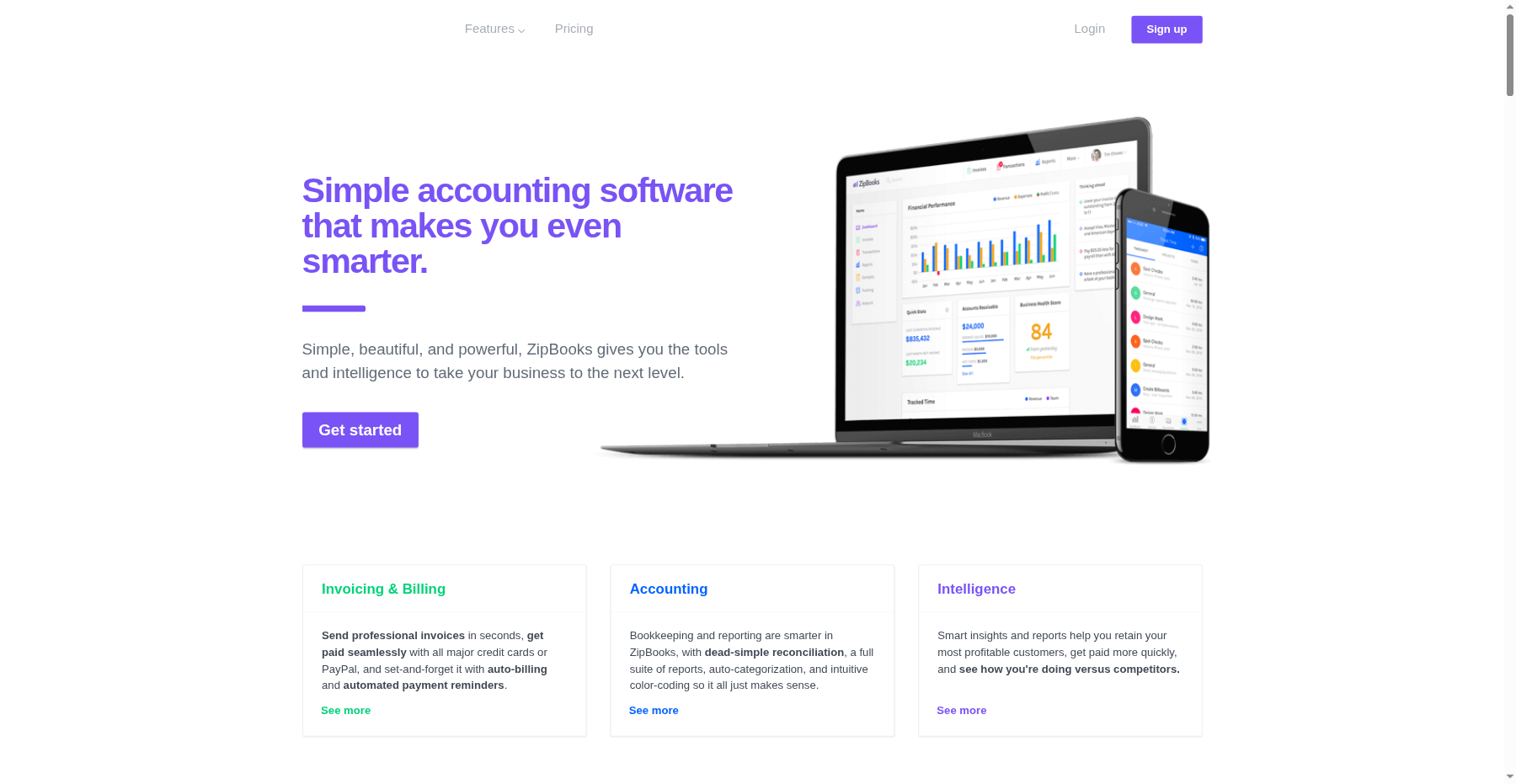
The invoice editor is drag-and-drop, with a clean modern design that looks nothing like Wave’s dated templates. You can send recurring invoices, set up auto-reminders, accept payments via Square or PayPal, and even let customers tip on the invoice. The free plan already includes unlimited invoices, which is a real differentiator.
💳 Bank feeds: one on free, unlimited on Smarter
The Starter plan connects a single bank account automatically. Upgrade to Smarter ($15/month) and you get unlimited connections plus auto-reconciliation. The categorization is decent but not on QuickBooks’ level — expect to manually fix 15–20% of transactions the first month.
💳 Time tracking and billing: built in from Smarter
On the $15/month Smarter plan, you get a built-in timer that logs hours per project, and you can push those hours straight onto an invoice. It’s solid, but it’s the kind of feature Harvest has been doing for years. Hourly billers get it on the mid-tier; you don’t need to step up to the $35 plan.
💳 Reporting: where the cracks show
You get profit-and-loss, balance sheet, and sales-tax reports. But as one Software Advice reviewer noted, “COGS are lumped together on the Income Statement, no division of income sources and no field on the Income Statement is clickable for a detailed report.” You can’t drill into a number.
For a freelancer filing a Schedule C, that’s fine. For a small business owner who wants to see which product line is actually profitable, it’s frustrating.
💳 Pagination, filtering, and other small paper cuts
Minor UX issues add up. When you save an invoice after editing, the app kicks you back to page 1 of the invoice list instead of the page you were on. Filtering options are limited.
The interface feels like it hasn’t been redesigned since 2020. None of this is a dealbreaker on its own, but combined, it makes ZipBooks feel like it’s in maintenance mode.
Pricing: What You Actually Pay
| Plan | Price | What You Get |
|---|---|---|
| Starter | $0/month | 1 user, unlimited invoices, 1 bank connection, basic reports |
| Smarter | $15/month | Unlimited bank connections, recurring invoices, time tracking, 5 team members |
| Sophisticated | $35/month | Unlimited users, smart tagging, fast reconciliation, advanced reporting |
| Accountant | Custom ($10/client/month) | Free accountant seat, $10 per client |
Pros & Cons
Pros
- ✓ Free Starter plan includes unlimited invoices and customers
- ✓ Clean, modern invoice editor that looks better than Wave
- ✓ Smarter plan includes built-in time tracking
- ✓ Chat support included on every tier, even free
- ✓ Pricing tops out at $35/month — no surprise enterprise tiers
Cons
- ✗ Reporting is shallow: no drill-down, COGS lumped, no income-source breakdown
- ✗ Must pay a subscription just to invite your accountant
- ✗ Integrations are limited to Square and PayPal
- ✗ Interface feels dated and new feature releases have slowed
- ✗ Pagination jumps to page 1 after saving an invoice — annoying daily
Bottom line: ZipBooks is for freelancers and hourly billers who want a free, good-looking invoice editor and basic books; skip it if you need drill-down reporting, free accountant access, or plan to scale past a handful of employees.
Final Verdict
ZipBooks is the best-looking free accounting tool for solopreneurs who bill by invoice, but shallow reporting and a slowing release cadence mean you'll likely outgrow it within two years.
Frequently Asked Questions
Is ZipBooks actually free?
Yes. The Starter plan is free forever and includes unlimited invoices, unlimited customers and vendors, one connected bank account, and basic financial reports. No time limit, no credit card required. The catch: you can’t invite your accountant, and you’re limited to one bank feed.
How does ZipBooks compare to Wave Accounting?
Both are free, but ZipBooks has a more modern invoice editor and a cleaner dashboard. Wave has better bank reconciliation, more integrations, and a larger user base. Wave also lets you invite your accountant for free; ZipBooks charges you for it. Want the best-looking free invoices? Pick ZipBooks. Want the most mature free bookkeeping? Pick Wave.
Does ZipBooks do payroll?
Not natively. ZipBooks partners with third-party payroll providers, but the integration isn’t as tight as QuickBooks + Gusto. Most ZipBooks users we spoke to run payroll through Gusto or Wave Payroll and manually import the journal entries.
Can my accountant access my ZipBooks account?
Yes, but only on a paid plan. On the free Starter tier, accountant collaboration is locked. The Smarter plan at $15/month unlocks it. The dedicated Accountant plan runs $10/month per client seat — competitive if you’re a bookkeeper onboarding multiple clients.
Is ZipBooks being discontinued?
There’s no public announcement of discontinuation, but the pace of new features has slowed a lot. The mobile app hasn’t had a major update in a while, and the UI feels dated next to FreshBooks or QuickBooks. The company is still accepting new customers and paying its bills, but if you’re planning a multi-year roadmap, that slow-release cadence is worth knowing about.
About the Author