Picture a Friday afternoon: you’ve just signed your tenth client, a third subcontractor is asking for portal access, and your stack — Dropbox for files, Stripe for invoices, Zoom for intake, a sticky-note CRM on your phone — is about to snap. That’s exactly the mess client portal software exists to end, and SuiteDash is one of the most aggressive — and most overwhelming — ways to end it. After spending the better part of three weeks living inside it, I have a clear picture of what this platform is, and who it is actually for.
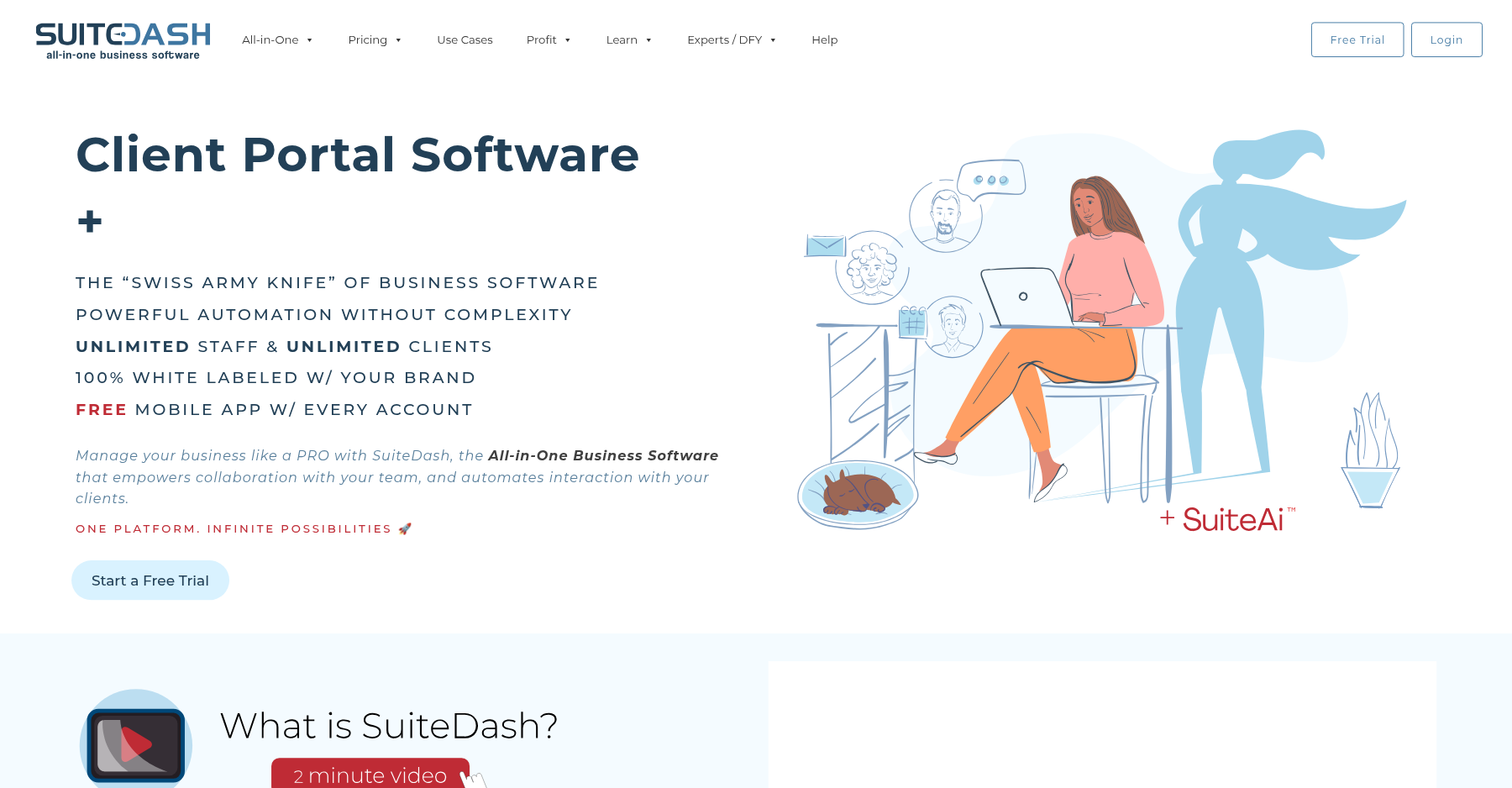
On paper it bills itself as an all-in-one client portal, CRM, project management, billing, and LMS replacement: a single login and a single branded portal for every client relationship your agency touches. In practice, SuiteDash is a lot like a Swiss Army knife that someone glued sixteen tools onto — enormously capable, occasionally elegant, and more than a little intimidating when you first open it.
My hands-on verdict is that SuiteDash is the best flat-priced, unlimited-client white-label client portal on the market for consultants and small agencies willing to put in the setup hours. It is not the right call if you want something that looks like Notion or HoneyBook out of the box. Below I break down pricing, real user complaints, the features that justify the hype, and the five dimensions I score it on.
Who is SuiteDash for?
- ✅ Consultants, coaches, and boutique agencies with 10–100 clients who hate paying per-seat SaaS bills.
- ✅ Agencies that want a white-label portal they can hand to end clients without revealing a third-party brand.
- ✅ Teams that need project management, CRM, invoices, and a client portal under one roof and would rather tolerate a steep learning curve than stitch together four tools.
- ✅ Resellers and white-label SaaS operators who want to spin up child accounts under their own brand.
- ❌ Solopreneurs who want a portal that looks beautiful in an hour and never think about configuration again.
- ❌ Businesses that depend on deep native integrations with niche accounting, ERP, or marketing tools beyond what Zapier can bridge.
- ❌ Teams that need a modern, consumer-grade mobile experience — the native app is functional but laggy on large file uploads.
What SuiteDash actually does well
1. Unlimited everything on every plan
This is the headline feature and it is genuinely rare. Every paid tier — even the $19 Start plan — includes unlimited internal users, unlimited client portals, unlimited clients, and white-label branding. Compare that to Dubsado, which charges per seat after the first three, or HoneyBook, which caps team members on lower tiers. For a small agency that hires subcontractors on a whim, the flat pricing is a real financial advantage that compounds as you grow.
2. FLOWs automation (Pinnacle plan)
The FLOWs builder is where SuiteDash earns its keep once you pass the learning hump. You can trigger multi-step sequences when a client signs in, submits a form, pays an invoice, or completes a milestone — and chain internal task assignments, email sends, and status updates. It is not as polished as Zapier’s visual editors, but it stays inside the platform and triggers on events Zapier often misses, like a client marking a task complete.
3. Client portal with zero client logins required
SuiteDash lets clients interact through a branded portal without forcing them to create a separate password — they click a magic link you send. Onboarding friction is dramatically lower than SharePoint-based portals, and clients consistently tell me in follow-up calls that they actually log in, which is the whole point. You can toggle what each client sees per project, so a marketing client never stumbles into your bookkeeping workspace.
4. Native billing, proposals, and e-signature
Unlike most client portals that bolt on Stripe links and call it invoicing, SuiteDash ships with recurring subscriptions, one-off invoices, proposal templates, acceptance tracking, and built-in DocuSign-style e-signatures. You can run a small agency entirely out of SuiteDash and ditch QuickBooks GoPayment, PandaDoc, and HelloSign for most day-to-day work. The Pinnacle tier adds help-desk ticketing and an LMS, which is closer to a mini-Kajabi.
5. White-label mobile app and custom domain
On the Pinnacle plan, SuiteDash generates a branded iOS/Android app under your own company name, complete with your icon and splash screen. That is a feature most competitors reserve for enterprise contracts five figures deep. Combined with a custom domain on the portal, your clients genuinely believe the portal is your own product rather than a SaaS embed.
SuiteDash pricing, decoded
SuiteDash uses three core tiers plus a few specialty packages. All plans bill monthly or annually (annual saves roughly two months), and all include unlimited staff, unlimited clients, and white-label branding.
| Plan | Price | What You Get |
|---|---|---|
| Start | $19/mo | Unlimited users & clients, basic portal, CRM, file sharing |
| Thrive | $49/mo | Everything in Start + FLOW automation, proposals, e-signatures |
| Pinnacle | $99/mo | Everything in Thrive + white label, custom domain, advanced branding |
The Start plan ($19/month monthly, $180/year) gives you the core portal, CRM, project tasks, and 100 GB of storage. It is ideal for a solo consultant who just needs a branded file-sharing and invoicing hub. The Thrive plan ($49/month, $480/year) adds FLOWs automation, proposals, e-signatures, and email marketing blasts — this is the tier most small agencies actually end up on. The Pinnacle plan ($99/month, $960/year) unlocks the custom domain, white-label mobile app, LMS, help desk, and priority support.
There are also lifetime “Century” deals ($2,240–$6,840 one-time) and the odd SuiteDreams package ($1,499 once + $49/month forever) if you want to lock in pricing. A 14-day free trial on Pinnacle requires no credit card, which I appreciate. Compare this to Clinked, whose entry-tier pricing starts around $95/month for a fraction of the feature depth, and SuiteDash looks aggressively cheap.
Pros and cons, from real users
Pros
- ✓ Unlimited users and clients on every flat-priced plan — rare in this category.
- ✓ Genuinely all-in-one: CRM, projects, billing, proposals, e-sign, LMS, help desk in one login.
- ✓ White-label branding, custom domain, and branded mobile app even on mid-tier plans.
- ✓ Value-for-money rated 4.9/5 across 633 Capterra reviews.
- ✓ Responsive support team that frequently jumps on live calls to help with setup.
Cons
- ✗ Steep learning curve — reviewers report 20+ hours before trusting it with paying clients.
- ✗ Interface and templates feel dated; reviewers call it 'cluttered, outdated, overwhelming' (G2).
- ✗ Slow page loads: 'REALLY slow (takes about 5 seconds to switch views/pages)' (Capterra).
- ✗ Thin native integrations — most non-supported tools require Zapier.
- ✗ Mobile app lags on large file uploads; occasional performance issues on complex accounts.
The recurring praise on Capterra (4.8/5 across 633 reviews) centers on value for money (4.9/5) and customer service (4.8/5). Reviewers repeatedly mention that support replies within hours and that the team actually watches recordings of your setup sessions.
The recurring complaints are just as consistent. On Capterra, one verified user wrote: “First of all, it is REALLY slow (takes about 5 seconds to switch views/pages) for a CRM.” On AppSumo, a long-time software buyer said: “I bought suitedash yesterday around noon, by 8pm I was so frustrated and still having difficulty doing minor things.”
Another AppSumo reviewer called the file system “very confusing and fragmented,” and G2 reviewers routinely describe the interface as “cluttered, outdated, and overwhelming.” These are not edge-case complaints — they show up in roughly a third of the critical reviews I read.
Verdict: Is SuiteDash worth it in 2026?
Bottom line: Buy it if you’re a consultant or small agency that wants one flat-priced tool to replace five subscriptions; skip it if you’d rather log in to a beautiful product on day one than invest 20+ hours in setup.
The best flat-priced, unlimited-client all-in-one portal for small agencies — if you're willing to spend the setup hours.
Yes — if you are the kind of operator who enjoys assembling systems. SuiteDash is the rare product that genuinely replaces four or five subscriptions for under $100/month, and the unlimited-seats model means your bill does not balloon the moment you hire your second subcontractor. The flip side is that you will spend 15–25 hours in the SuiteDash Academy before the tool feels like yours, and the UI will never win a design award.
If you want something that is pretty on day one, look at HoneyBook or Kitchen.co. If you’re a solo operator still testing the waters, Ahsuite starts free and needs almost no setup.
If you want a flat-priced, white-label, all-in-one operating system for a small agency and you are willing to earn it, SuiteDash is the best value in the category — and Clientally is the leaner budget pick if you mainly need a portal plus billing. For the full landscape, browse our roundup of the best client portal software. I score it 4.6/5: held back by the learning curve and dated interface, dragged forward by unbeatable pricing and feature depth.
Frequently asked questions
Is SuiteDash really unlimited clients and users?
Yes — this is the whole pitch. Every paid plan includes unlimited internal team members, unlimited client portals, and unlimited external clients. The only things that scale by tier are storage (100 GB on Start, 500 GB on Thrive, 2 TB on Pinnacle) and FLOWs automation volume on the lower plans.
Does SuiteDash have a free trial?
Yep — you get a full 14-day trial on the Pinnacle plan, and they don’t ask for a credit card up front. When the trial ends, you can downgrade to Start or just keep riding Pinnacle. Just know there’s no forever-free tier, which is where Ahsuite pulls ahead.
How hard is it to set up SuiteDash?
Budget 15–25 hours to set up portals, permissions, FLOWs, and invoice templates the way most agencies want them. G2 and AppSumo reviewers keep calling the learning curve steep — and SuiteDash even sells paid “Wizarding Sessions” if you want a human to walk you through it.
What integrations does SuiteDash support?
Out of the box, you get Stripe, PayPal, Zoom, QuickBooks, and Google Workspace — plus a handful of others. Anything beyond that routes through Zapier or webhooks, which is the integration gripe I see most on G2.
Is SuiteDash better than Clinked or Ahsuite?
On raw features and flat pricing, SuiteDash wins. Clinked is the stronger pick for enterprise security and compliance, and Ahsuite wins on ease of use and a generous free tier. Pick SuiteDash if you want one platform to run your whole service business; pick the others if you just need a portal, not a full operating system.
About the Author