The Short Version
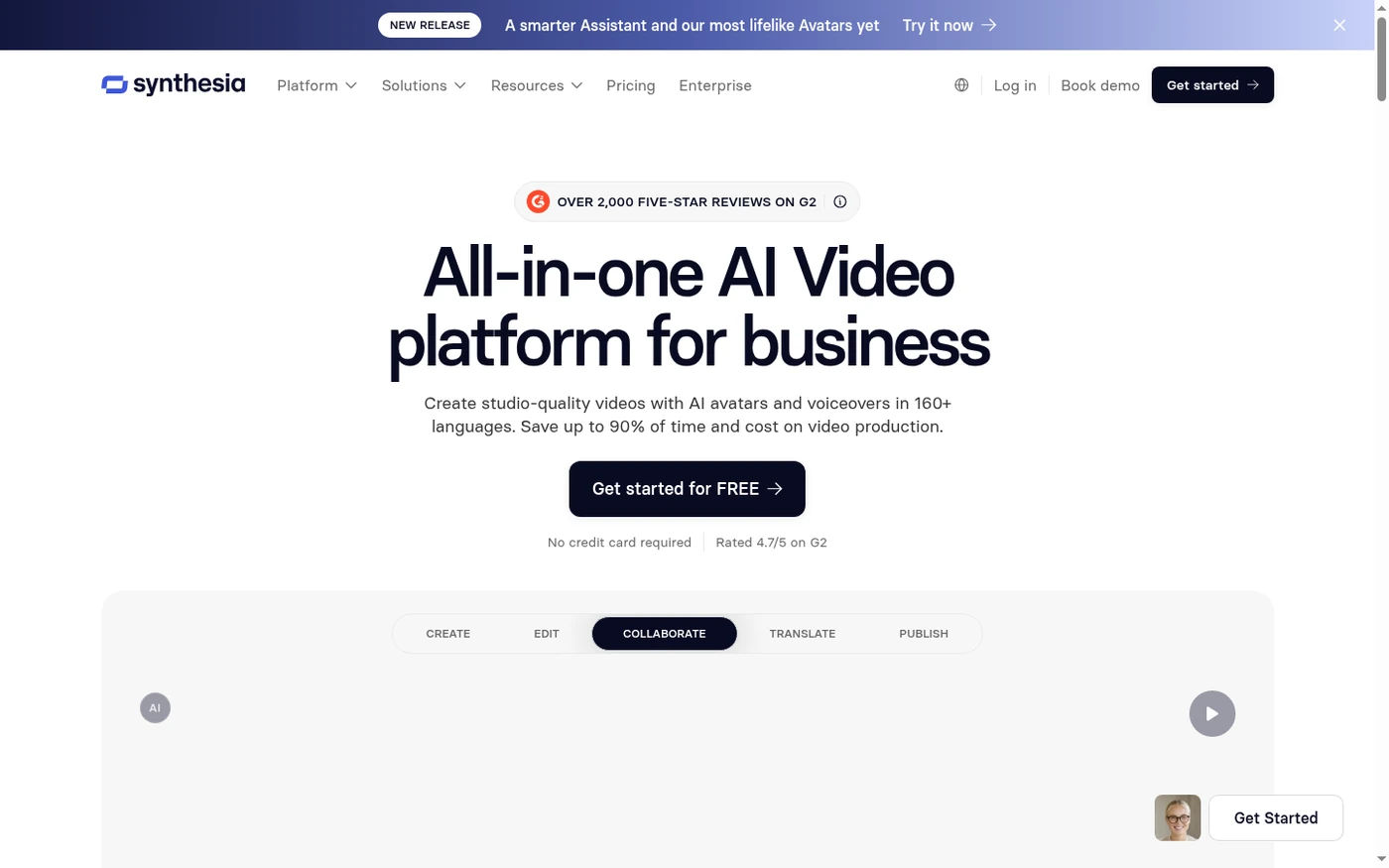
I’ve tested Synthesia on and off since it was a rough browser demo, and in 2026 it is the most “grown-up” AI avatar video platform on the market. It is also the most obviously corporate. If your mental model is a creative TikTok machine, you will be underwhelmed. If your mental model is “I need to ship 40 localized compliance videos to 12 countries without booking a studio,” Synthesia is exactly what you want.
The product has two halves that work very differently. The first half is genuinely excellent: pick an avatar, paste a script, drop in slides or stock media, and you get a clean, professional talking-head video in Full HD. The one-click translation into 80+ languages with accent preservation is still the best localization workflow I’ve used, and the editing model only charges you for the new seconds you change, which avoids the credit-punishment I see competing tools inflict.
Where Synthesia loses half a point is not in the demo but in the everyday friction. The editor is intentionally simple, which means you won’t find a real multi-track timeline, granular transitions, or audio mixing. More importantly, a sizable cluster of G2 and Capterra reviewers describe content moderation that feels inconsistent and opaque: videos approved one week, flagged the next, with an appeal process that can feel like a black box. For most marketing and training teams this won’t bite. If your content touches health, finance, politics, or anything sensitive, read the fine print before you buy.
Who This Is For (and Who Should Skip)
Synthesia is a focused tool, and it rewards users who fit its sweet spot. It punishes those who don’t.
- ✅ L&D and HR teams shipping training at scale The SCORM export, brand kits, and one-click localization were built for you. This is the platform’s home turf.
- ✅ Global marketing and comms teams If you need the same explainer in 15 languages with preserved voices and accents, nothing else does it as cleanly.
- ✅ Non-technical people who need a professional result fast No camera, no crew, no editing degree. Paste a script and get a presentable MP4.
- ❌ Creators who want snappy social or cinematic control The avatars skew formal and corporate, the editor is shallow, and gesture/emotion range is limited. You’ll outgrow it.
- ❌ Budget solo users and sensitive-content verticals The jump from Creator to Enterprise is steep, and healthcare, biotech, or financial-content creators have repeatedly reported stock-avatar restrictions that push them toward a costly custom-avatar add-on.
Score Breakdown
What Actually Matters: Features, Reviewed
Every AI video site lists the same features on its marketing page. Here are the ones that actually moved the needle in our testing, for better and worse.
🎬 The avatar library and custom on-brand avatars
This is Synthesia’s crown jewel. The 180+ stock avatars on the Creator plan look composed, well-lit, and professionally presented rather than uncanny. You can customize outfits and environments, and the lip-sync is solid enough that viewers rarely break immersion in a 90-second explainer. The trade-off, as multiple reviewers note, is that the avatars skew formal and the emotional range is narrow – a tightly scripted training video shines, but a passionate pitch can feel monotone. Creating your own personal avatar is included on annual paid plans, while the premium Studio Express avatar is a $1,000/year add-on that can take up to 10 days to process.
🌐 One-click translation and AI dubbing
This is the workflow that justifies the price for global teams. You build a video once, then translate it into 80+ languages in one click, and the dubbed version preserves the original speaker’s voice, accent, and tone while matching mouth movements. The accent preservation for regional variants – Spanish (Mexico) vs. Spanish (Spain), Portuguese (Brazil) vs. Portugal – is genuinely well done. The catch is credits: dubbing uses a separate credit allowance, and matching mouth movements doubles credit consumption, so localization at volume adds up quickly.
✏️ The editing model that only charges for changed seconds
This is the detail that separates Synthesia from its competitors and it deserves more attention. When you edit an existing 1-minute video and change only 3 seconds, Synthesia re-renders only those 3 seconds and bills only for the new seconds. That sounds minor until you’ve watched a competitor charge you the full video length every time you fix a typo. Combined with bulk editing across an entire video, this makes iteration cheap and fast – a real advantage for teams that revise content constantly.
🚫 Content moderation – the elephant in the room
I can’t write an honest Synthesia review without addressing this, because it dominates the negative-review thread. The system flags videos for review before they render, and a consistent number of users report that what is flagged feels subjective: a video approved one day may be flagged after a minor edit, with vague explanations and no transparent appeal. Several reviewers in healthcare and biotech say stock avatars are prohibited for anything resembling medical content, pushing them toward the costly custom-avatar tier. For generic marketing and training this is usually a non-issue, but it is the one risk I would validate with a free test before committing.
What Real Users Actually Say
I read through dozens of verified reviews on G2 and Capterra to separate marketing copy from ground truth. Synthesia sits at 4.6 on Capterra (314 reviews) and around 4.7 on G2. Here’s what the verified users say.
The Good
“Overall, I was really impressed with how granular and detailed the tool was. Every aspect of my training was customizable. I was able to roll out a professional and polished product to the entire company within a fraction of the time it would normally take to produce.”
– People Operations Specialist II, verified review on Capterra
“We are able to create high-quality videos that fit our specific needs quickly and efficiently. These videos can then be translated into any language, which greatly expands the audience of our videos to match the global nature of our company.”
– CEO, Health and Wellness, verified review on Capterra
The Complaints
“The voices can still sound a bit robotic on longer narrations or when I need nuanced emotion. The built-in editor is intentionally simple, which means limited timeline control, transitions, and audio mixing; for anything beyond straightforward cuts and captions, I often finish in another NLE.”
– Marketing Director, verified review on Capterra
“The time between creating a video and it being rendered by Synthesia and ready for use can take minutes, but sometimes it can take hours, if it is being moderated.”
– Verified E-Learning user, verified review on G2
User feedback sourced from G2 and Capterra reviews.
Pricing: Every Plan, Laid Bare
Synthesia uses a subscription model with a free entry tier and four paid rungs. It is not cheap, and the biggest decision most teams face is whether the Creator plan is enough or whether they need to jump straight to Enterprise. Here is the honest breakdown of current public pricing (USD).
| Plan | Price | What You Get |
|---|---|---|
| Basic (Free) | $0, no credit card | ~10 min video/month (36 min/year cap), 9 AI avatars, 1 editor, 160+ languages, 720p preview with Synthesia branding, no Full HD download, no watermark removal. Best for a single test video only. |
| Starter | $29/month (~$22/mo billed annually, $264/yr) | 10 min video/month (120 min/year), 1 editor + 3 guests, 125+ avatars, 3 personal avatars, Full HD 1920x1080 MP4 download, Synthesia logo removed, AI Dubbing (48 min/mo), AI Video Assistant, chat/email support. |
| Creator | $89/month (~$67/mo billed annually, $804/yr) | 30 min video/month (360 min/year), 1 editor + 5 guests, 180+ avatars, 5 personal avatars, API access, branded video pages, multiple avatars per scene, interactive videos, AI Dubbing (140 min/mo), priority chat/email support. |
| Enterprise | Custom pricing (annual) | Unlimited video minutes, 240+ avatars, unlimited personal avatars, SAML/SSO, live team collaboration, brand kits, SCORM export, 1-click translation into 80+ languages, dedicated CSM, SOC 2/GDPR. |
| Add-on | $1,000/year | Studio Express-1 premium avatar (annual plan users only; up to 10 days to process). |
The per-minute math tells the story. At the Starter tier you’re paying roughly $2.90 per exported video minute, and at Creator closer to $3.00 per minute once you account for the higher base. That is expensive next to Fliki or even HeyGen, but it buys a corporate-grade workflow, SCORM, and localization that those tools don’t match. Most small teams and individuals land on Starter; teams that need API, brand pages, or multiple avatars per scene need Creator. The real cost trap is the Creator-to-Enterprise leap – there is no mid-tier, and reviewers repeatedly say the gap is “unreasonable” for mid-size companies. If you exceed your limit, you are capped until renewal rather than billed for overage, so plan your monthly minutes carefully.
The Unfiltered Pros & Cons
Pros
- ✓ Most polished, credible corporate avatars on the market
- ✓ One-click localization with preserved voice and accent, best-in-class
- ✓ Edit-and-recharge model bills only changed seconds, not the full video
- ✓ Enterprise-ready: SCORM export, brand kits, SSO, LMS integration
- ✓ Genuinely easy for non-technical users to learn quickly
Cons
- ✗ Shallow editor - no real timeline, weak transitions and audio mixing
- ✗ Content moderation feels inconsistent and is a recurring complaint
- ✗ Steep, ungraded jump from Creator to Enterprise pricing
- ✗ Avatars sound flat and robotic on longer, emotional narrations
- ✗ Render queues and moderation delays can stretch minutes into hours
Final Verdict
Synthesia is still the safest bet if your job is turning boring internal decks into polished, on-brand presenter videos at scale. The avatars look the part, the localization workflow is best-in-class, and it handles compliance-heavy L&D teams better than anyone. But the editor is deliberately shallow, pricing jumps hard between Creator and Enterprise, and its content moderation is the single most common complaint I read in real user reviews.
If your videos are internal training, compliance, onboarding, or multi-language comms, buy the Starter or Creator plan and stop shopping. You will get clean, professional results in a fraction of studio time, and the localization workflow alone justifies the subscription. The editor’s limitations won’t matter because you’re building structured, presentation-style content, not cinematic pieces.
Skip it if you’re a solo creator chasing expressive social videos, or if your content regularly brushes up against sensitive verticals. In those cases the editor will feel too thin, the avatars too formal, and the moderation risks too real. For everyone in the middle – the organizations that need to look professional at scale – Synthesia earns its 4.5.
Frequently Asked Questions
Is Synthesia free to use?
There is a free Basic tier that lets you generate a test video with no credit card, but it caps you at roughly 36 minutes of video per year, shows Synthesia branding, and does not include Full HD downloads or watermark removal. It is a trial, not a usable free plan.
Can I use Synthesia videos commercially?
Yes. Paid Starter and Creator plans include commercial usage rights and remove the Synthesia logo. The free tier is for evaluation only. SCORM and LMS distribution for paid training content is supported on paid plans, with full enterprise rights on Enterprise.
How many languages does Synthesia support?
The platform offers 160+ languages and voices, and one-click video translation into 80+ languages on Enterprise. AI dubbing can preserve the original speaker’s voice, accent, and tone, with mouth-matching on translated audio.
What happens if I run out of video minutes?
Your usage is capped until your billing cycle renews; Synthesia does not silently bill overages. You can upgrade your plan at any time to get more minutes immediately, and edits to an existing video only charge you for the new seconds you change.
About the Author