The Short Version
Pictory is built around one job: take your words and make them move. Paste a script, drop in a blog URL, or upload a long recording, and it assembles a video with stock footage, captions, and a voiceover. It’s the tool I reach for when I need a first cut of a weekly YouTube short or a LinkedIn clip fast, not when I need a polished brand spot.
After a few weeks of pushing it through real content work, the picture is consistent. The text-to-video and “edit video using text” features genuinely save hours. Where Pictory gets exposed is in the details: the AI’s scene matching is often literal rather than clever, the standard voices flatten a sentence into monotone, and the cheapest plan stops at 720p export. You can ship something acceptable in 15 minutes, but it usually needs a pass in a real editor before it’s brand-ready.
The bottom line: if your workflow is “content out, fast, lots of it,” Pictory earns its keep. If you care about frame-accurate editing, distinctive visuals, or lifelike presenters, you’ll outgrow it within a month or two.
Who This Is For (and Who Should Skip)
Pictory sharpens a lot of common video jobs, but it isn’t for everyone. Here’s how I’d sort it.
- ✅ Bloggers and SEO content teams Turn an existing article into a narrated video with captions and a relevant stock bed without hiring an editor.
- ✅ Marketers repurposing long recordings The “edit video using text” tool pulls highlights from a webinar or podcast and lets you cut filler by deleting words. That alone is worth the subscription for some teams.
- ✅ Faceless creators on a budget With 18 million Getty and Storyblocks assets and ElevenLabs voices on Professional, you can run a faceless channel without a camera or a studio.
- ❌ Motion-graphics and brand-agency work There’s no timeline, no keyframing, and no fine animation control. If clients expect bespoke visuals, this will frustrate you.
- ❌ Buyers expecting a Synthesia-class avatar experience Avatars are an add-on with limited credits. This is not a dedicated talking-head platform, and the avatars show it.
Score Breakdown
What Actually Matters: Features, Reviewed
Every AI video tool lists the same buzzwords. Here’s what we actually noticed after using Pictory for real content work, not a demo.
📝 Text-to-video and blog-URL-to-video
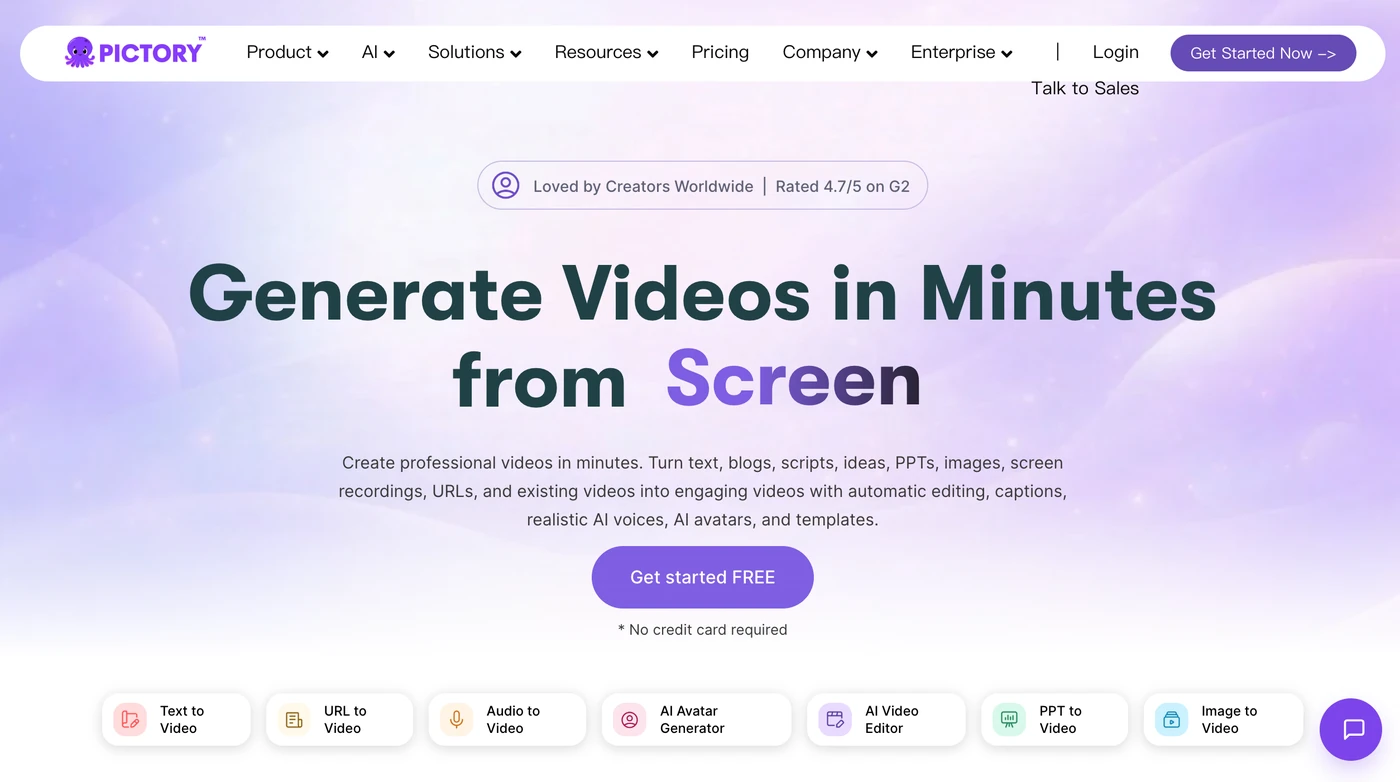
This is Pictory’s heart. Paste a script or a blog post URL and it splits your text into scenes, drops in matching stock clips, lays captions, and adds a voiceover. In our testing a first draft landed in under three minutes, and it was roughly 70% usable. The catch is scene matching: when you say “a lean year,” it sometimes grabs footage of an actual lean person. Expect to swap a handful of clips by hand. The captions and auto-cuts are good enough that you rarely restart from scratch.
✏️ Edit video using text
This is the feature I’d pay for alone. Upload a long recording and Pictory transcribes it; you cut the video by deleting words from the transcript, and the audio drops out in sync. It also auto-finds highlights. For pulling a 60-second clip from a 40-minute webinar, it cut our editing time from about an hour to ten minutes. It’s less reliable on fast talkers or heavy accents, and it won’t fix clumsy transitions, but for long-form repurposing it’s genuinely useful.
🎤 Stock assets and AI voices
Professional and Team plans unlock 18 million clips from Getty and Storyblocks, which is a real upgrade over the 5 million on Starter. The stronger move is the ElevenLabs integration: 120 minutes a month on Professional, 240 on Team. Those voices are noticeably more natural than the bundled standard ones, which can sound flat. You can also upload your own voiceover and have it auto-synced, plus clone your voice on Professional and up. Voice cloning and custom avatars are gated behind Pro, which is fair but worth knowing before you subscribe.
🏈 Brand kits and PowerPoint-to-video
Brand kits lock in your logo, colors, fonts, and intro/outro so a team’s output doesn’t look scattered. Starter gives you one kit, Professional five, Team ten. PowerPoint-to-video converts decks into narrated slideshow videos (100 slides a month on Professional, 300 on Team), which is handy for training decks but won’t win awards for visual flair. The export resizes cleanly for 16:9, 9:16, and 1:1, so a single cut can feed YouTube, Shorts, and Instagram.
What Real Users Actually Say
We read through G2 and Capterra reviews so you don’t have to. The praise and the complaints both cluster in predictable places.
The Good
“It’s easy to use, and the outcome is very nice many people have complimented me on my videos.”
— Verified review on Capterra, 5-star rating
“It has completely changed how I create content for my YouTube channel.”
— Verified G2 reviewer, 5-star rating (blog-to-video workflow)
The Complaints
“I am facing issue for more than 24 hours no revert or help provided.”
— Director in Product at a media production company, 1-star review on Capterra
“I still want to be able to easily add my voice as one of your AI voice choices.”
— Verified Capterra reviewer, noted as a drawback despite an otherwise positive rating
User feedback sourced from G2 and Capterra reviews.
Pricing: Every Plan, Laid Bare
Pictory sells itself as flexible, and the minute allowances are genuinely generous compared with competitors. The catch is billing structure: monthly plans cost roughly 40% more, and the cheapest paid plan exports at 720p. There’s no refund on paid subscriptions, though the 14-day trial and free cancellation of renewal soften the blow.
| Plan | Price | What You Get |
|---|---|---|
| Free Trial | $0 (14 days) | 15 video minutes, 3 video projects, 720p max resolution, basic AI tools. Evaluation only; downloads removed after cancellation. |
| Starter | $25/mo billed annually ($29/mo monthly) | 1 user; 2,400 minutes/yr (200/mo); 5 GB storage; 1 brand kit; 60 min ElevenLabs voices; 5M Getty/Storyblocks assets; ~100 AI credits/mo; no watermark; 720p max export; email support. |
| Professional | $35/mo billed annually ($59/mo monthly) | 1 user; 7,200 minutes/yr (600/mo); 20 GB; 5 brand kits; unlimited standard voices; 120 min ElevenLabs; 18M assets; ~500 AI credits/mo; custom avatars, voice cloning, long-video summarization; 1080p export; priority support. |
| Team | $119/mo billed annually ($199/mo monthly) | 3+ users; 21,600 minutes/yr (1,800/mo); 100 GB; 10 brand kits; 240 min ElevenLabs; ~2,400 AI credits/mo; shared team workspace, onboarding and training; 1080p export. |
| Enterprise | Custom (from ~$975/mo) | 10+ users; custom minutes, storage and AI credits; SSO; SCORM/LMS-ready export; dedicated success manager; custom-built templates; done-for-you video creation. |
Do the per-minute math and Professional is the sweet spot: $35 a month for 600 export minutes works out to a few cents a finished minute, which beats any freelance editor by a wide margin. But know two traps before you commit. First, Starter’s 720p ceiling is a real limitation in 2026, so don’t treat it as a “professional” entry point. Second, minutes only move when you export, they don’t roll over month to month, and unused projects are wiped if you cancel. For an individual creator who exports a handful of videos a week, Professional annual is the plan that actually fits.
The Unfiltered Pros & Cons
Pros
- ✓ Blog/script-to-video produces a usable first draft in minutes
- ✓ "Edit video using text" is a genuine time-saver for long recordings
- ✓ Generous export minutes at the Professional tier
- ✓ ElevenLabs voices and 18M stock assets lift the output well above basic AI tools
- ✓ One workflow exports to 16:9, 9:16, and 1:1 for multi-platform distribution
Cons
- ✗ Starter plan caps exports at 720p, which looks dated for YouTube and social
- ✗ AI scene matching is sometimes literal and picks awkward, mismatched clips
- ✗ No timeline editor; complex edits require workarounds or another tool
- ✗ Rendering slows noticeably under load, with wait times climbing during peak hours
- ✗ Support is inconsistent and refunds aren't offered on paid subscriptions
Final Verdict
Pictory is the fastest way I've found to turn a blog post, script, or long recording into a rough-cut video in minutes. The trade-off is real: the AI picks generic stock footage, the voices can sound robotic, and Starter tops out at 720p. It's a repurposing workhorse, not a creative studio.
If your honest goal is volume over craft, Pictory will save you more than its subscription cost in editing time. The text-based editor and blog-to-video pipeline are the two features that justify the price on their own, and the bundled stock and voice libraries mean you won’t be paying for extras out of the gate. It is not, however, a replacement for a motion designer or a talking-head avatar platform.
My recommendation: start on the 14-day trial, then move to the Professional annual plan if you’re an individual creator. The 1080p export, ElevenLabs minutes, and custom avatar access make it the first tier that actually matches the marketing. Skip Starter if you plan to publish anywhere that shows your pixels. Teams should evaluate Team only once they’re sharing projects across more than two people.
Frequently Asked Questions
Is Pictory good for beginners?
Yes. The whole interface is built around a “pick an input, paste your text, accept a draft” flow, and our testers produced their first usable video without reading a manual. The lack of a timeline is a feature here, not a bug, because there’s nothing to learn.
Does Pictory put a watermark on videos?
Paid plans ship with no watermark. The free trial is evaluation-only and you should download anything you want before cancelling, since projects are deleted from the platform when an account closes.
Can I use Pictory videos commercially?
Yes. The stock clips, music, and voices are already licensed by Pictory, so you don’t owe royalties on finished videos you publish, as long as you’re on a paid plan.
Which Pictory plan should I buy?
Most solo creators should skip Starter because of its 720p export limit and start on Professional annual, where 1080p, ElevenLabs voices, and custom avatars unlock. Teams of three or more move to Team for the shared workspace; Enterprise only makes sense once you need SCORM and SSO.
About the Author