The Short Version
InVideo is the social-media factory of AI video tools. It pairs a huge, well-designed template library with a text-to-video agent that takes a prompt and returns a cut with footage, voiceover, and captions. If you run ads or post to Reels, TikTok, or Shorts several times a week, it’s one of the most productive single tools you can put in the stack.
The honest caveat is the credit system. Generation isn’t unlimited; it’s metered. When the AI misreads a prompt, drops in mismatched visuals, or makes a typo in a text overlay, you still pay for the attempt. Across our testing and the wider review footprint, that’s the single most common complaint, and it’s serious enough that I’d never recommend InVideo to someone who needs predictable, per-video cost. The editor itself is solid and the templates are the real differentiator.
If you’re a marketer or creator who iterates fast and can tolerate the occasional wasted generation, InVideo punches above its price. If you need deterministic output or a tight monthly budget, the credit model will wear on you.
Who This Is For (and Who Should Skip)
InVideo is a broad tool, but it’s not equally suited to every use case. Here’s the quick filter.
- ✅ Social media marketers and ad buyers The template library and fast prompt-to-video flow are built for churning out variations of Reels, ads, and promo clips quickly.
- ✅ Solo creators who want a polished look without After Effects The editor is approachable, and the branded template starting points skip the blank-canvas problem.
- ✅ Teams that need iStock footage bundled in Paid tiers include monthly iStock clip allowances, so you’re not stitching together a separate stock subscription.
- ❌ Buyers who need predictable per-video cost The credit model means a tricky prompt can quietly cost you extra, and failed generations don’t refund.
- ❌ Editorial or documentary work needing tight control Reviewers consistently note limited editorial control and inconsistent coherence on anything beyond marketing content.
Score Breakdown
What Actually Matters: Features, Reviewed
Plenty of tools claim “text to video.” What separates InVideo is the starting points and the editor you drop into. Here’s what held up.
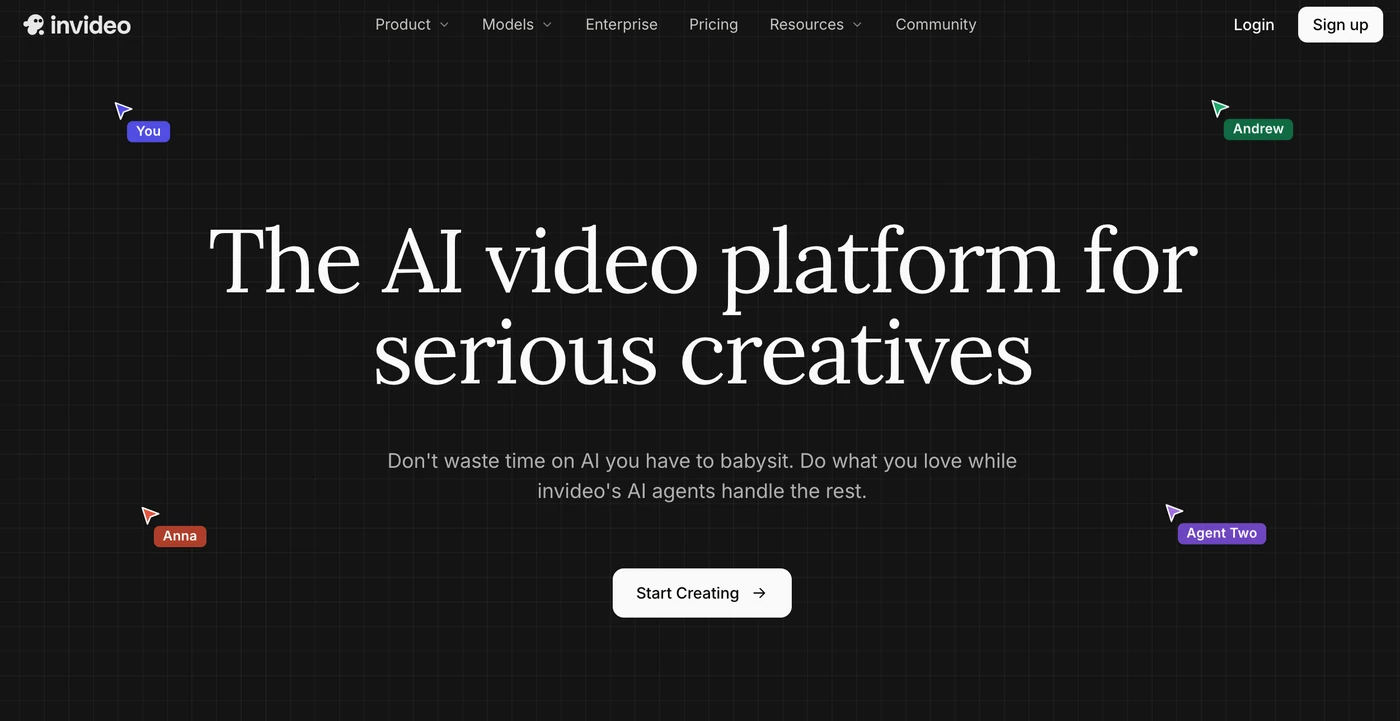
🎬 The template library
This is the feature that keeps people subscribed. InVideo ships hundreds of high-quality, on-trend templates for ads, social posts, explainers, and presentations, each laid out so you swap text and footage rather than design from scratch. In our testing a finished ad-style video took about five minutes from template to export. The downside, which reviewers also flag, is that enough people use the same templates that output can start to look familiar. The fix is to customize colors, swap stock, and add your own clips.
🤖 Prompt-to-video agent
Type what you want and InVideo’s agent writes a script, assembles scenes with footage, adds a voiceover and captions, and hands you an editable cut. It’s fast and surprisingly good for short social clips. The catch is consistency: on complex or specific prompts it produced mismatched visuals, blank color screens, and typos in on-screen text, and each regeneration spent more credits. Treat it as a starting draft, not a finished product, and budget for a cleanup pass.
🎥 iStock bundles, voice clones, and resolution tiers
Paid plans bundle monthly iStock clip allowances, which is a real cost saver if you’d otherwise buy stock separately. Plus adds two voice clones and 1080p export; Max raises that to five voice clones, 4K, and API access. The free plan is genuinely a trial tier: 720p, a visible watermark, and no commercial usage rights. On paid plans the export screen gives separate switches to remove the watermark, strip InVideo branding, and bump resolution, which is the right way to do it.
⏱ The credit economy, honestly
This deserves its own card because it determines whether InVideo is a deal or a money pit. Generation is metered in credits that reset monthly and don’t roll over. The documented problem is that credits are consumed even when the output is unusable, and there’s no credit-back for a bad generation. In practice that means a prompt that needs three or four attempts can eat a week’s allowance. Factor in your iteration rate before you pick a tier: if you regenerate often, the higher credits on Max are not optional.
What Real Users Actually Say
We pulled verified reviews from Capterra and G2. The enthusiasm is real, and so is the frustration with billing.
The Good
“InVideo is an incredibly easy and efficient tool for creating professional-looking videos in minutes. The interface is intuitive, the templates are high-quality, and the AI features save a ton of time. Whether I’m making short-form content or longer videos, the workflow is smooth and reliable.”
— Verified review on Capterra, 4-star rating (content creator)
“It provides its users with an AI-assisted video creation platform, allowing them to generate videos from text or a script. Apart from that, it is easy to use, even for people with limited experience. Moreover, it includes a wide range of templates for advertisements, social media, presentation slides, promotional videos, and explainers.”
— Marketing Executive Intern at Hackett & Hackett International Group, verified review on Capterra
The Complaints
“By the time I realized the cost implications of the corrections and script adjustments, I had been charged over $250.”
— Joseph H., Business Owner, verified review on Capterra
“Predatory credit trap. Zero output. Absolute waste of money… The AI burns 100% of your monthly credits on useless internal ‘prep work’ and loop questions, leaving you with ZERO finished video.”
— Verified review on Capterra, 1-star rating (September 2026)
User feedback sourced from G2 and Capterra reviews.
Pricing: Every Plan, Laid Bare
InVideo’s pricing looks approachable on the surface, but the credit model is the real story. The free tier is evaluation-only, and every paid plan trades a little more money for a little more headroom against wasted generations. Expect to pay for annual billing to get the quoted rates.
| Plan | Price | What You Get |
|---|---|---|
| Free | $0 | ~10 AI generation minutes/week; 4 exports/week; 720p; visible InVideo watermark; limited templates and stock; no commercial usage rights. |
| Plus | ~$20/mo ($17/mo billed annually, ~$200/yr) | ~50 AI minutes/month (~75 credits); 1080p export; watermark removed; ~80 iStock clips/month; 2 voice clones; commercial license; 100 GB storage. |
| Max | ~$100/mo (~$85/mo billed annually, ~$1,000/yr) | ~200 AI minutes/month (~390 credits); 4K export; ~320 iStock clips/month; 5 voice clones; API access; priority rendering. |
| Generative | ~$250/mo | Top-tier credit volume and advanced generative models for teams producing at scale; built for agencies and high-volume content operations. |
The headline prices are reasonable, but read the fine print. Credits don’t roll over, iStock allowances reset monthly, and failed generations still consume credits. That means the effective cost of a finished video depends heavily on how many attempts it takes. For a casual creator, Plus is the right entry; for anyone who iterates on prompts, Max’s larger credit pool is what actually keeps you out of surprise charges. And don’t rely on the advertised 7-day guarantee as a safety net: several reviewers reported refunds denied because credits were consumed during the trial itself.
The Unfiltered Pros & Cons
Pros
- ✓ One of the strongest, most on-trend template libraries in the category
- ✓ Fast prompt-to-video that returns an editable draft in minutes
- ✓ Approachable timeline editor that beginners grasp quickly
- ✓ iStock clips bundled into paid plans, saving a separate stock subscription
- ✓ Watermark removal and commercial rights unlock starting at Plus
Cons
- ✗ Credits are consumed on failed or unusable generations with no refund
- ✗ Credits and iStock allowances don't roll over month to month
- ✗ Free tier exports at 720p with a watermark and no commercial license
- ✗ Output can be repetitive or typo-ridden and needs manual cleanup
- ✗ Refund handling is a recurring source of disputes and slow support
Final Verdict
InVideo has one of the best template libraries and fastest prompt-to-video flows in the category, and it's genuinely easy to produce a clean Reel or ad in minutes. The problem is the credit economy: bad generations burn through your allowance with no refund, and that single issue dominates the negative reviews.
If your content is social-first and you produce fast, InVideo is hard to beat on pure output per hour. The template library alone justifies the subscription for many marketers, and the prompt-to-video agent is a solid starting point for short-form. It’s not a precision instrument, though, and treating it as one is how reviewers end up reporting surprise bills.
My recommendation: test on the free tier first to confirm the AI matches your prompt style, then commit to Plus for occasional publishing. If you iterate on multiple prompt variations, move to Max for the larger credit pool rather than buying add-on credits. Skip the free tier for anything you intend to publish, and go in with eyes open: the credit model is part of the product, not a bug to ignore.
Frequently Asked Questions
Is InVideo free to use?
There’s a free plan, but it’s a trial tier: limited weekly AI generation minutes, four exports, 720p resolution, a visible watermark, and no commercial usage rights. It’s for evaluating the tool, not for publishing.
Does InVideo own your videos commercially?
On any paid plan, starting with Plus, you get a commercial usage license and can remove the watermark. The free plan does not grant commercial rights, so don’t use it for client or branded work.
What happens to credits when a generation fails?
Credits are consumed regardless of output quality, and they don’t roll over. This is the most common complaint across G2 and Capterra reviews, so budget for regeneration attempts when you pick a plan.
Which plan should I choose?
Solo creators start on Plus for 1080p, watermark-free exports and commercial rights. High-volume creators and agencies should look at Max for the larger credit pool and 4K; the top Generative tier is really for teams producing at scale.
About the Author