The Short Version
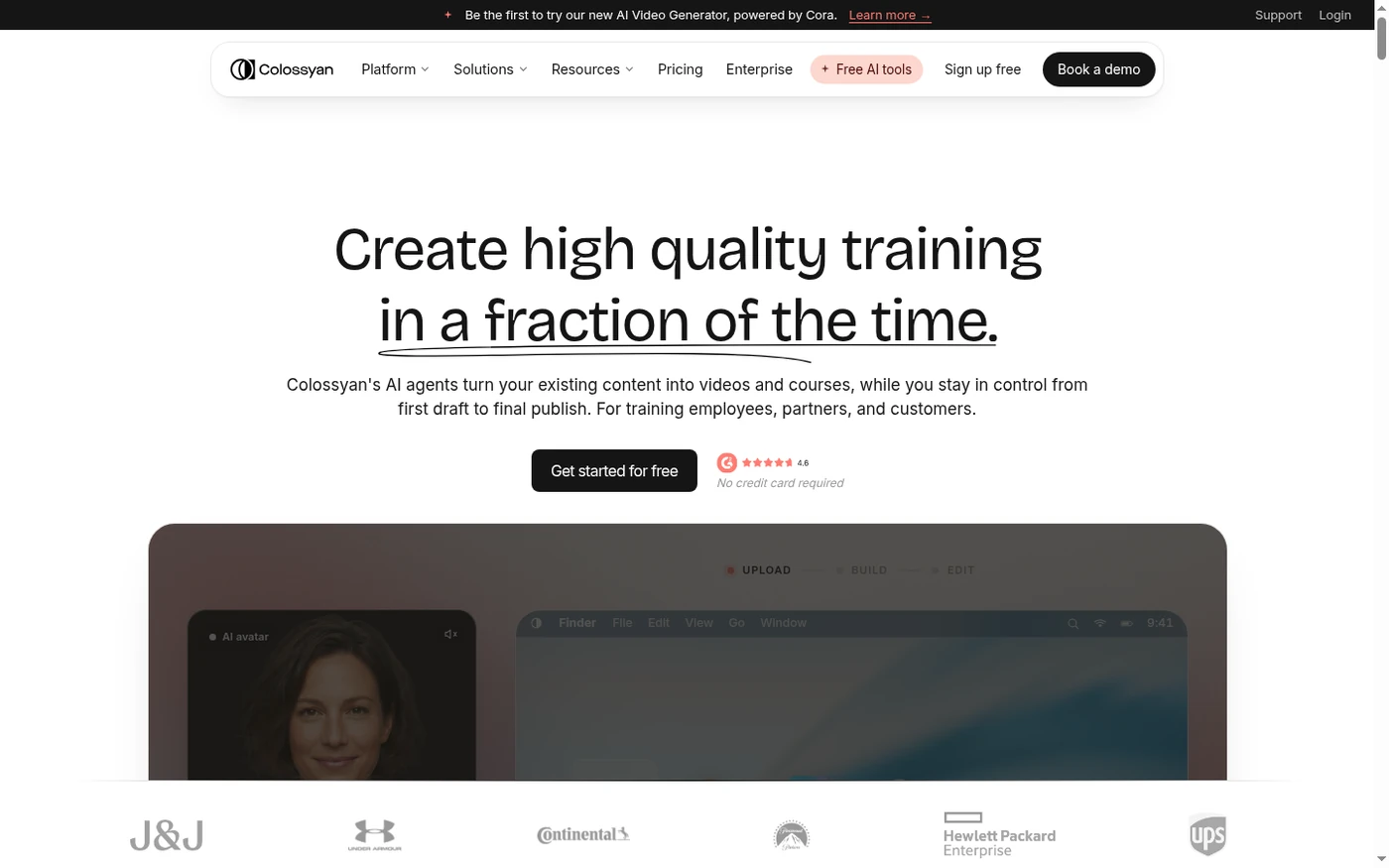
Colossyan sits in the corner of the AI video market that actually pays for itself: corporate training and onboarding. You feed it a script, deck, or document, pick from a library of AI presenters, and get a narrated, slide-style video that drops into an LMS. It’s not trying to be a TikTok factory, and that focus shows.
The avatar quality is the headline. The NEO model presenters have tight lip-sync and natural pacing, and the multi-avatar conversation mode lets you run two presenters in a scene. Add branching scenarios, quizzes, and SCORM export, and you’ve got a real training authoring tool. The weakness is the minutes model: Starter gives you just 15 generation minutes a month, you can’t buy more on that plan, and unused minutes don’t roll over. For a team producing a lot of content, you’ll feel that quickly.
If you’re an L&D person who needs to ship onboarding or compliance videos without a film crew, Colossyan is worth a serious look. If you’re a marketer wanting flashy social ads, you’ll find it too restrained.
Who This Is For (and Who Should Skip)
Colossyan is deliberately narrow. That’s its strength and its limitation.
- ✅ L&D and enablement teams The training-first features, branching scenarios, quizzes, and SCORM export are built for you, not bolted on.
- ✅ Companies replacing filmed onboarding You can spin up a presenter-led course from a deck or document and update single scenes when a process changes.
- ✅ Multilingual training programs Auto-translation into 70+ languages on Business makes localization far cheaper than reshooting.
- ❌ Social marketers and ad creators The templates and output are corporate and slide-driven; it won’t give you the fast, flashy short-form flow of a tool built for Reels.
- ❌ Casual creators on a tight budget At 15 minutes a month on Starter with no top-up option, a couple of long videos can exhaust your allowance.
Score Breakdown
What Actually Matters: Features, Reviewed
Colossyan doesn’t try to be everything. The features it does ship are aimed squarely at training, and that focus is where it wins points.
🎠 AI presenters and conversation mode
The stock avatars look credible in a training context: natural voices, tight lip-sync, and reasonable micro-expressions. They won’t pass for a real human on camera, but they’re convincing enough that learners stop noticing the medium. The more interesting feature is conversation mode, which places two avatars in the same scene with back-and-forth dialogue and natural eye contact. For explaining a process between two roles, it’s more engaging than a single talking head. Custom instant avatars come from a short recording; a higher-fidelity studio avatar is a $1,000-a-year add-on.
📚 Branching scenarios and quizzes
This is what separates Colossyan from a generic avatar slideshow. You can build branching learning paths where a learner’s choice sends them down a different scene, and embed quizzes with pass/fail loops. In our test we built a simple compliance path that looped learners back when they picked the wrong answer, which took under ten minutes. It’s the kind of interactivity that usually needs a full authoring suite, and it’s genuinely useful for onboarding and safety training.
🌐 Document-to-video and auto-translation
Point Colossyan at a PPT or PDF and it drafts a narrated training video scene by scene, which you then edit and approve. That’s a fast path from existing training deck to video. On Business you also get auto-translation into 70+ languages, so a single script can be localized without re-recording. The translation quality is good enough for internal training, though I’d still review technical terminology before publishing to customers.
💼 SCORM export and LMS integration
For a training tool, this is the feature that actually closes the loop. SCORM export with completion and score tracking lands on Business, and you can drop the result straight into an LMS. Enterprise adds SAML/SSO, brand kits, and dedicated support. Embedding on a web page and generating branded share links round out distribution. It’s less of a direct-to-social tool and more of a “ship it into your learning stack” tool, which is exactly the audience it’s built for.
What Real Users Actually Say
We read through G2 reviews of Colossyan. The sentiment is strongly positive, and the recurring compliments match what we saw in testing.
The Good
“The AI technology they’ve built into their software is truly cutting-edge and has significantly improved our new hire training program productivity. The user interface is intuitive and user-friendly, making navigating through the various features easy.”
— Franklina T., HR Project Manager at DSV, verified review on G2
“Surprised by the intuitive, easy tools and number of options to create videos, specially the quality of avatars. 14 days of free trial with access to many features is incredible, and fast and kind support even in the free version.”
— Ricardo P., verified review on G2 (SMB)
The Complaints
“While the core functionality is excellent and the avatar quality is truly top-tier, there is sometimes a lack of fine-grained control over performance nuances.”
— Verified G2 reviewer (SMB), comparing Colossyan to broader avatar tools
“The credit system and formal avatar wardrobe constrain flexibility for smaller teams and casual content.”
— Attributed from verified G2/Capterra feedback on entry-tier limitations
User feedback sourced from G2 and Capterra reviews.
Pricing: Every Plan, Laid Bare
Colossyan undercuts most avatar tools on entry price, but the minutes model is the thing to understand before you buy. Generation minutes are what get consumed, drafts don’t count against you, and unused minutes vanish at the end of the month. On Starter you can’t even buy more, which forces an upgrade if you outgrow it.
| Plan | Price | What You Get |
|---|---|---|
| Free | $0 | ~3 NEO1 minutes/month; 20+ stock avatars; 3-minute max video; 1 instant avatar; Colossyan watermark; 1080p; evaluation only. |
| Starter | $19/mo billed annually ($27/mo monthly) | 1 editor; 15 generation minutes/month; 70+ stock avatars; 3 custom instant avatars + 1 voice; 5-minute max video; watermark removed; 1080p; no minute top-up available. |
| Business | $70/mo billed annually ($88/mo monthly) | Up to 3 editors; unlimited NEO1 minutes plus 10 NEO2 minutes/month; 170+ avatars; 10 custom avatars + 2 voices/editor; 4 interactive (branching/quiz) videos/month; 10 auto-translations; 4K export; 30-minute max video; SCORM-ready workflows. |
| Enterprise | Custom | Custom editors and minutes; 200+ avatars; SAML/SSO; SCORM export; brand kits; unlimited interactivity and translations; dedicated customer success manager. |
The $19 entry price is genuinely competitive, but read it as a toe in the water, not a production plan. Fifteen generation minutes buys you a handful of short videos, and because you can’t top up on Starter, running over means upgrading to Business. Business is where the tool becomes real: unlimited NEO1 minutes, 4K, branching, and SCORM. The studio custom avatar (filmed on a green screen) is a $1,000-per-year add-on on top of your plan. If you’re a single L&D person shipping a few onboarding videos a month, Starter may stretch; a team producing at volume should budget for Business.
The Unfiltered Pros & Cons
Pros
- ✓ Credible presenter avatars with tight lip-sync and natural voices
- ✓ Branching scenarios and quizzes are genuinely useful for training
- ✓ Document/deck-to-video speeds up onboarding authoring
- ✓ Auto-translation into 70+ languages on Business
- ✓ Support is repeatedly praised as responsive and partner-like
Cons
- ✗ Starter's 15 minutes/month is tight and can't be topped up
- ✗ Unused minutes don't roll over between months
- ✗ Limited fine-grained control over avatar performance and visuals
- ✗ SCORM and SSO sit behind Business and Enterprise tiers
- ✗ Output is corporate and restrained, not built for flashy marketing
Final Verdict
Colossyan is one of the more focused AI avatar tools on the market: it targets L&D and enablement teams, and its avatars, branching scenarios, and SCORM export are genuinely good at that job. The catch is a minute-based model that's tight on entry plans and no way to top up minutes on Starter.
If you’re an L&D or enablement team tired of filming presenters or reading slide decks aloud, Colossyan removes a lot of that friction. The avatar quality, branching scenarios, and SCORM path make it a credible replacement for small-scale video production, and the support team is a real asset rather than a ticket queue. It’s deliberately not a general-purpose marketing video tool, and that’s fine.
My recommendation: start on the free tier to confirm the avatars fit your brand, then move to Starter annual if you’re testing volume. Once you’re regularly producing training content, step up to Business for the unlimited NEO1 minutes, 4K, and branching. Skip it if you’re after social ads or high-creativity video; you’ll be fighting the tool.
Frequently Asked Questions
Is Colossyan good for corporate training?
That’s exactly its sweet spot. It ships training-specific features — branching scenarios, quizzes, and SCORM export — that general avatar tools treat as afterthoughts, and reviewers in L&D teams consistently rate it highly.
How many minutes do I get on each plan?
The free tier gives a few NEO1 minutes, Starter gives 15 generation minutes a month, and Business gives unlimited NEO1 minutes plus a monthly NEO2 allowance. Drafts don’t count; only generated videos do, and unused minutes don’t roll over.
Can I make a custom avatar of myself?
Yes. Every active plan includes instant avatars created from a short recording or photo. A higher-fidelity studio avatar, filmed on a green screen, is an add-on priced at around $1,000 per year.
Does Colossyan integrate with an LMS?
Yes. SCORM export with completion and score tracking is available on Business, and Enterprise adds SAML/SSO. You can also embed videos on a web page or share them via branded share links.
About the Author