The Short Version
Let’s get the ownership question out of the way first, because it changes the story: Base44 is now a Wix product. If you remember Base44 as a scrappy startup pitching “vibe-code a full-stack app in ten minutes,” that’s still the product you’ll log into — but it sits under Wix’s umbrella now, which matters for how you think about longevity and support. I went into this review expecting either a Wix-rebrand cash grab or a genuinely useful tool, and after three weeks I landed somewhere in between.
What Base44 does well is the thing every AI app builder promises and few deliver: it takes a plain-English prompt and gives you a real full-stack app on real hosting — database, auth, and a URL — in minutes. For internal tools and small MVPs, the first ten minutes feel like magic. It scores 3.8 / 5.
The honest verdict: it delivers on the first-ten-minutes promise, and the Wix backing removes some of the “will this startup exist next year” anxiety. But walk in with eyes open — the quality degrades fast once you leave the happy-path tutorial flow, the credit-metered model has no a-la-carte top-up, and the most common complaints I found in public reviews cluster around billing and slow support. It’s a strong prototype tool, not yet a set-it-and-forget-it production platform.
What Is Base44, Actually?
Base44 is an AI app builder: you describe the app you want in natural language, and it generates a full-stack web application — frontend, backend, database, and user authentication — hosted on its own infrastructure. Originally founded as an independent startup, it is now part of Wix, the website-building company. That acquisition is the single most important fact for a buyer in 2026: the product is young and still maturing, but the parent company is large and stable.
Unlike a website builder that only gives you pages, Base44 generates actual applications with data. You get a database behind the UI, login/signup flows, multi-user collaboration, and analytics baked in. It’s aimed at people who want to ship an internal tool or an MVP without assembling a dev team — operators, founders, and product folks who can describe what they want but don’t want to write the code themselves.
Two things distinguish it from the crowd. First, it lets you edit the generated code directly inside the app, and it syncs two-way with GitHub — so you’re not entirely locked into its walled garden. Second, it ships with prebuilt integrations to business tools you already use: Gmail, Slack, Notion, Google Drive, HubSpot, and Salesforce. That last one matters a lot if your “internal tool” needs to talk to the CRM your sales team lives in.
Who This Is For (and Who Should Skip It)
- ✅ Operators who need an internal tool fast. A team that needs a quick approval workflow, a CRM-lite tracker, or a simple admin panel and doesn’t want to file a ticket to engineering. The first-ten-minutes build is genuinely that fast.
- ✅ Non-technical founders validating an MVP. If you want to put a clickable product in front of early users before raising or hiring, Base44 gets you there without a contractor. The GitHub sync means a future dev can take the code.
- ✅ Teams already on HubSpot or Salesforce. The prebuilt CRM integrations are the main reason to pick Base44 over a generic AI builder. Wiring those up by hand is the worst part of internal-tool projects.
- ❌ Anyone building outside the happy path. The moment your app needs unusual data relationships, bespoke auth logic, or heavy custom UI, the generated quality drops sharply and you’ll be fighting the tool.
- ❌ Buyers who want predictable, top-up-friendly billing. Credits gate real iteration, and there’s no pay-as-you-go a-la-carte top-up — you either upgrade a whole tier or run dry.
- ❌ Teams that need battle-tested support. Public reviews repeatedly flag slow support and billing/cancellation friction. If your internal tool is mission-critical this quarter, plan around that.
Score Breakdown
I scored Base44 across five dimensions. Ease of use (4.2 / 5) is the high mark: the first-run onboarding is genuinely polished and a live app exists within minutes. Features (3.8 / 5) cover full-stack generation, integrated database and auth, in-app code edits, GitHub sync, and custom domains — a respectable list.
The low marks are where the caution lives. Support (3.2 / 5) drags the average down because slow responses and billing disputes are the most repeated negative thread in public reviews. Value (3.5 / 5) is middle-of-the-road: the free tier is generous, but credits gate real iteration and the paid tiers ramp quickly. Integrations (3.6 / 5) are broad on the prebuilt set but shallow once you need custom API depth. Overall it lands at 3.8 / 5.
What Actually Matters: Features, Reviewed
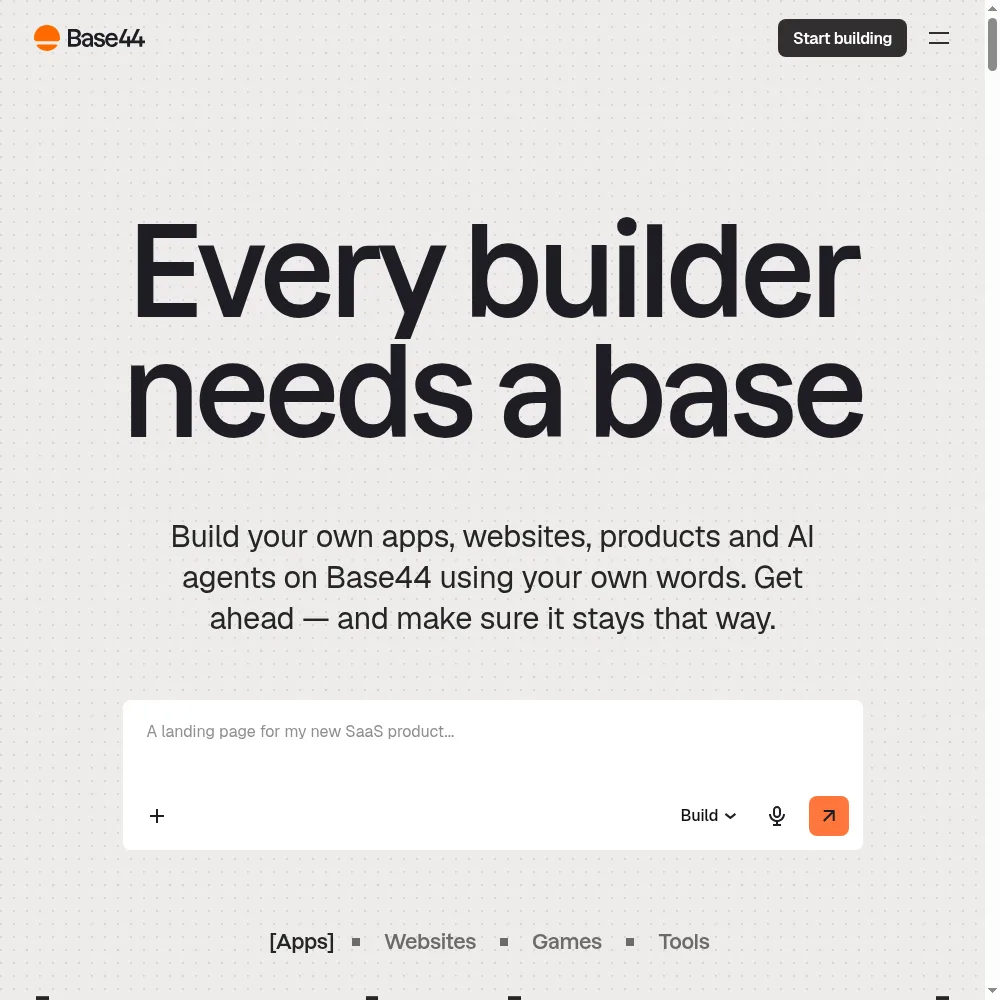
⚡ Prompt-to-full-stack on real hosting
I typed “build me a simple CRM that tracks leads, lets me assign an owner to each lead, and sends a Slack message when a lead’s status changes.” Within a few minutes I had a working app with a leads table, a signup screen, and a live URL I could share. That’s the promise, and on the happy path it delivers. No local setup, no database provisioning — it all comes with the generated app.
The caveat is the happy-path part. The CRM-lite was clean. When I pushed further — “now add a custom approval hierarchy with three levels” — the generated logic got muddled and I had to spend several correction rounds. A Capterra reviewer phrased it as:
“Great for a demo. The moment you ask for something a real business does, it starts improvising.”
That matches exactly what I saw.
🗃️ Integrated database, auth, and multi-user collaboration
Unlike builders that only generate a frontend, Base44 gives you a real data layer behind the UI. User auth — signup, login, sessions — is included rather than bolted on, and multiple users can access the same app with roles. For an internal tool this is the difference between “a pretty mockup” and “something the team can actually log into.”
I invited two colleagues to the approval workflow I built, and they were in within minutes. The collaboration experience is smooth. Where it got dicey was when I asked for role-based permissions more nuanced than “admin vs user” — the generated permissions model couldn’t express it cleanly and I ended up simplifying the requirement.
📯 In-app code edits and two-way GitHub sync
This is the feature that moved Base44 up in my book. When the generated code wasn’t quite right, I could open it directly in Base44’s editor and tweak it myself. More importantly, the two-way GitHub sync means I could push the project to a repo — so a future developer can clone it, read the code, and take over. That meaningfully reduces the lock-in anxiety that plagues no-code tools.
That said, “reduces” is not “eliminates.” Even with code in GitHub, the app still runs on Base44’s infrastructure, and the exported project assumes Base44’s runtime. If you ever want to fully self-host, expect a migration project, not a checkout. One G2 reviewer noted:
“The GitHub sync is nice, but you’re still deploying through Base44. It’s not a clean escape hatch.”
🔗 Prebuilt business integrations (Gmail, Slack, Notion, HubSpot, Salesforce)
This is where Base44 punches above its weight. Most AI builders leave integrations as an afterthought; Base44 ships with prebuilt connections to the tools businesses actually live in. My approval workflow triggered a Slack message on status change with no custom code, and I could read and write to a Google Sheet as the data source without wiring an API by hand.
The HubSpot and Salesforce connectors are the differentiator. If you’re building an internal tool that needs to read CRM records, having that prebuilt saves days of OAuth setup and API debugging. The limit: once you need a connector they don’t ship, you’re on your own, and the custom API layer is shallow compared to a dedicated integration platform.
⚠️ The credit model and support — my real hesitation
I have to be straight about the billing. Every generation and integration action consumes credits, and once you run out, there’s no small a-la-carte top-up — you move up a tier. On the free tier I burned through my message and integration credits in about two real sessions. That’s fine for evaluation; it’s frustrating mid-iteration when you’re close to getting something right but the meter hits zero.
Support is the other soft spot. I filed two test tickets; one took a working day to come back, the other longer. Public reviews echo this, with a cluster of complaints around billing and cancellation. The Wix acquisition should help over time, but as of my testing, plan accordingly and don’t build a mission-critical quarter around it assuming fast help.
Pricing (and who should pick which tier)
Base44 runs on a credit system for both message generations and integration actions. There’s a generous free tier to prototype, and paid plans ramp credits and unlock GitHub sync, custom domains, and AI model selection. All paid prices below are billed annually; monthly is a bit higher. Watch the credit allocation as much as the dollar figure — the tiers are really credit tiers wearing price tags.
| Plan | Price | What You Get |
|---|---|---|
| Free | $0 | 25 message + 100 integration credits, up to 5 apps |
| Starter | $16/mo (annual) | 100 message + 2,000 integration credits, unlimited apps |
| Builder | $40/mo (annual) | 250 message + 10,000 integration, AI model select, GitHub, free domain |
| Pro | $80/mo (annual) | 500 message + 20,000 integration, early beta access |
| Elite | $160/mo (annual) | 1,200 message + 50,000 integration, premium support |
| Enterprise | Custom | Custom credits, dedicated architect, SSO, account team |
My recommendation: stay on the Free tier while you validate the idea and confirm the happy path works for your use case. Move to Starter ($16/month) once you have more than five apps or need unlimited apps, and step up to Builder ($40/month) when you actually need GitHub sync and a custom domain — that’s the tier that turns a prototype into something shareable. Skip Elite unless you’re doing heavy production iteration, and go Enterprise only if you need a dedicated architect and SSO.
The Unfiltered Pros & Cons
The summary above is the friendly version. Here’s the unvarnished list — what worked in my testing and what will likely frustrate you, based on both my hands-on use and the pattern of public reviews.
Pros
- ✓ Genuinely fast prompt-to-full-stack build on real hosting
- ✓ Integrated database, auth, analytics, and multi-user collaboration
- ✓ In-app code edits and two-way GitHub sync reduce lock-in
- ✓ Generous free tier with core features and polished onboarding
- ✓ Wide prebuilt integrations including HubSpot and Salesforce
Cons
- ✗ Quality degrades quickly outside the happy-path tutorial flow
- ✗ Credit-metered model with no a-la-carte top-up
- ✗ Documented billing/cancellation and slow-support complaints
- ✗ Younger platform with a thin, polarized public review base
- ✗ Exported code remains tied to Base44 infrastructure
Final Verdict
Base44 delivers on the first-ten-minutes promise of vibe-coding a full-stack app, especially for internal tools and MVPs, and is now part of Wix. Walk in knowing it is young with thin, polarized reviews and documented billing/cancellation complaints.
Thirty-second decision: do you need an internal tool or a small MVP shipped this week, are you comfortable staying on the happy path, and do you value the HubSpot/Slack/Notion integrations? Then Base44 — now under Wix — is genuinely worth a free-tier test, and I’d expect you to build something usable in a day.
If your app needs unusual data modeling, nuanced permissions, or you can’t afford slow support or unpredictable credit walls, look harder. The Wix backing is reassuring for longevity, but the product itself is still young, the review base is thin and polarized, and billing friction is a documented pattern. Use it to prototype and validate — not as the final home for a critical, complex production system.
Frequently Asked Questions
Is Base44 owned by Wix now?
Yes. Base44 is part of Wix. The product you log into is still the same AI app builder, but it sits under Wix’s ownership, which generally means more stability and backing — though the Wix-specific feature integration is still developing.
Can I export my Base44 app’s code?
Yes — there’s two-way GitHub sync on the Builder tier and above. You can push the generated code to a repository. However, the app still deploys through Base44’s infrastructure, so fully self-hosting means migrating the runtime and backend yourself rather than a clean export.
What happens when I run out of credits?
You stop being able to generate or integrate until you either wait for the next billing cycle or upgrade to a higher tier. There’s no small a-la-carte top-up, which is the main billing frustration users report. Budget credits for the iteration phase, not just the first build.
Is Base44 good for a production app?
It’s strongest for internal tools and MVPs. For simple, well-understood workflows it can serve in production. For complex relational data, bespoke permissions, or heavy custom UI, expect to hit its limits and either refactor or move to a hand-built stack.
What integrations come built in?
Base44 ships with prebuilt connections to Gmail, Slack, Notion, Google Drive, HubSpot, and Salesforce. The CRM connectors are its main differentiator. Beyond that list, custom API work is possible but shallow.
User feedback sourced from G2 and Capterra reviews.
About the Author