The Short Version
If “spin up a working prototype in seconds” is the whole job description, Bolt.new does it better than almost anything else I’ve tested — and it’s not even close on the setup step. Open the site, type what you want, and a running app appears in your browser with a Node dev server already hot-reloading. No install, no Node version arguments, no “it works on my machine.” That speed is the product’s entire reason for existing, and it’s real.
But speed and scalability are not the same thing, and Bolt.new is a textbook case of that gap. The longer I lived inside a project, the more it softened: tokens started draining on loops, the agent forgot decisions it had made twenty files ago, and things that ran fine in the preview would hiccup when I actually tried to deploy them. It scores 4.2 / 5 — excellent for the first prototype, increasingly awkward as the project outgrows the browser tab.
The honest verdict: Bolt.new is the fastest zero-setup way to see an idea running, because it runs Node and npm directly in your browser via StackBlitz’s WebContainers. It’s a brilliant prototyping and demo tool. It is not where you want to babysit a growing codebase — and the thin support and recurring billing complaints on Trustpilot are worth knowing about before you put a card on file.
What Is Bolt.new, Actually?
Bolt.new is an AI full-stack web builder made by StackBlitz — the company behind the in-browser code editor millions of developers already use for StackBlitz and WebContainer-based demos. That parentage matters, because Bolt.new isn’t just a chat wrapper on a model; it’s built on StackBlitz’s WebContainers technology, which runs a real Node.js server, npm package installs, and a live dev environment directly inside your browser tab. That’s why it can hand you a running app in seconds without touching your local machine.
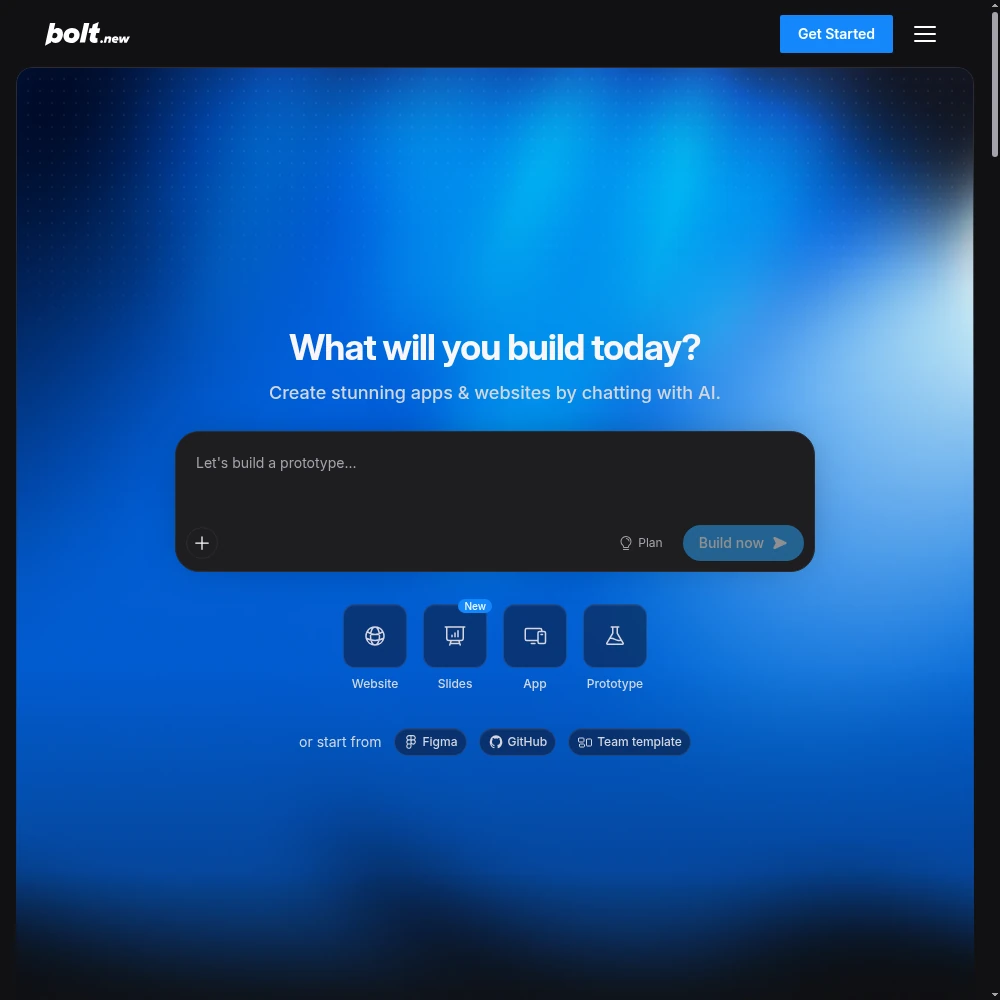
The workflow is deliberately simple: you describe an app in plain English, Bolt scaffolds a project (React, Vue, Svelte, or several other frameworks), installs dependencies on the fly, and shows you a live preview that updates as you chat. You can keep refining in conversation, edit files directly in the embedded editor, and — on paid tiers — deploy the result to a public URL with a custom domain.
The “multi-framework” angle is more important than it sounds. A lot of AI builders are secretly React (or Next.js) in disguise and get sulky if you ask for anything else. Bolt.new, because it sits on top of a real browser dev environment, actually lets you say “rewrite this in Vue” or “start this as Svelte” without the whole thing falling over. For developers who want to compare frameworks or who already have a stack preference, that flexibility is a real differentiator — and it’s a direct benefit of being StackBlitz’s product rather than a standalone wrapper.
Who This Is For (and Who Should Skip It)
- ✅ Developers and founders who need a working prototype, fast. If the goal is “let me see this idea run before I spend a weekend on it,” nothing matches the zero-setup speed. You’re prototyping in the browser within minutes, nothing installed.
- ✅ People who want framework choice. Because it’s built on StackBlitz’s WebContainers, Bolt.new handles React, Vue, and Svelte (and more) rather than forcing a single stack. If you’re a Vue shop evaluating AI help, most rivals quietly block you.
- ✅ Teams demoing concepts to clients or investors. The free tier is generous (around a million tokens a month), and Pro adds custom domains and private sharing. It’s a polished way to show a clickable idea without standing up staging infrastructure.
- ❌ Anyone building a production app that will grow past a few dozen files. As projects scale, the agent loses context, re-introduces bugs, and token burn climbs. Bolt.new is a launchpad, not a long-term home for a serious codebase.
- ❌ Users who want predictable, flat monthly bills. Token-based billing means a stuck bug loop costs real money, and Trustpilot carries recurring complaints about billing and outages. If variable spend makes you anxious, look twice.
- ❌ People with heavy data or memory-hungry projects. Because everything runs in a browser tab, there’s a memory ceiling. Very large or computation-heavy builds will feel the wall before they finish.
Score Breakdown
Bolt.new scores 4.2 / 5 overall. Ease of use is its standout (4.6) — the zero-install, instant-running experience is genuinely the smoothest in the category. Features and integrations are solid (4.3 and 4.1), carried by WebContainers, multi-framework support, and built-in databases. Value (4.0) is okay but tempered by token scaling, and support (3.6) is the clear weak spot — thin documentation support and recurring Trustpilot complaints about billing and uptime pull the average down.
What Actually Matters: Features, Reviewed
⚡ WebContainers: the reason it starts in seconds
This is the technical advantage no wrapper can easily copy. When I asked for a React dashboard, Bolt didn’t just generate UI code — it spun up a Node server inside the browser, ran `npm install`, and hot-reloaded my changes as I typed. I’ve used AI builders that hand you code you then have to `npm install` and debug locally before it runs. Bolt skips that entire painful detour, and it’s the reason the “wow, it’s already running” moment happens on the first prompt.
StackBlitz has spent years hardening WebContainers, and it shows: dependency installs just work, the dev server feels local, and the preview updates near-instantly. The trade-off is the browser memory ceiling I’ll come back to — the same sandbox that makes it instant also caps how heavy a project can get.
🧩️ Multi-framework support (React, Vue, Svelte and more)
I deliberately rebuilt the same small project three ways — first in React, then asked it to “do this in Vue,” then in Svelte — and each time it re-scaffolded cleanly rather than producing React-with-odd-syntax. That matters if your team already standardizes on Vue or Svelte and you don’t want an AI tool dictating your stack. A Capterra reviewer noted something similar: “Most of these tools assume React; Bolt is the rare one that doesn’t fight you when you pick something else.”
The embedded editor also lets you peek at and hand-edit the generated files, which is a relief when the model gets something subtly wrong. You’re never fully locked out of the code, even though the browser environment means you’re not in your usual IDE either.
🔗 Built-in databases, custom domains, and private sharing
On the Pro tier, Bolt.new adds the things that turn a preview into something you can show: built-in databases for state that survives a refresh, custom domains so your prototype lives at a URL that doesn’t look like a demo, and private sharing links so you control who sees it. I used a private share link to walk a client through a concept before building it for real, and it felt professional rather than temporary.
The free tier is more generous than most: roughly a million tokens a month (300K a day), which is enough for serious weekend prototyping. The catch, as always, is that “generous” assumes light iteration — once you’re debugging hard, tokens go faster than the daily allowance feels like it should.
💰 Token burn and the stuck-bug loop (the feature nobody markets)
This is where Bolt.new stopped being fun during my testing. I hit a styling bug in my Svelte app that the agent kept “fixing” by reintroducing a slightly different version of the same problem — four loops in, I’d burned through a visible chunk of tokens on a problem I could have fixed by hand in two minutes. Token usage scales with project size and complexity, and failed attempts cost the same as successful ones. A Trustpilot reviewer echoed the frustration: “You can watch your balance evaporate while the AI goes in circles on a bug you knew the answer to.”
Pro helps with rollover (unused tokens carry over) and removes the daily limit, but it doesn’t change the underlying metering. My advice: the moment you recognize you’re in a loop, stop and edit the file yourself. The embedded editor is there for exactly that. Letting the agent grind burns money and rarely converges.
🚫 Context loss and the preview-to-production gap
Two interlinked complaints surfaced as my projects grew past a few dozen files. First, the agent lost the thread: it would forget a design decision made early, re-introduce a bug it had already fixed, or ask me to re-explain the data model. Second, the “works in preview, breaks when deployed” gap showed up on my larger app — something looked perfect in the live preview but threw an error once I pushed it to a custom domain. That deploy gap is the classic AI-prototype trap, and Bolt.new is not immune.
The practical takeaway is to treat Bolt.new output as a prototype with a hand-off plan, not a finished product. Get the idea working, then move the code into a proper repository and deploy pipeline before real users arrive. Support — the 3.6 score — is why that hand-off matters: when you hit a genuine platform or billing issue, help is thin, and Trustpilot carries repeated complaints about outages and unclear charges.
Pricing (and who should pick which tier)
Bolt.new’s free tier is one of the most generous in the category — around a million tokens a month (300K a day) — which is genuinely enough to prototype seriously without paying. Paid Pro removes the daily cap, raises the monthly token pool, and adds custom domains, no branding, larger uploads, and rollover so unused tokens carry into the next month. Teams pricing adds shared billing and access controls; Enterprise is custom.
| Plan | Price | What You Get |
|---|---|---|
| Free | $0 | 300K tokens/day (1M/mo), Bolt branding, 10MB uploads, up to 333K web requests |
| Pro | $25/mo | No daily limit, 10M tokens/mo, custom domain, no branding, 100MB uploads, rollover, AI image editing |
| Teams | $30/member/mo | All Pro + centralized billing, access controls, private npm, design-system prompts |
| Enterprise | Custom | SSO, audit logs, 24/7 priority support, custom SLAs |
Which tier should you pick? Start on Free — it’s enough to validate whether Bolt’s workflow clicks for you. If you’re prototyping weekly and hitting the daily wall, Pro at $25/month is the right step, and the rollover feature genuinely smooths out light-vs-heavy weeks. Teams at $30/member only makes sense once you’re collaborating in shared workspaces and need centralized billing. One budget warning regardless of tier: watch the token meter. A stuck bug loop can quietly eat a surprising amount, so treat metered AI like a utility — don’t leave it running unattended.
The Unfiltered Pros & Cons
The list below is what survived three weeks of real use — the instant wins that made me recommend it to a colleague, and the slow-burn frustrations that made me take it back out of my “daily driver” list.
Pros
- ✓ Unmatched zero-setup speed: a running prototype in seconds, nothing installed
- ✓ WebContainers run Node, npm packages, and a dev server directly in the browser
- ✓ Multi-framework support (React, Vue, Svelte, more) beyond React-locked rivals
- ✓ Generous free tier (1M tokens/month) and Pro rollover for paid users
- ✓ Built-in databases, custom domains, and private sharing on Pro
Cons
- ✗ Token burn scales with project size; stuck bugs loop and cost real money
- ✗ Agent loses context past a few dozen files and re-introduces old bugs
- ✗ 'Works in preview, breaks in production' deploy gap for larger apps
- ✗ Thin support and recurring Trustpilot complaints about billing and outages
- ✗ Browser memory ceiling limits very large or heavy projects
Final Verdict
Bolt.new runs your whole stack in the browser via WebContainers, making it the fastest zero-setup way to spin up a working prototype. It loses points as projects grow: tokens scale with size, the agent loses context, and support/billing complaints recur.
Decide in 30 seconds. Do you need a running, clickable prototype — not a mockup, not a Figma file, but an actual app with a live dev server — in the next ten minutes, with zero installation? Then Bolt.new, StackBlitz’s in-browser AI builder, is one of the best tools for exactly that, and the free tier is worth an afternoon. Build something real so you feel the WebContainers speed for yourself.
If, however, you’re planning to grow a product — add dozens of files, onboard real users, rely on predictable billing — plan to graduate the code out. Bolt.new loses context as projects grow, burns tokens on loops, and carries thin support with recurring billing complaints. Use it to get the idea running fast; don’t mistake that speed for a production home. It’s a 4.2 / 5 tool that’s outstanding at its specific job and honest about where it runs out of road.
Frequently Asked Questions
Who makes Bolt.new — is it reliable?
Bolt.new is built by StackBlitz, the company behind the popular in-browser code editor and WebContainers technology. That parentage is its technical edge: it runs a real Node environment in your browser. It’s a serious vendor, but note that Trustpilot carries recurring complaints about billing and outages, so keep an eye on your token balance and invoices.
Is Bolt.new really free?
Yes. The free tier gives you about 300K tokens a day (around a million a month), with Bolt branding, up to 10MB uploads, and a cap on web requests. It’s genuinely enough to prototype seriously. You only pay when you need no daily limit, custom domains, larger uploads, or rollover.
Does Bolt.new only build React apps?
No. Because it runs on StackBlitz’s WebContainers rather than a React-only wrapper, it supports React, Vue, Svelte, and other frameworks — and you can even ask it to rewrite an existing project in a different framework. This is one of its clearest advantages over more locked-in competitors.
Why is my token usage so high?
Tokens scale with project size and complexity, and every attempt — successful or not — draws from your balance. The biggest drain we found was the agent looping on a single tricky bug. Stop the loop, edit the file yourself in the embedded editor, and resume. Pro’s rollover helps smooth usage across light and heavy weeks.
Can I deploy my Bolt.new app to production?
You can deploy to a public URL with a custom domain on Pro, and you can export the code. But be aware of the “works in preview, breaks in production” gap we hit on larger apps, plus the browser memory ceiling on heavy projects. For anything with real users, treat the Bolt project as a prototype and move the code into a proper repository and hosting pipeline.
User feedback sourced from G2 and Capterra reviews.
About the Author