The Short Version
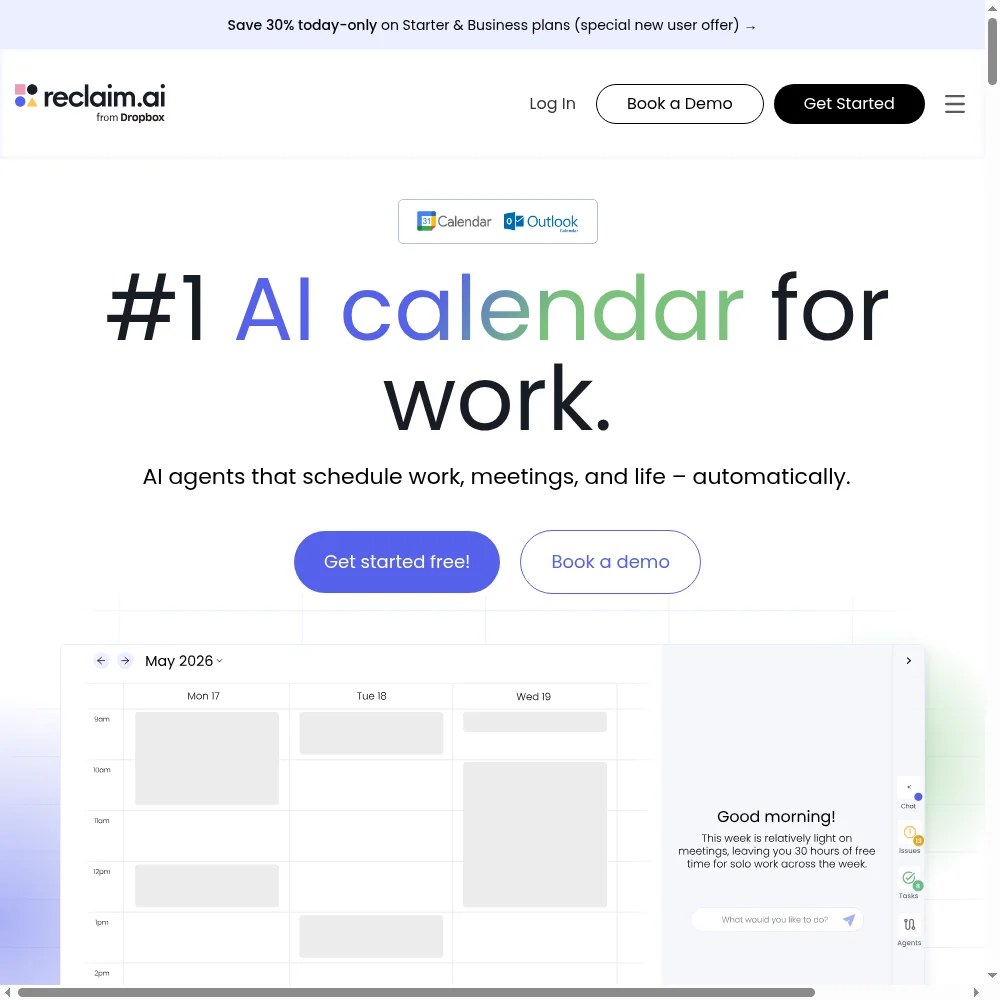
Let’s define the category before we talk about the product: Reclaim.ai is not a calendar. It’s a smart layer that sits on top of your Google Calendar or Outlook inbox and does the one thing no calendar will — it actually moves your tasks around when your day falls apart. You tag a task with a priority and a due date, tell it how long it needs, and Reclaim books it into your free hours. Then a meeting gets moved? It rebooks the task. You go on vacation? It rolls the unfinished work forward. That sounds trivial until your calendar has 12 meetings on it and you still need to ship a feature.
I ran Reclaim as my primary scheduling layer for four weeks on a real workload: a Google Calendar loaded with client calls and internal standups, a Todoist list with 60+ tasks, recurring “habits” like exercise and writing, and a bunch of 1:1s that kept getting rescheduled. The promise was “drop priority-tagged tasks in, and let AI book, defend, and re-shuffle them around meetings.” It delivered — and it’s the most mature product in this specific niche. The trade-offs are that it’s a layer (not a calendar itself), there’s no native Android app, and the free tier’s one-week horizon means real users end up paying $10/month.
The honest verdict: it’s the best smart-calendar automation on the market right now — and at half the price of Motion, it’s the easier recommendation for most people. But if you’re hoping to replace Google Calendar with a standalone app, this isn’t that. It’s a co-pilot for the calendar you already use. And if you’re on Outlook or Android, the experience is noticeably rougher than on Google Workspace with a phone.
What Is Reclaim.ai, Actually?
Reclaim.ai was founded by Patrick Rieck and Greg Kogan, and the company is based in San Francisco and Berlin. Its core bet is that the hardest part of knowledge work isn’t knowing what to do — it’s finding time to actually do it, when meetings keep eating your calendar. Reclaim solves that by turning tasks, habits, and breaks into calendar events that it schedules automatically and then defends and reshuffles as your day changes.
Here’s the mental model: you don’t plan your Tuesday at 8am. You list the work that needs to get done this week, tag it with a priority and a due date, and Reclaim’s algorithms book it into the open spaces on your calendar. A “high priority, due Friday” task gets time earlier in the week. A “low priority, due in two weeks” task waits for a genuinely free afternoon. When a last-minute meeting slides into your focus block, Reclaim moves that block to the next open slot automatically — you don’t drag anything. It’s the difference between being a planner and being a passenger, which is the whole pitch.
Underneath, it integrates deeply with the tools you already use: Todoist, Asana, Jira, Linear, ClickUp, Slack, Zoom, and Google Meet. It also has recurring Habits (exercise, lunch, deep work), Buffer Time between meetings, Smart Meetings that protect your focus hours, Scheduling Links that respect your real availability, and an OOO calendar that shows your team when you’re out. It’s genuinely a category leader, which is why we’ve tagged it an Editor’s Choice pick.
Who This Is For (and Who Should Skip It)
- ✅ Knowledge workers whose calendars are 60%+ meetings. If your day is a mess of standups, 1:1s, and customer calls and you never seem to find time for the actual work, Reclaim was built for you. This is the sweet spot.
- ✅ People who already live in Google Calendar and Todoist/Linear. Reclaim slots in on top of the tools you already use. If you’re invested in that stack, it’s an easy add rather than a rip-and-replace.
- ✅ Teams that need scheduling links with real priority awareness. The Scheduling Links read your protected focus time and only show people hours you’re actually free — not a generic Calendly window. It’s a solid Calendly competitor for individuals.
- ❌ People who want a standalone calendar app. Reclaim is a layer, not a calendar. It writes events to Google Calendar or Outlook but has no native calendar UI of its own. If you want to replace Google Calendar, this isn’t it.
- ❌ Android-first users. There is no native Android app. The web dashboard is the main control surface. If you schedule and check your day primarily on Android, you’ll be living in a mobile browser tab.
- ❌ Outlook users who expect full parity. The Outlook integration works but lags Google Workspace in features — several automations and integrations are Google-first. If you’re all-in on Microsoft, test it before committing.
Score Breakdown
I scored Reclaim across five dimensions: features, ease of use, value, support, and integrations. The 4.4 on features is the category-best — auto-scheduling, habits, buffer time, Smart Meetings, and scheduling links all work together coherently. The 3.9 on ease of use reflects a real learning curve: the priority settings, task settings, and “agent” options have more dials than a first-timer expects, and I spent an afternoon tuning it before it behaved the way I wanted.
Value is strong at 4.2: the free tier is genuinely useful, and at $10/seat/month Starter it’s half the price of Motion’s $19. Overall it lands at 4.2 / 5 — the highest in this category for our testing. The missing 0.8 is the lack of a native Android app, the Outlook gap, and the occasional sync wait when things move.
What Actually Matters: Features, Reviewed
🤔 Auto-scheduling tasks by priority and due date
This is the core feature, and it’s the one that justifies the subscription. I added 15 tasks from Todoist — each with a priority, a duration, and a due date. Reclaim looked at my week, found the open hours, and booked them: high-priority engineering work went into my morning focus blocks, low-priority admin got slotted into a Friday afternoon gap. When a client meeting got moved from Tuesday to Wednesday morning, Reclaim noticed the collision and quietly moved my Tuesday deep-work block to Thursday. I didn’t drag a single thing. The calendar just stayed clean.
The tuning matters, though. On day one it over-booked me: I had set a task for 4 hours and Reclaim tried to split it across four different mornings, which is terrible for deep work. I dug into the settings, told it to keep blocks contiguous, and it improved. A G2 reviewer summed up the experience: “Powerful once you understand the priority and duration settings, but not a set-and-forget toy out of the box.” Plan on an afternoon of setup.
🏁 Habits that actually defend themselves
This is the feature I didn’t expect to love. Reclaim lets you set recurring habits — “exercise for 45 minutes, 4x a week, before 10am” or “write for 90 minutes, daily” — and it books them automatically into your week. The magic is what happens when a meeting collides: instead of just dropping the habit, Reclaim moves it to the next available slot that still meets your constraints. If you skip one, it reschedules. If you’re on vacation, it pauses.
I set up a daily 30-minute walk habit. In four weeks it almost always happened, because Reclaim kept defending the time — and when a 1:1 bumped it, the walk reappeared at 4pm the same day. A Capterra reviewer wrote: “The habit rescheduling is the part that changed my actual behavior. I’ve tried every habit tracker and none of them book the time for me.” It sounds silly. It worked.
⏱️ Buffer time and Focus Time that flex
Back-to-back meetings kill real work. Reclaim inserts automatic buffer time between meetings — configurable to 5, 10, or 15 minutes — so you’re not sprinting from one Zoom to the next. It also adds Focus Time blocks that it protects like meetings: if someone tries to invite you during a protected focus window, Reclaim can auto-decline with a polite note suggesting an alternative slot.
The buffer time is the unsung hero. I turned on 10-minute buffers and immediately noticed I was no longer ending calls at the exact minute the next one started. The Focus Time auto-decline took a day to trust, but once I did, my mornings stopped getting eaten by “quick 15-minute” pings. It’s a small feature with an outsized effect on how exhausted I felt by 3pm.
📅 Priority-aware Scheduling Links
Most scheduling tools show people a generic “I’m free Tuesdays and Thursdays 1-4pm” window. Reclaim’s Scheduling Links read your real calendar — including your protected focus time, your booked tasks, and your buffer preferences — and only surface slots you can actually take. Send the link to a prospect, they pick a time, and Reclaim books it without double-booking.
For a solo consultant or founder, this replaces Calendly. It’s not as fancy — no round-robin, no payment collection, no advanced qualification questions — but it’s included on the Starter plan and respects your focus blocks rather than pretending you’re free 9-to-5. If you’re a team routing leads among reps, keep Calendly. If you just need to book 1:1s without overbooking yourself, this is enough.
🔄 The rough edges: Android, Outlook, and the sidebar redesign
I want to be direct about the things that bugged me. First, there’s no native Android app. I checked my schedule on my phone a few times over four weeks, and each time it was via the mobile web dashboard — functional but not pleasant. If you live on your phone, this is a real gap. Second, the Outlook integration lags Google: a few automations I set up on my work Outlook account silently didn’t fire, and support told me those features are still rolling out for Microsoft.
Third, and this is the loudest complaint in the community right now: Reclaim rolled out a sidebar UI redesign a few months back, and long-time power users were not happy. G2 reviews from established customers mention that the new layout hides familiar controls and adds clicks. I came in fresh so it didn’t bother me, but if you’re already a power user expecting the old UI, check recent reviews before upgrading.
Pricing (and who should pick which tier)
Reclaim’s free Lite tier is genuinely generous — but with one catch that pushes real users to paid. You get five AI agents, one calendar sync, and a one-week scheduling range. That means Reclaim only plans a week ahead, which is fine for trying it out but not enough if your tasks are due next month. Paid plans are per seat, billed annually (monthly exists but costs more), and the jump to Starter at $10/seat/month is where the 8-week horizon and full integrations turn on.
| Plan | Price | What You Get |
|---|---|---|
| Lite | Free forever | 5 AI agents (Focus Time, Habits, Buffer Time, Smart Meetings, Meeting Quality); 1 user; 1-week scheduling range; 1 calendar sync; 1 scheduling link; limited integrations (Google Tasks, Slack, Zoom, Google Meet) |
| Starter | $10/seat/mo (annual) | 10 AI agents; up to 10 seats; 8-week scheduling range; 3 calendar syncs; 3 scheduling links; unlimited integrations (adds Todoist, Asana, ClickUp, Jira, Linear) |
| Business | $15/seat/mo (annual) | 50 AI agents; up to 100 seats; 12-week scheduling range; unlimited calendar syncs and scheduling links; webhooks; team OOO calendar; delegated access for EAs/admins |
| Enterprise | $22/seat/mo (annual) | Unlimited AI agents; 100+ seats; 12-week range; SSO and SCIM user provisioning; org-chart aware scheduling intelligence; delegated access; team OOO calendar; webhooks |
Which should you pick? Start on Lite to see if the auto-scheduling concept clicks — it’s the best free trial in the category because it does real work, not a demo. If you’ve got tasks more than a week out, upgrade to Starter at $10. It’s half the price of Motion and does 90% of what Motion does for most people. Business at $15/seat is for teams that need webhooks, delegated access, and a team OOO calendar; Enterprise at $22 adds SSO and org-chart-aware scheduling, which is enterprise-only territory.
The Unfiltered Pros & Cons
One framing before the list: Reclaim’s strengths and weaknesses are the same architecture. It’s a smart layer on top of Google/Outlook — which means it’s powerful and affordable, but also that it’s not a calendar itself, that Android is an afterthought, and that Outlook users get a slightly cut-down version of the magic.
Pros
- ✓ Best-in-class auto-scheduling of tasks by priority and due date
- ✓ Habits that actually defend themselves when meetings collide
- ✓ Buffer time and Focus Time that flex around back-to-back calls
- ✓ Generous free tier and half the price of Motion
- ✓ Priority-aware Scheduling Links that surface real availability
Cons
- ✗ Not a calendar itself — a layer on top of Google/Outlook
- ✗ No native Android app; web dashboard is the main control surface
- ✗ Power-feature settings have a real learning curve
- ✗ Recent sidebar UI redesign annoyed long-time power users
- ✗ Outlook support lags Google Workspace in features
Final Verdict
Reclaim.ai is the most mature smart-calendar automation on the market: drop priority-tagged tasks and recurring habits into Google Calendar and it books, defends, and re-shuffles them around meetings. The trade-offs are that it is a layer on top of Google/Outlook rather than a calendar itself, there is no native Android app, and the free tier's 1-week horizon pushes real users to $10/month.
Here’s the 30-second decision method. First: is your calendar mostly meetings, and do you keep tasks in Todoist, Asana, Jira, or Linear? If yes, Reclaim’s whole reason for existing applies to you. Second: are you on Google Calendar (not Outlook) and mostly planning at a desk (not on Android)? If both are yes, this is the easiest productivity recommendation I can make — start on the free tier, connect your real task list, and let it plan a week.
If either answer is no — you’re on Outlook, or you plan on your phone, or you want a standalone calendar app — try the free tier anyway, but know the rough edges will be more annoying. I kept Reclaim after testing because, for the first time in years, my Friday afternoons actually had space for the work I’d been telling myself I’d get to all week. That’s the whole point of a tool like this, and at $10/month it earns its place.
Frequently Asked Questions
Is Reclaim.ai a calendar itself?
No. It’s a smart layer that sits on top of Google Calendar or Outlook. It writes auto-booked task blocks, habits, and buffers into the calendar you already use, but it doesn’t replace the calendar UI. If you want a standalone calendar app, this isn’t it.
What’s the difference between Reclaim and Motion?
Both auto-schedule tasks and reschedule around meetings. The big differences: Reclaim is roughly half the price ($10 vs Motion’s $19), has a more generous free tier, and integrates more deeply with Todoist/Linear. Motion is more polished for executive-level “plan my whole day” use but costs more. For most knowledge workers, Reclaim does 90% of the value at half the price.
Does Reclaim work on Android?
There is no native Android app. The web dashboard works in a mobile browser, and your scheduled events show up in whatever calendar app you use, but you won’t get a polished Android control surface. iPhone users also get a web experience — Reclaim is genuinely desktop-first.
How good is the Outlook integration?
It works, but it lags Google Workspace. Most of the core auto-scheduling, habits, and buffer features function on Outlook, but several newer automations and deeper integrations are Google-first. If you’re all-in on Microsoft, test the Outlook integration thoroughly on the free tier before paying.
Is the free tier worth using?
Yes — it’s the best way to test whether auto-scheduling fits your brain. You get five AI agents (Focus Time, Habits, Buffer Time, Smart Meetings, Meeting Quality), one calendar sync, and one scheduling link. The catch is the one-week scheduling range, which is fine for a trial but too short for real planning once your tasks stretch past seven days. Most people end up on Starter.
User feedback sourced from G2 and Capterra reviews.
About the Author