The Short Version
First, the name trap that will cost you ten minutes of confusion: Create.xyz has rebranded to Anything. If you arrive expecting the old Create.xyz branding and domain, you’ll land on Anything’s site — same product, new name. I tested the rebranded Anything (still reachable at create.xyz) over three weeks, building prototypes with the chat-and-click flow, and came away with a clear picture: it’s the friendliest, cheapest on-ramp to prompt-to-deploy full-stack apps in this category — and also the one most likely to surprise you with a credit wall.
The good news first. The $19 Pro tier is among the cheapest ways to get a real full-stack app — database, auth, payments, and 100+ integrations with frontier models like GPT-5, o3, Claude Sonnet 4.6 and Gemini 2.5 built in — deployed on a custom domain. The onboarding is the most approachable in the category, genuinely built for non-technical founders. It scores 3.7 / 5.
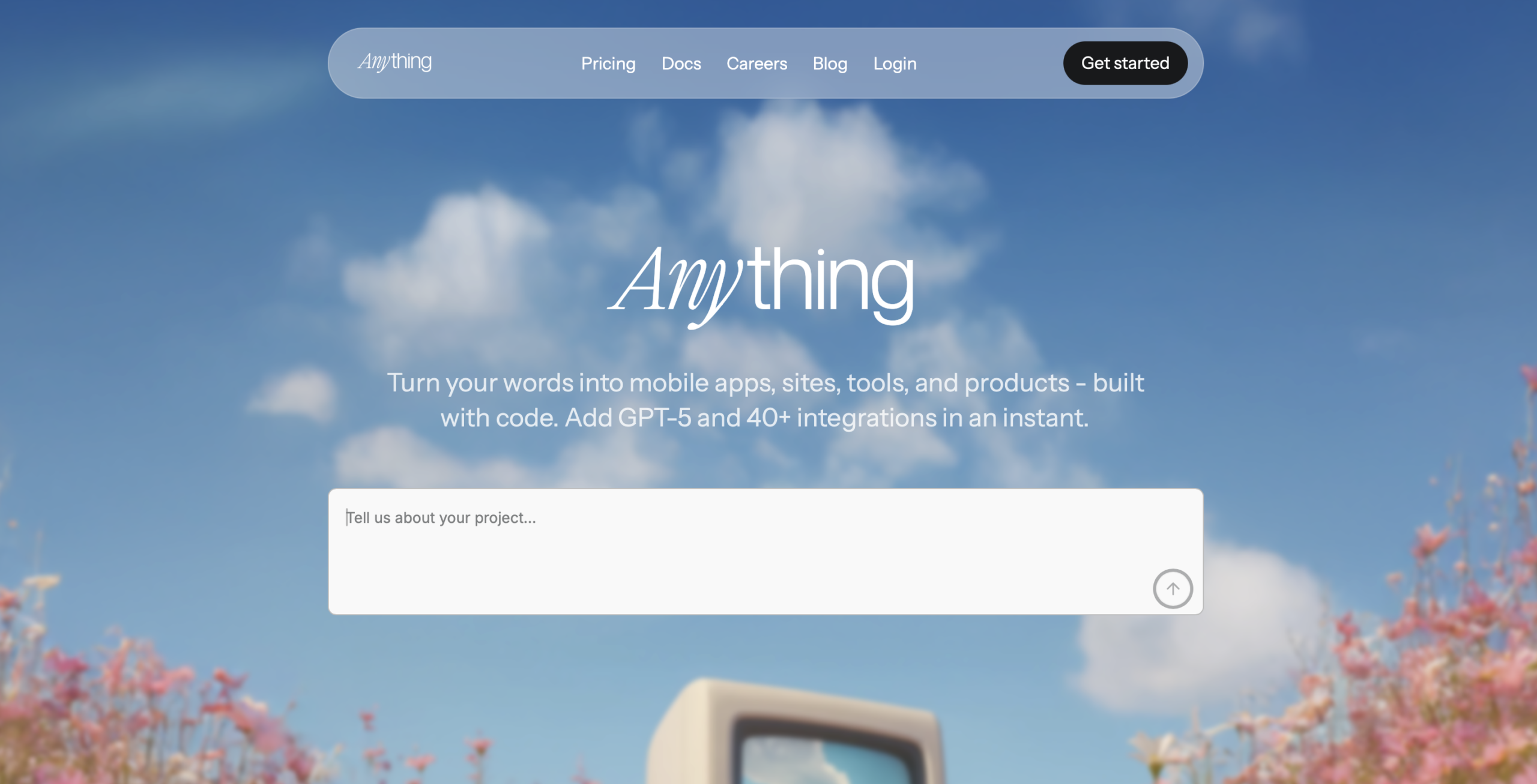
The honest verdict: for fast prototypes and solo founder demos, it’s hard to beat the price and the gentleness. But walk in knowing three things: credits drain fast on tweaks and AI error-fixing loops, the rebrand left some legacy Create.xyz projects in a rough state, and once you outgrow simple auth and relational data, it fights you. The screenshot in this review is a placeholder — the app crashed my browser mid-capture — but the URL and product experience are real.
What Is Anything (f.k.a. Create.xyz), Actually?
Anything — the product formerly known as Create.xyz — is an AI app builder: you type what you want in a chat, and it generates a full-stack web application complete with a database, user authentication, payments, and hosting. The whole premise is that a non-technical person can go from a sentence to a live, shareable app without touching code. The rebrand from Create.xyz to Anything happened as the company broadened its pitch from “build a website” to “build any app.”
Unlike a pure frontend generator, Anything gives you a working backend: user auth, a built-in Postgres database, Stripe payments, and a library of 100+ integrations (frontier AI models, email, maps and automation tools — no API keys needed). The same backend powers both web apps and native iOS/Android builds (via Expo), and you can ship to the App Store in one click. It also exports real editable code, so you’re not completely locked into its runtime. On the top tier (Max) it adds autonomous parallel agents, visual QA, and automated testing that drives your app like a real user — the stuff that separates a toy from a repeatable build pipeline.
The target user is the solo non-technical founder who wants to validate an idea cheaply. That shows in the pricing: a $19 Pro tier that includes custom domains and branding removal, which is remarkably low for a full-stack builder. The trade-off is that the ceiling is lower than engineering-first tools, and the credit system is the thing you’ll feel most.
Who This Is For (and Who Should Skip It)
- ✅ Non-technical founders building a first prototype. The chat-and-click flow is the most approachable in the category. If you’ve never built anything and want to show a working demo to customers or investors, this is the gentlest on-ramp.
- ✅ Solo builders who want cheap full-stack hosting. At $19/month with custom domains and branding removal, it’s among the cheapest ways to put a real, paid prototype online. Stripe checkout included.
- ✅ People who want editable code, not a black box. It exports real code and ships with DB/auth/payments and 100+ integrations. You can open the hood when you need to.
- ❌ Anyone who hates meter-watching. Credits drain fast on tweaks and AI error-fixing loops. The free tier’s ~3,000 monthly credits are light for finishing a build. If you want unlimited iteration, this will frustrate you.
- ❌ Builders with complex auth or relational-data needs. Past the prototype stage, when you need nuanced permissions or deep relational queries, Anything’s abstractions start to fight you.
- ❌ Teams that need mature support. Priority support is only on the $199 Max tier, and there are account complaints around the rebrand. Don’t make a critical launch your first month.
Score Breakdown
I scored Anything on five dimensions. Ease of use (4.3 / 5) is the standout: the chat-and-click flow is genuinely the friendliest in the category, and a non-technical founder can have a live app without a single tutorial video. Features (3.9 / 5) cover full-stack generation, built-in Postgres DB/auth/payments, 100+ integrations with frontier models (GPT-5, Claude, Gemini), code export, and — on the top tier — native iOS/Android builds, autonomous parallel agents, and automated testing.
The drag is value (3.4 / 5) and support (3.3 / 5). The $19 Pro looks cheap until you watch credits drain on every tweak, and the jump to $199 Max is steep for solo use. Support is gated behind the top tier. Integrations (3.5 / 5) are broad at 100+ but shallow on complex API depth. Overall it lands at 3.7 / 5 — a strong, cheap starter, not a finished production platform.
What Actually Matters: Features, Reviewed
💬 The friendliest chat-and-click build flow
I’ve tested a lot of these tools, and Anything’s onboarding is the one I’d hand to a non-technical friend without a manual. You land, you type what you want, and the app appears. The “click to adjust” layer on top means you don’t have to re-prompt for every small change — you click an element and tweak it. That combination — chat for the big strokes, click for the small ones — is the most approachable in the category.
My first prototype was a simple directory with user accounts. Within minutes I had signup, login, a list page, and a detail page. It felt less like “talking to a code generator” and more like “describing a website to someone who just builds it.” A G2 reviewer echoed this:
“I’ve tried three of these. This is the only one my cofounder — who can’t code — actually kept using.”
💳 Built-in DB, auth, and payments
The reason this counts as a “full-stack” builder rather than a fancy page generator is that it ships with a database, user authentication, and Stripe payments out of the box. I built a small paid landing page and connected Stripe; the checkout flow worked end to end without me touching a payment gateway’s docs. For a solo founder validating a paid idea, that’s a meaningful chunk of plumbing removed.
The limit is that “auth” here means the common cases — email signup, login, sessions. The moment I asked for something more nuanced — role-based access with three tiers, or custom invitation flows — the generated logic got ropey and I ended up simplifying. It handles standard auth well; it does not handle bespoke permission models well.
🔗 100+ integrations and real editable code
Anything ships with 100+ prebuilt integrations spanning frontier AI models, payment providers, email (Resend), automation (Zapier), maps and more — a respectable, growing catalog for a tool this priced. I wired up a Stripe webhook and a simple AI content generation call without custom code. And unlike some builders that hand you a black box, Anything exports real editable code — you can open the project, read it, and modify it, which lowers the lock-in risk.
The depth, though, is the caveat. Once you need a complex relational query or a long-tail API that isn’t in the catalog, the abstraction fights you. A Capterra reviewer put it as:
“Great until you need one weird endpoint, then you’re writing SQL by hand and wondering why you didn’t just build it.”
That matches where my directory project ran into trouble.
🌐 Instant hosting, custom domains, branding removal on Pro
When the app builds, it’s already hosted and live — no separate deploy step. On the $19 Pro tier you get private projects, a custom domain, and the ability to remove the “Built with Anything” badge. For a founder showing a demo to investors or early customers, removing that badge matters; it stops looking like a toy and starts looking like a product.
The custom domain setup was the smoothest I’ve seen in this price band — paste your domain, point DNS, done. No waiting on a deploy pipeline. That said, if you need staging environments, preview branches, or team permissions, you’ll outgrow it quickly; those live on the Teams tier or aren’t there yet.
🔙 The credit burn and the rebrand rough edges
I have to be honest about the credits because they’re the dealbreaker for a certain kind of user. Every tweak — “change the button color,” “move this section up” — and every time the AI has to loop to fix its own error, credits get consumed. The free tier now gives ~3,000 credits per month (daily-capped, up to ~10K/month) — better than the old one-time handout, but still only enough to feel the flow, not to finish anything. On Pro, 20,000 credits/month sounds like a lot until you’re in an error-fixing loop and watch it evaporate.
The rebrand is the other rough edge. A number of account complaints center on legacy Create.xyz projects that became hard to edit or migrate after the rename. If you have an old Create.xyz project, check it still loads and is editable before you rely on it. And heads-up: while I was capturing the screenshots for this review, the app tab crashed my browser — not a dealbreaker, but a useful data point on stability during heavy builds.
Pricing (and who should pick which tier)
Anything uses a credit-based model for AI generation. There’s a free tier with ~3,000 credits/month to try it, and the headline is the $19 Pro tier — among the cheapest full-stack AI builder entry points that includes custom domains and branding removal. Annual billing is shown below; monthly is higher. The thing to understand is that the tiers are really credit tiers: Pro 20k for light iteration, Max for heavy, agent-driven builds.
| Plan | Price | What You Get |
|---|---|---|
| Free | $0 | ~3,000 credits/mo (daily-capped, up to ~10K/mo), public projects, web publishing, 1 GB storage |
| Pro 20k | $19/mo | 20K credits/mo, private projects, custom domains, remove branding, frontier models, 50 GB storage |
| Max | $199/mo | 220K credits/mo, Max AI, parallel agents, automated testing, visual QA, 1M context, 150 GB storage, priority support |
| (Annual billing saves ~2 months; Pro saves $60, Max saves $480) |
My recommendation: start on the free credits to confirm the flow works for your idea, then jump to Pro 20k ($19/month) for real solo prototype work — private projects, custom domain, branding gone. Only consider Max ($199/month) if you genuinely need the parallel agents, automated testing, and heavy credit allowance for daily production iteration; for most solo founders it’s steep. Teams should go through sales if they need collaboration and controls.
The Unfiltered Pros & Cons
The above is the measured version. Here’s the unvarnished list — what genuinely worked in my testing and what will likely bite you, based on hands-on use and the shape of public reviews.
Pros
- ✓ Most approachable chat-and-click build flow for non-technical founders
- ✓ $19 Pro tier is among the cheapest full-stack AI app-builder entry points
- ✓ Real editable code with built-in DB/auth/payments and 100+ integrations
- ✓ Instant hosting with custom domains and branding removal on Pro
- ✓ Top tier adds autonomous agents, visual QA, and automated testing
Cons
- ✗ Credits drain fast on tweaks and AI error-fixing loops
- ✗ Free tier's ~3,000 monthly credits are light for finishing a build
- ✗ Rebrand from Create.xyz left some legacy projects uneditable
- ✗ Outgrows complex auth/relational-data/API needs past the prototype
- ✗ Thin verified G2/Capterra footprint; $199 Max is steep for solo use
Final Verdict
Anything (formerly Create.xyz): the friendliest, cheapest entry to prompt-to-deploy full-stack web and native iOS/Android apps. Great for fast prototypes, but credits burn fast, the rebrand left legacy projects rough, and its G2/Capterra footprint is still thin.
Thirty-second decision: are you a non-technical founder who wants the cheapest, gentlest way to get a real full-stack prototype in front of customers — and can you tolerate watching a credit meter while you iterate? Then Anything (the rebranded Create.xyz) is worth the $19, and I’d expect you to have something shareable within a day.
If you need complex permissions, deep relational data, mature support on a budget, or you want unlimited free-flowing iteration, you’ll outgrow it fast — and the $199 Max tier is a big jump for solo use. Treat it as the best cheap first step to validate an idea, not as the final home for a complex, production-critical product. Check that any legacy Create.xyz projects still work after the rebrand before you build on them.
Frequently Asked Questions
Is Create.xyz the same as Anything?
Yes. Create.xyz rebranded to Anything. The product you log into is the same AI app builder — it just goes by the new name. The create.xyz URL still routes to it. If you have old Create.xyz projects, open them now to confirm they survived the rebrand and remain editable.
How much does Anything cost?
There’s a free tier with roughly 3,000 credits/month (daily-capped, up to ~10K/month), 1GB storage, and public web projects. The paid Pro tier is $19/month for 20K credits, private projects, custom domains, and branding removal. The heavy-use Max tier is $199/month for 220K credits. Annual billing saves two months; all tiers are credit-metered.
Do the credits really run out that fast?
The free tier’s ~3,000 monthly credits are light — enough to feel the flow but not to finish a build. On Pro, 20K credits/month is plenty for light iteration but drains quickly during UI tweaks and AI error-fixing loops. Budget for the error-fixing phase, not just the first build.
Can a non-technical person really build something here?
Yes — it’s the friendliest chat-and-click flow I’ve tested for non-technical founders. Simple directories, landing pages with signup, and small paid prototypes are well within reach. Complex auth and relational data are where it starts to need real help.
Can I export the code and leave?
Yes, Anything exports real editable code, which lowers lock-in. However, the hosting, database, and payments are tied to its stack, so fully self-hosting means migrating the backend rather than a one-click export.
User feedback sourced from G2 and Capterra reviews.
About the Author